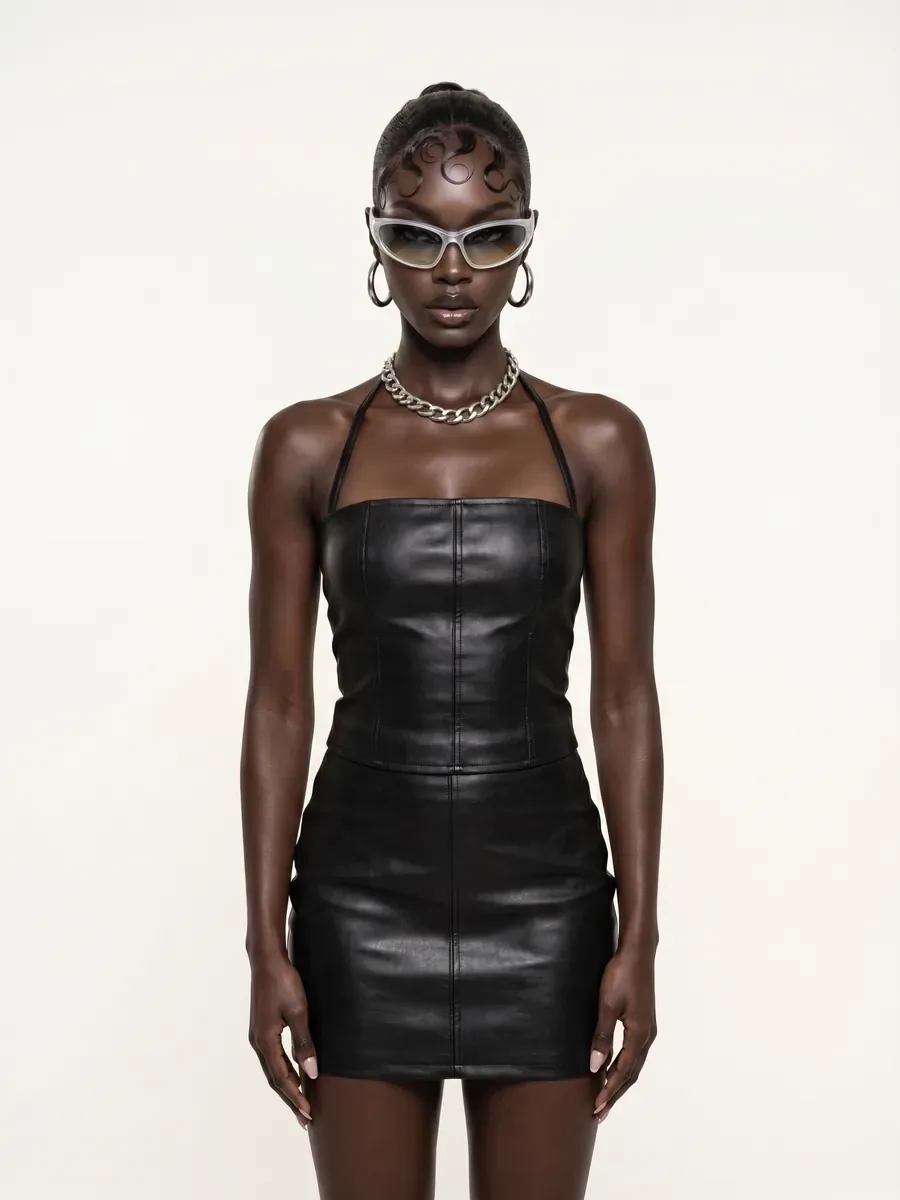
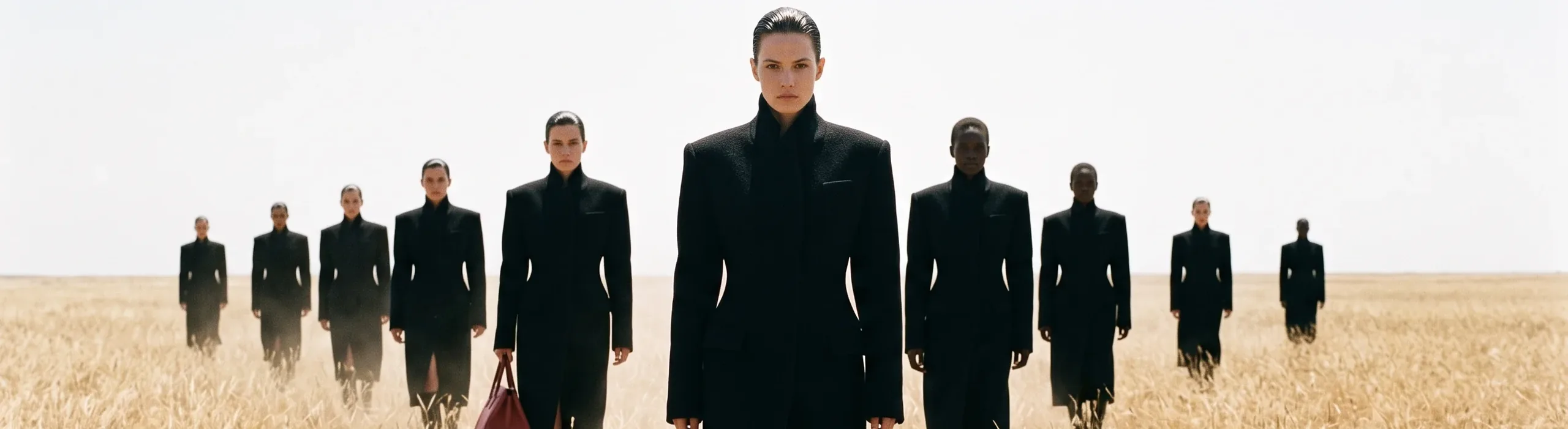
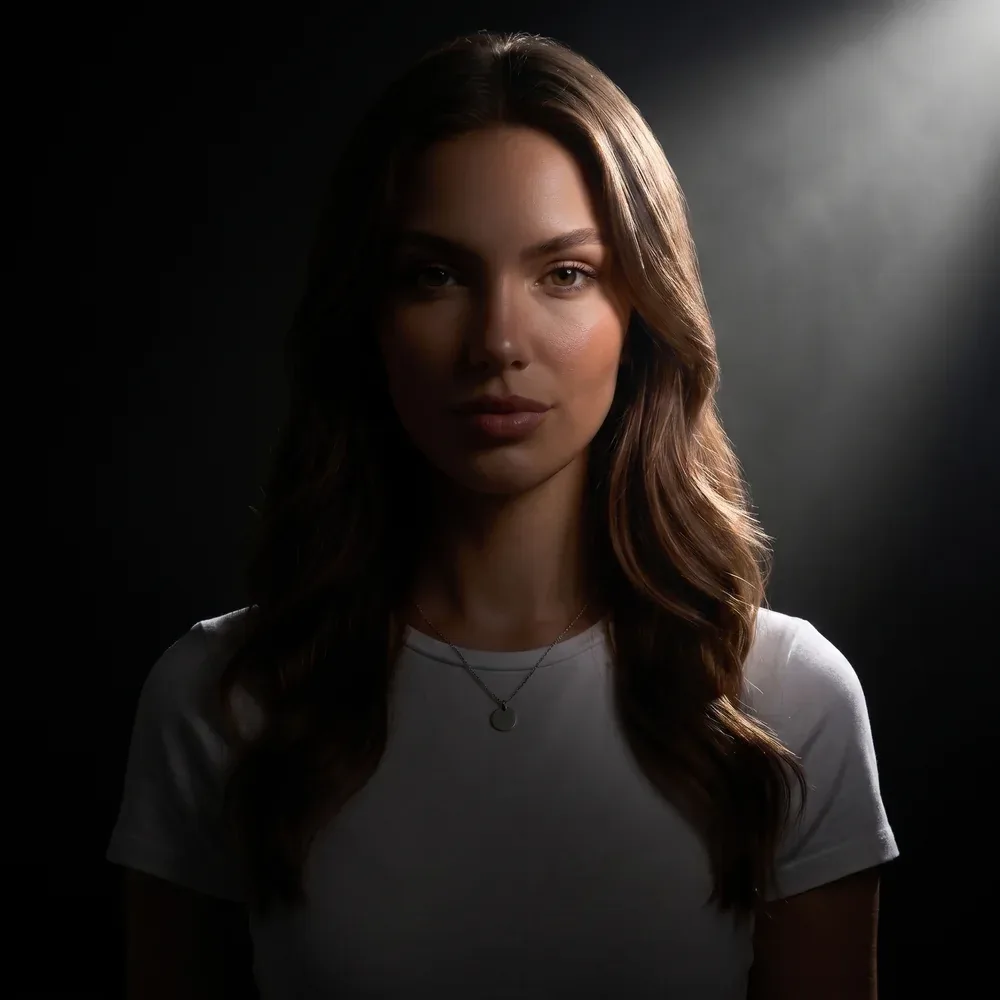
Kling 3
- Start From
- TextFirst FrameLast FrameImage References
- Resolution
- StandardPro
- Length
- 3 s4 s5 s6 s8 s10 s15 s
- Aspect Ratio
- 16:99:161:1
- Sound
- Optional
 AIFACECRAFTOpen Studio
 Video Model Guide
Separate shot direction from reference direction.
Kling 3 and Kling O3 correspond to Kling’s VIDEO 3.0 and VIDEO 3.0 Omni: text- and frame-led generation, plus richer reference workflows in Omni. Treat them as two different models, not interchangeable settings.
Guide by AIFACECRAFT · Updated
A close view of an unbranded ceramic bowl on a workbench. Hands slowly rotate it once; the camera stays still. Soft workshop ambience.
Checked in Studio on . Options can depend on your plan and may change; the panel in Studio is the final word.
For a first scene, state the subject, action and camera. Add references only when you can explain their role. If you want several shots, plan how the subject and setting connect rather than packing unrelated actions into one prompt.
In AIFACECRAFT, Kling 3 accepts first and last frames, and reference images once a first frame is set; in Kling O3, frames and references are separate modes. Both can add audio at an extra credit cost. Neither offers clip editing or extension, and Kling O3 doesn’t include every Omni feature the developer describes.
Inspect the hands, bowl shape and continuity. A reference can guide the scene without reproducing every detail.
No. Use the tasks and inputs offered in the AIFACECRAFT Video panel.
Inspect the hands, bowl shape and continuity. A reference can guide the scene without reproducing every detail.
Select the model if it is available in your account and review its inputs, settings and credit estimate. This link opens the section; it does not preselect a model.
Model details come from the developer’s documentation; settings were checked in AIFACECRAFT Studio. Example briefs are starting points for your own work. Artwork on this page comes from AIFACECRAFT collections.