 AIFACECRAFT
Start with one clear decision.
Choose a concept whose framing suits your intended use. Add a clear photograph, select one offered pose and review the result before expanding the set.
What to Look For
Look at facial detail, hands and clothing first. The concept cover communicates the visual direction; it is not a promise to reproduce that image exactly.
What a usable photo looks like.
Sharp focus
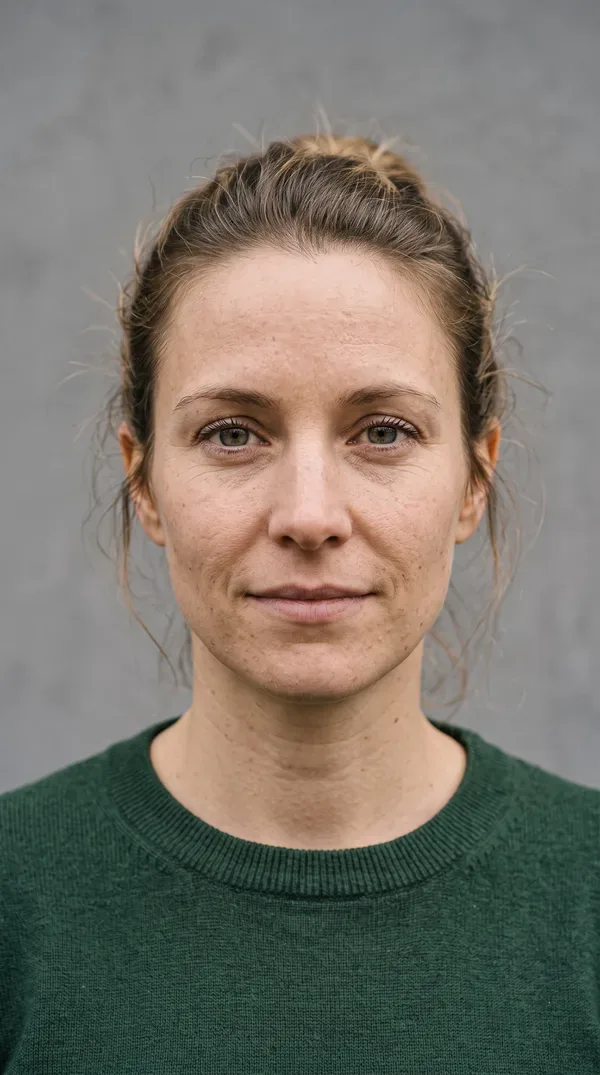
Sharp 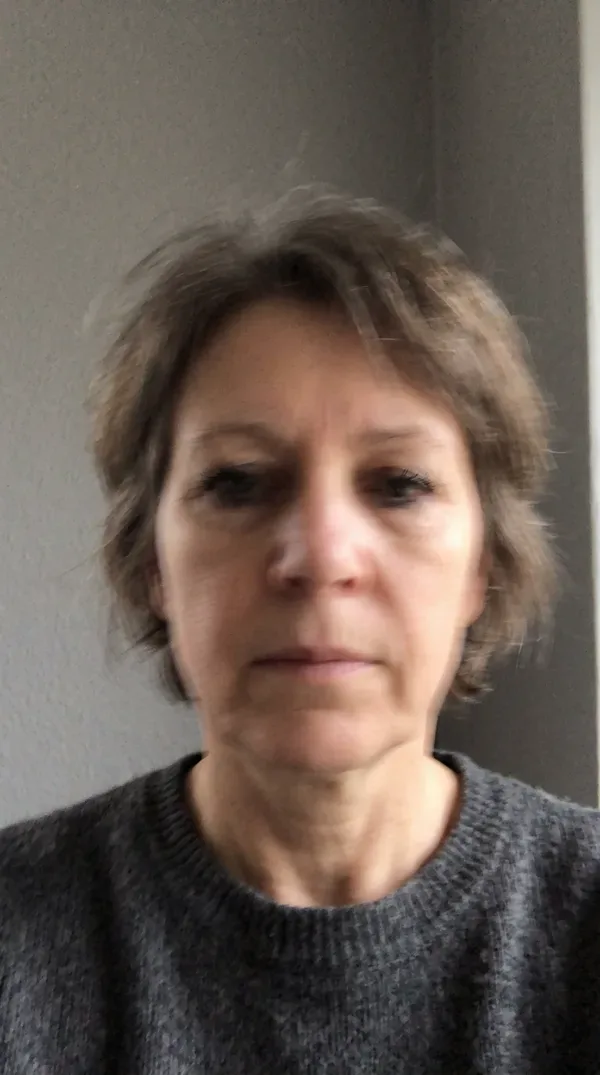
Blurred Even light
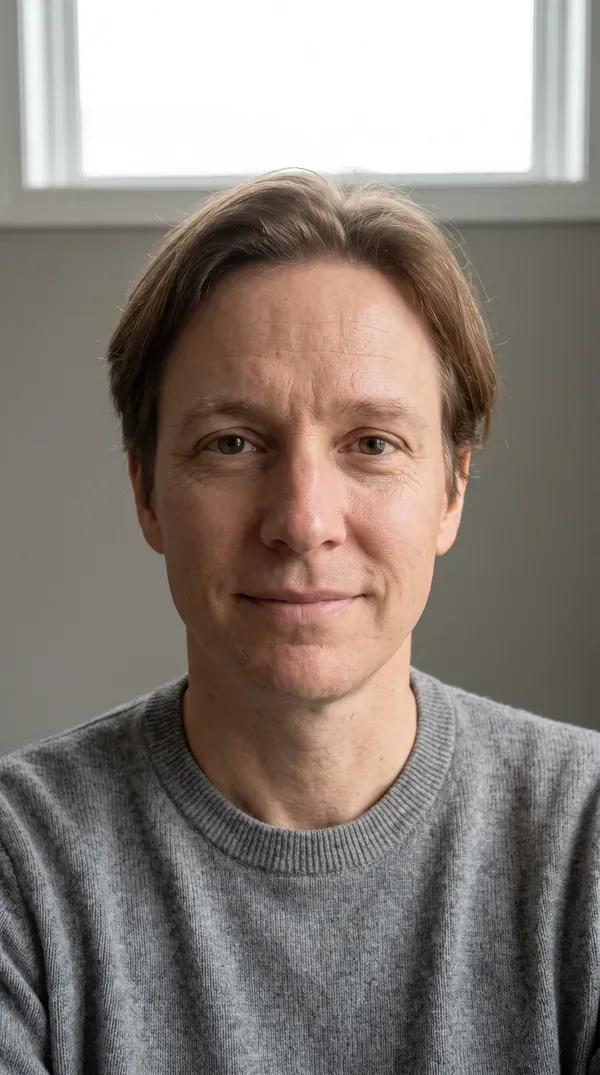
Even light 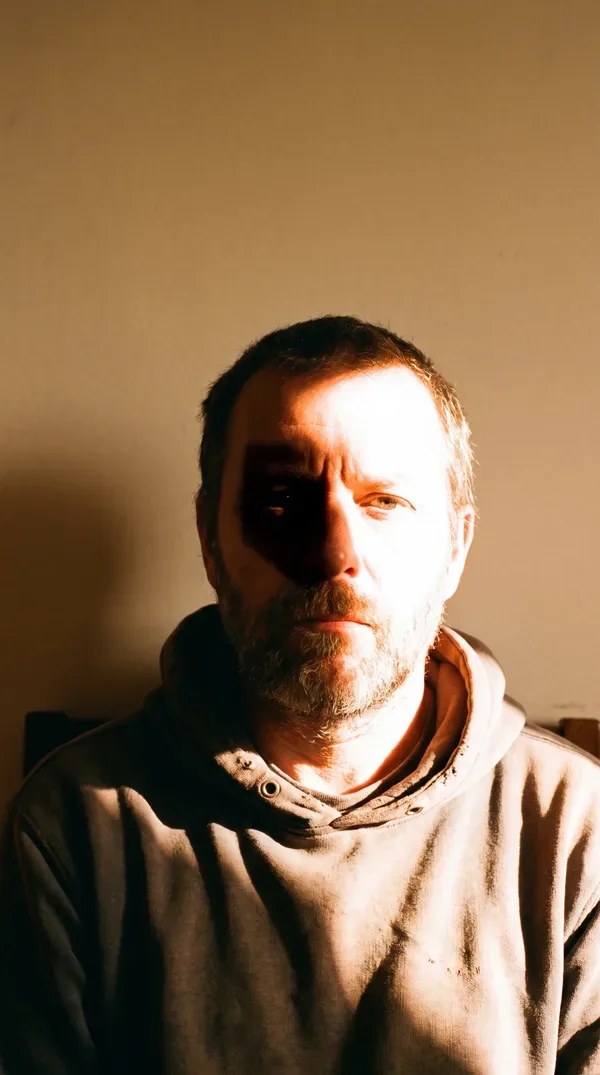
Harsh shadow Just you
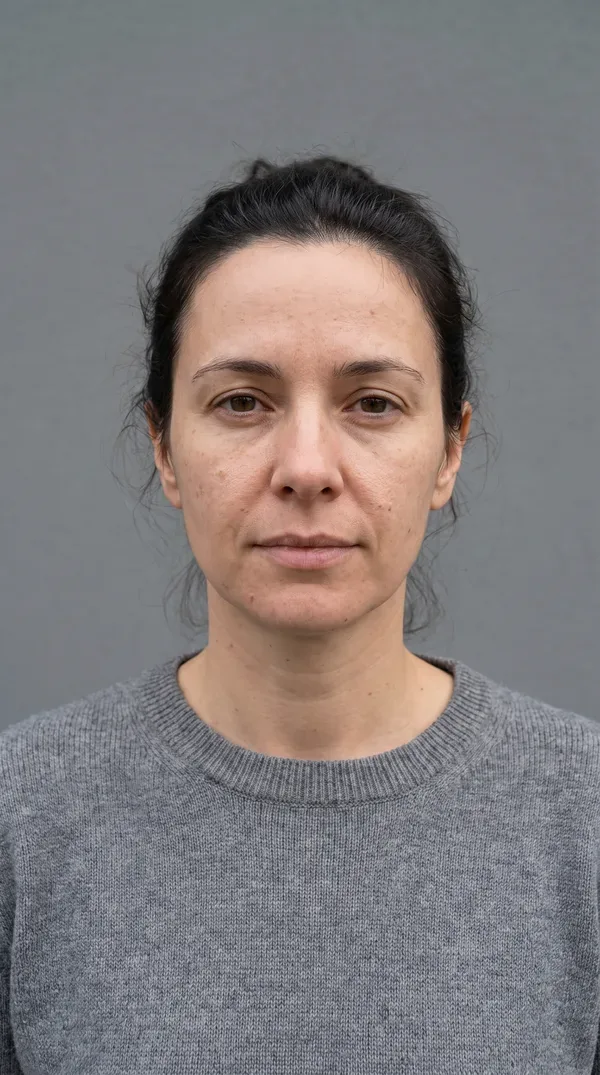
1 face 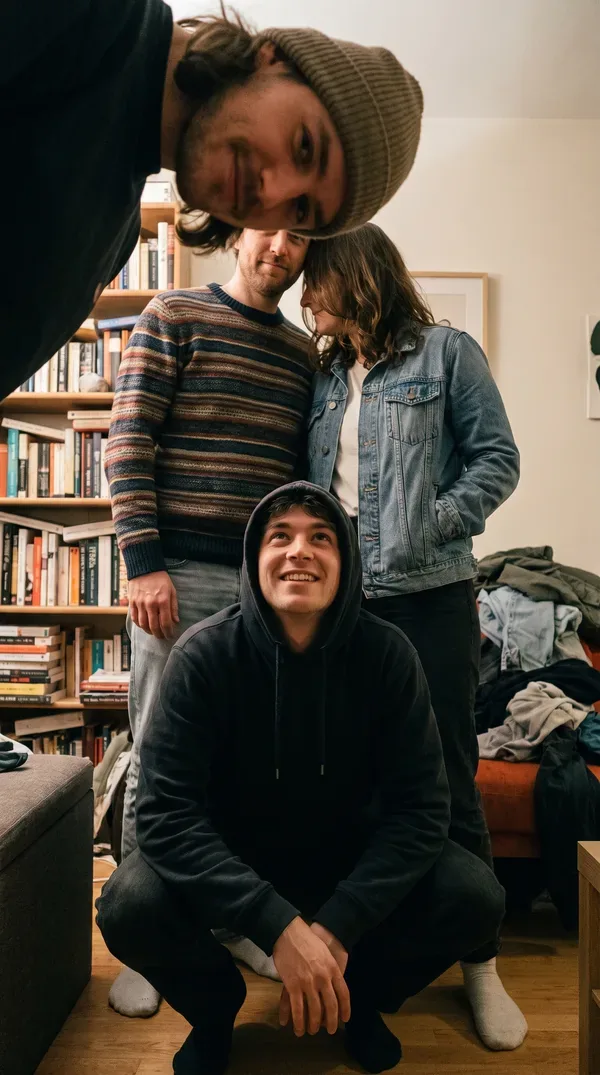
4 faces Face the lens
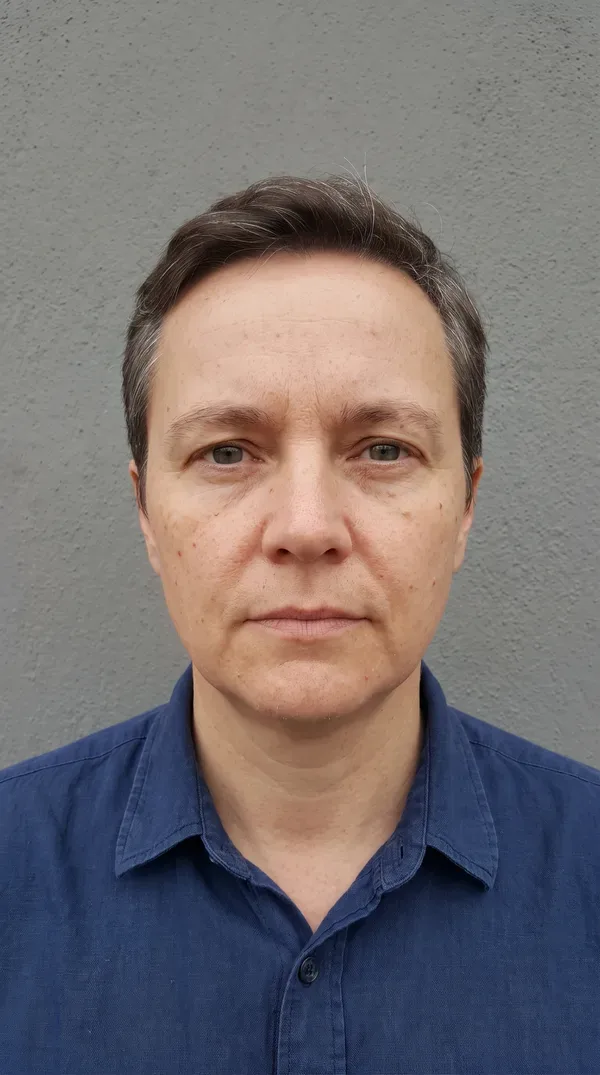
2 eyes 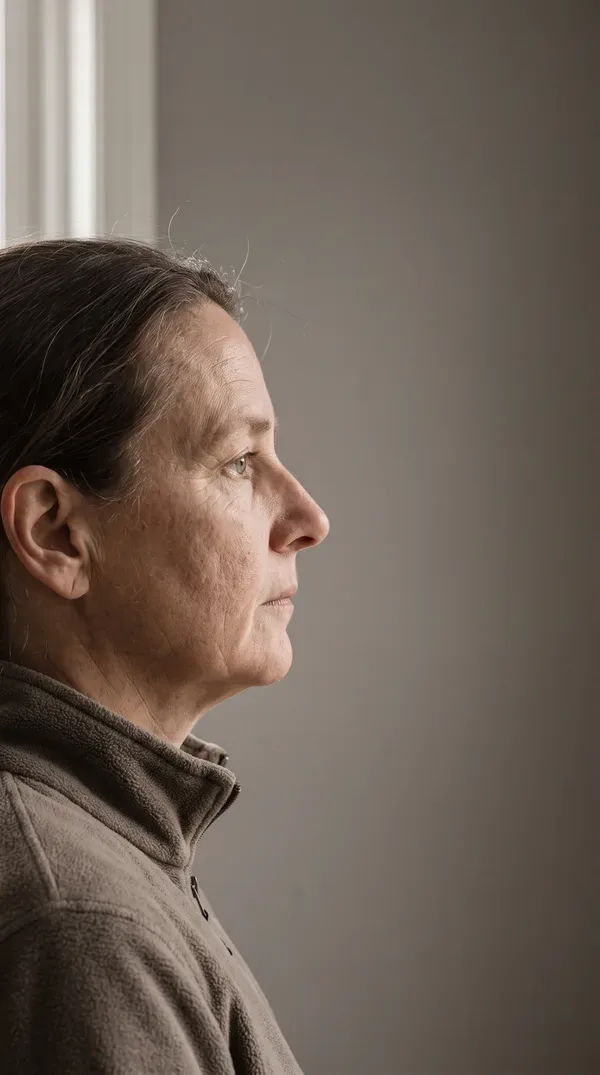
1 eye
Use only photos you have permission to upload.
A look at the collections.
Every concept belongs to a collection with its own art direction. These are a few of them.
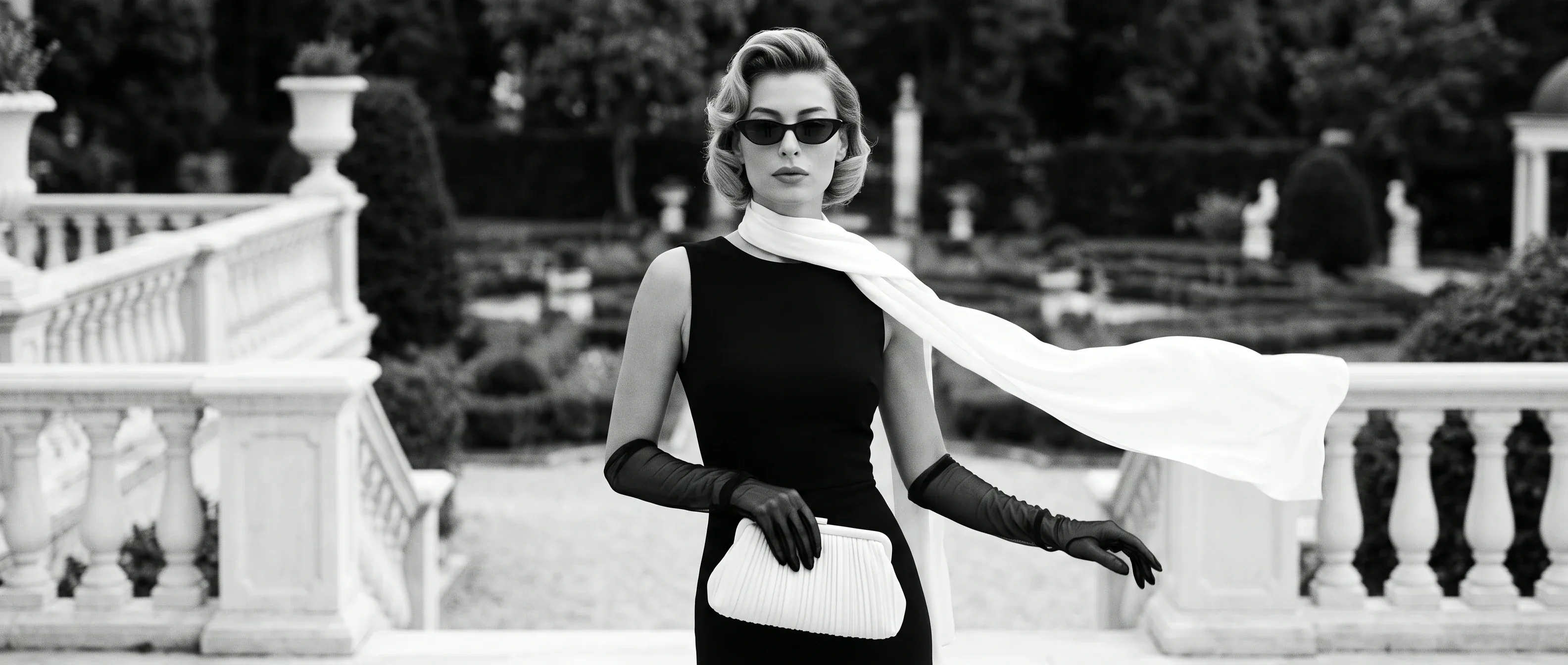

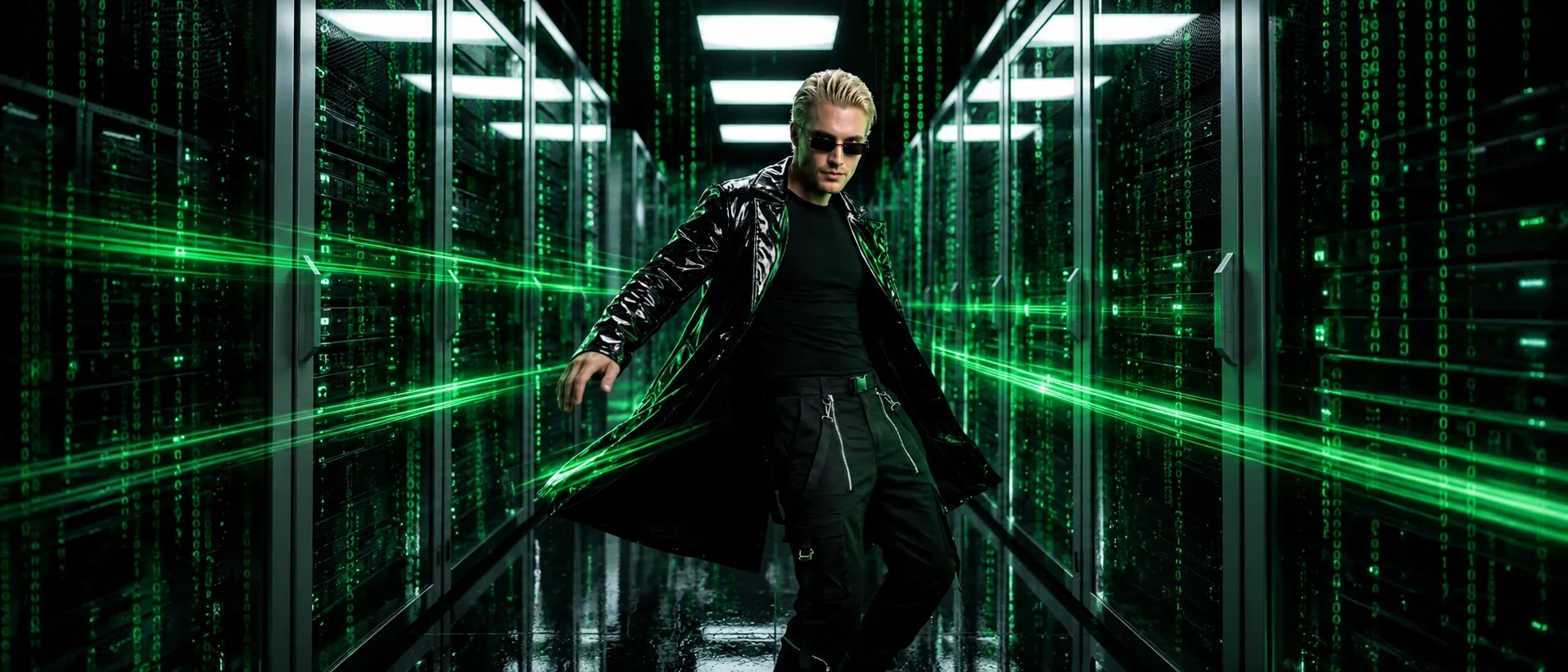
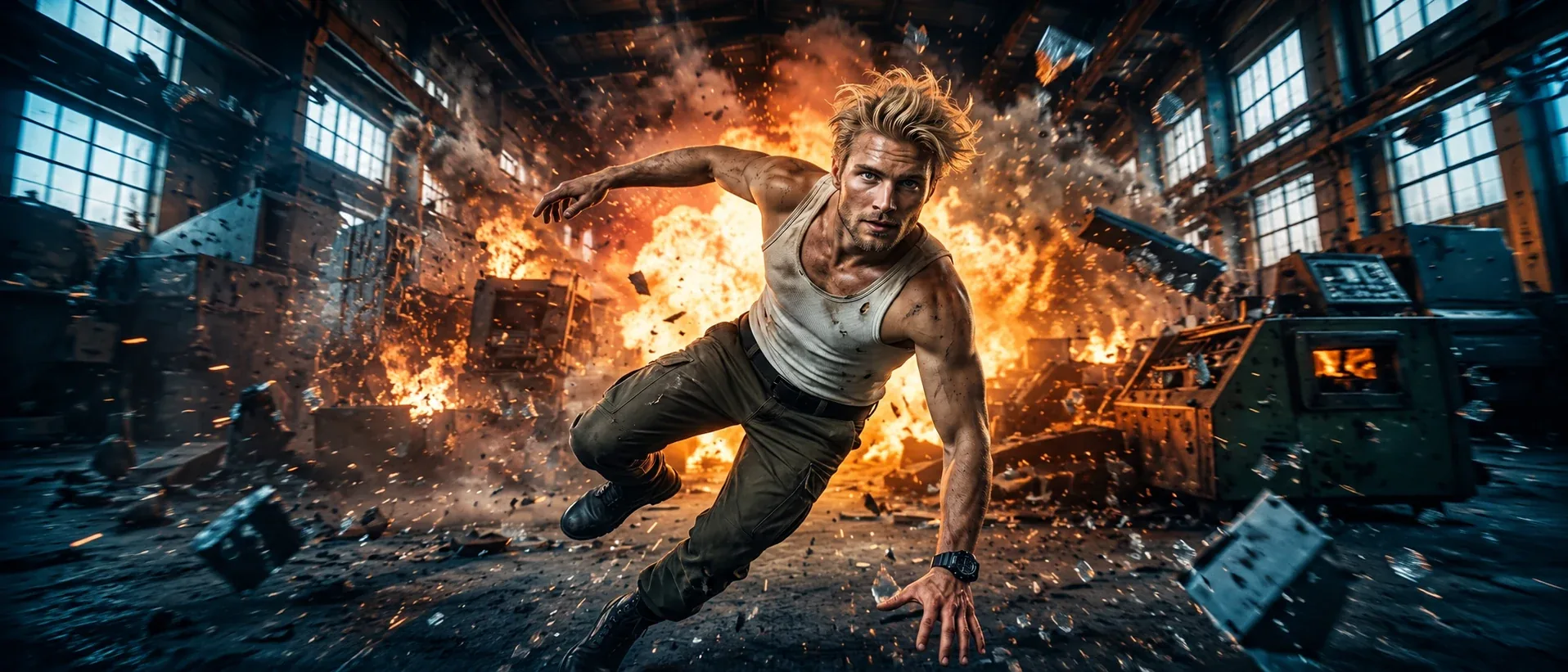
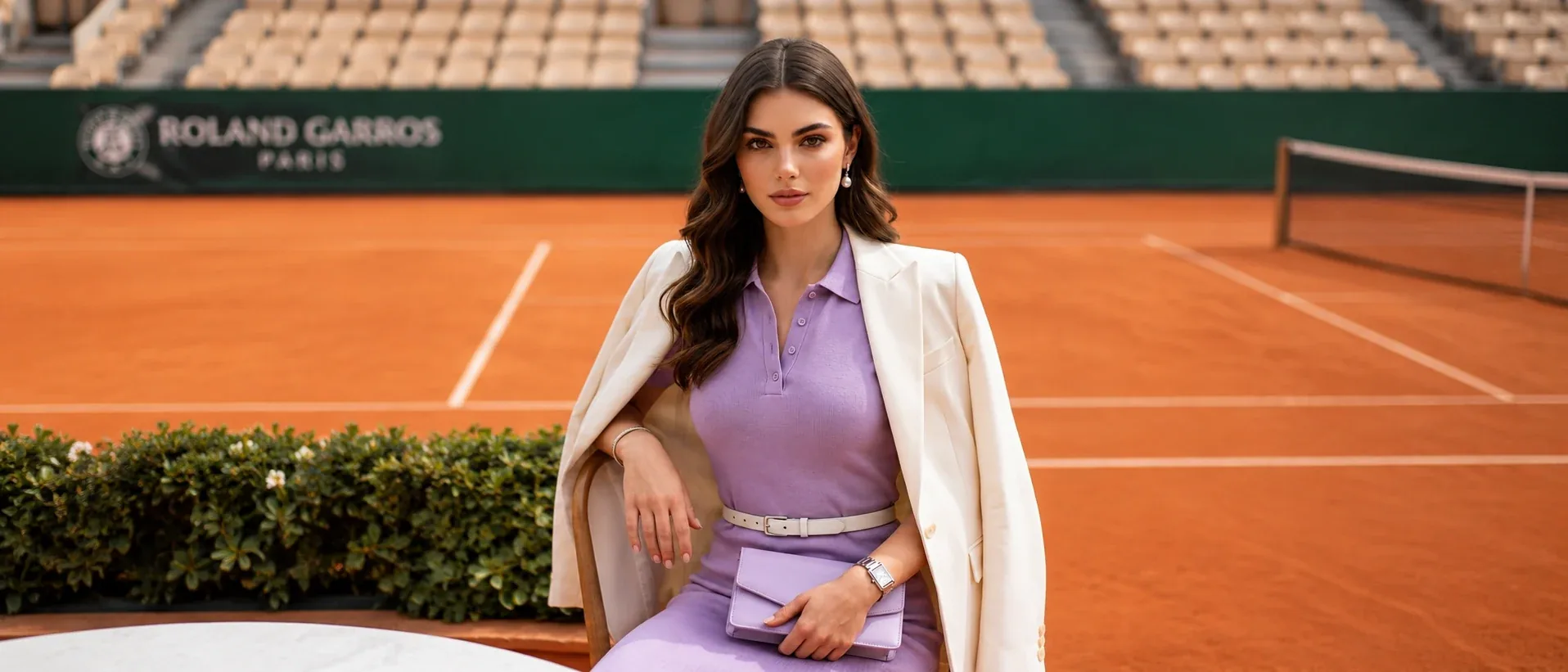
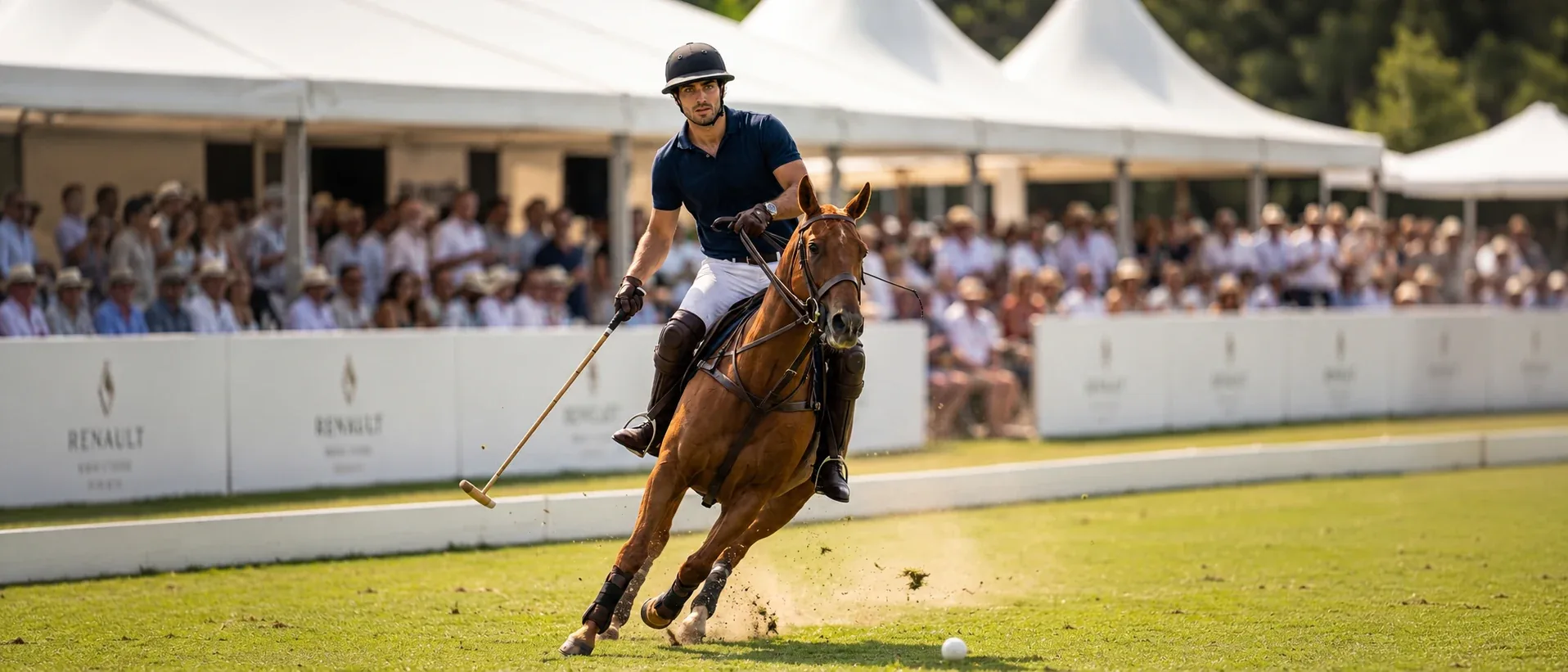

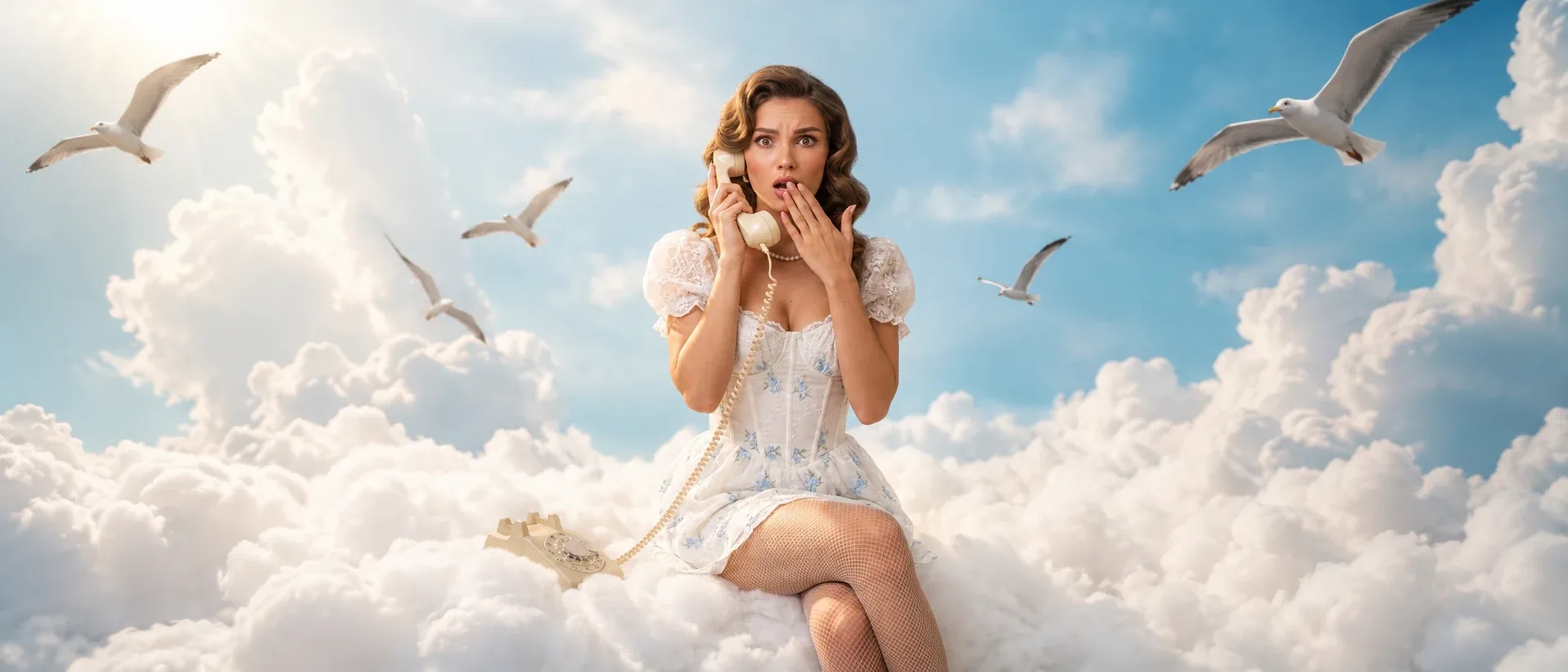
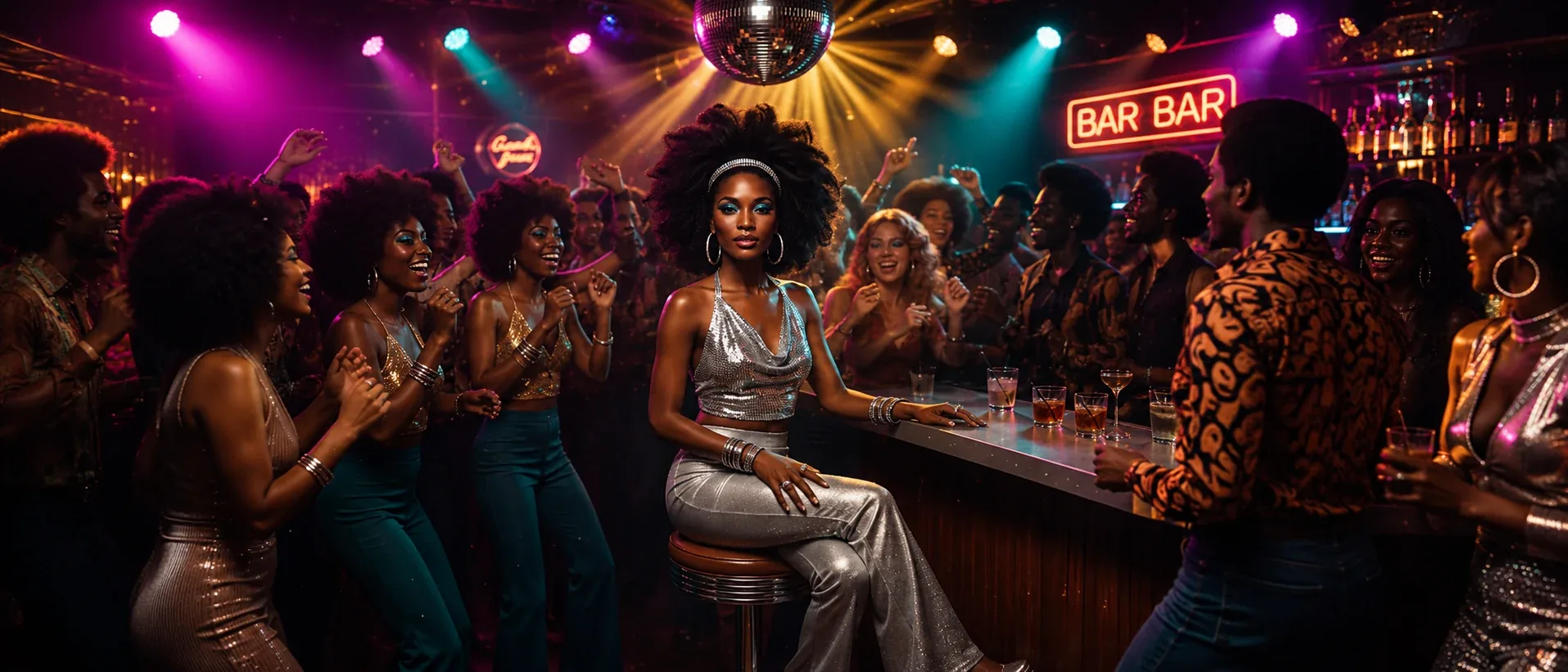
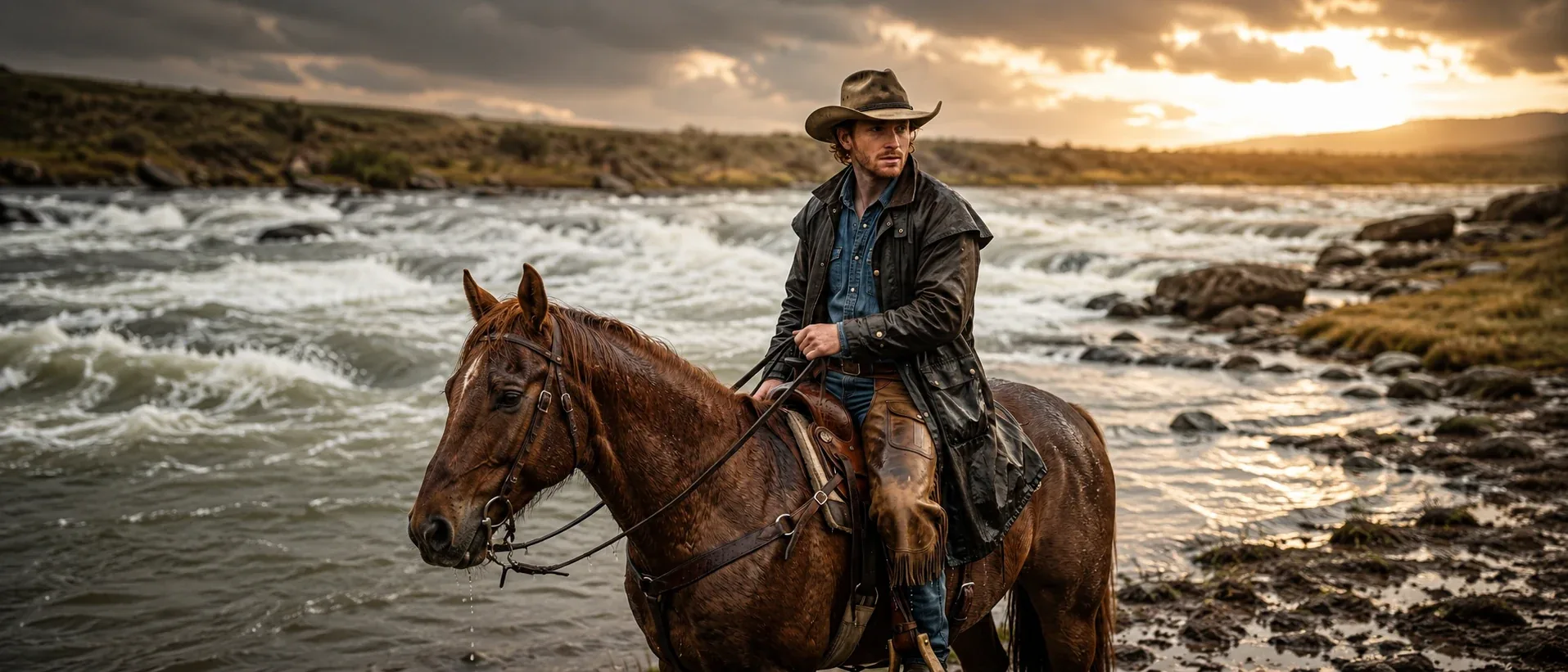
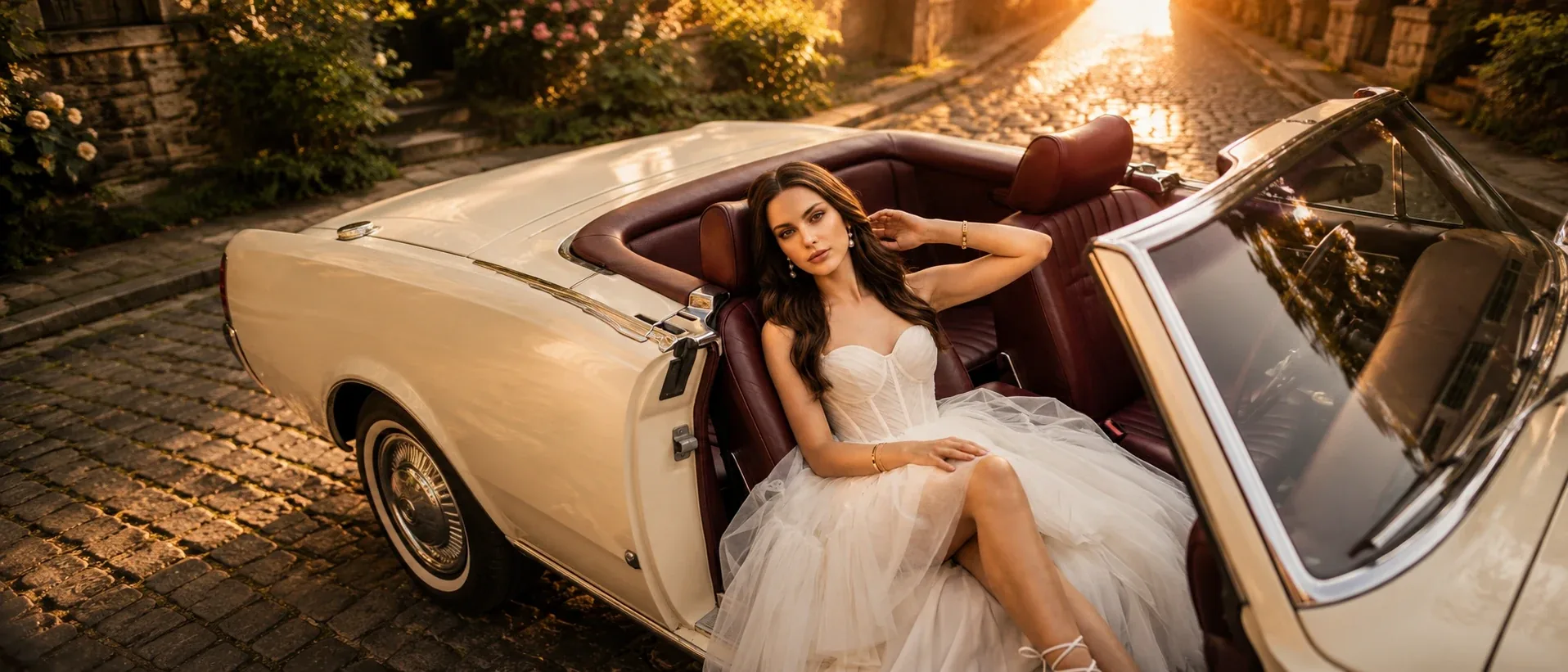
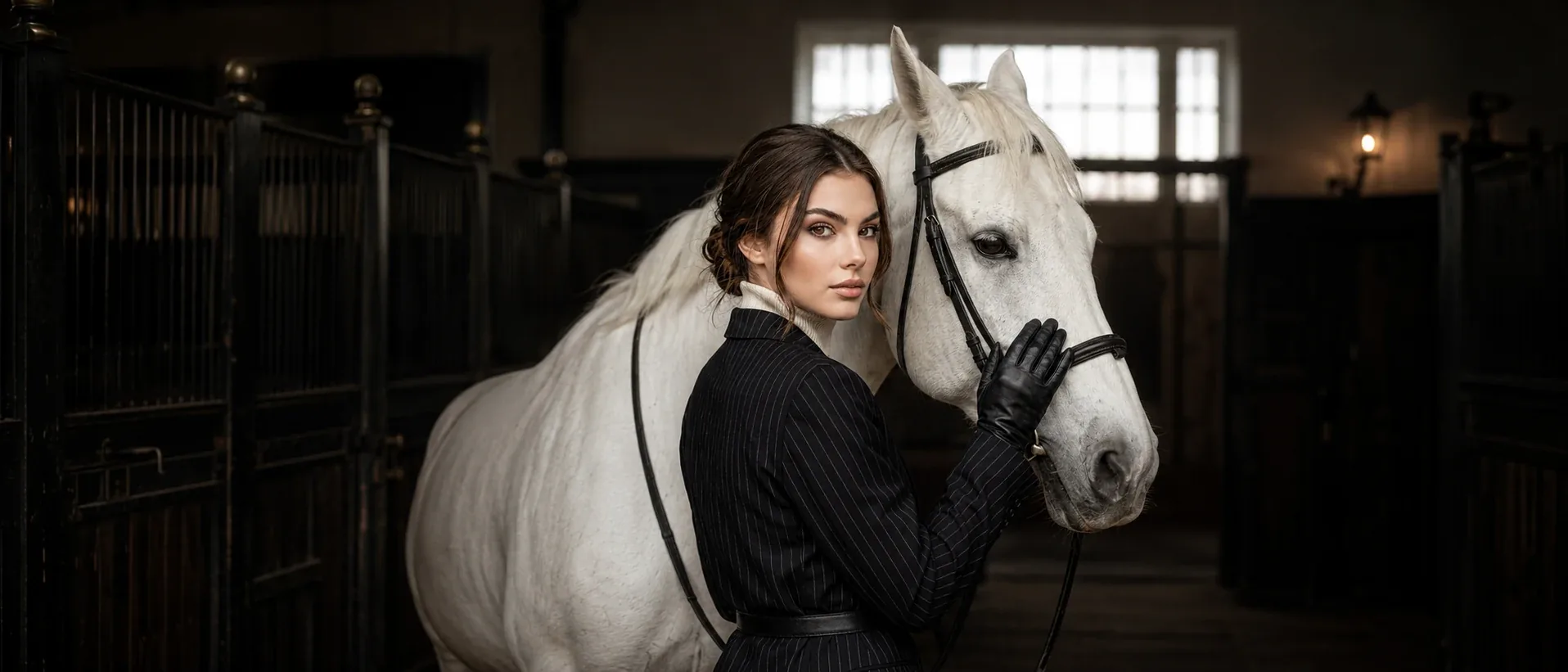
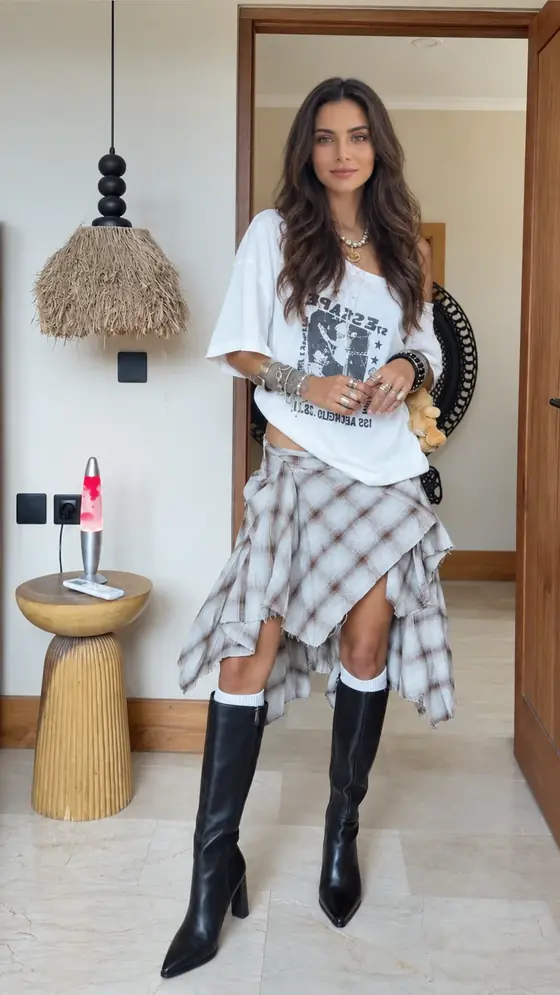
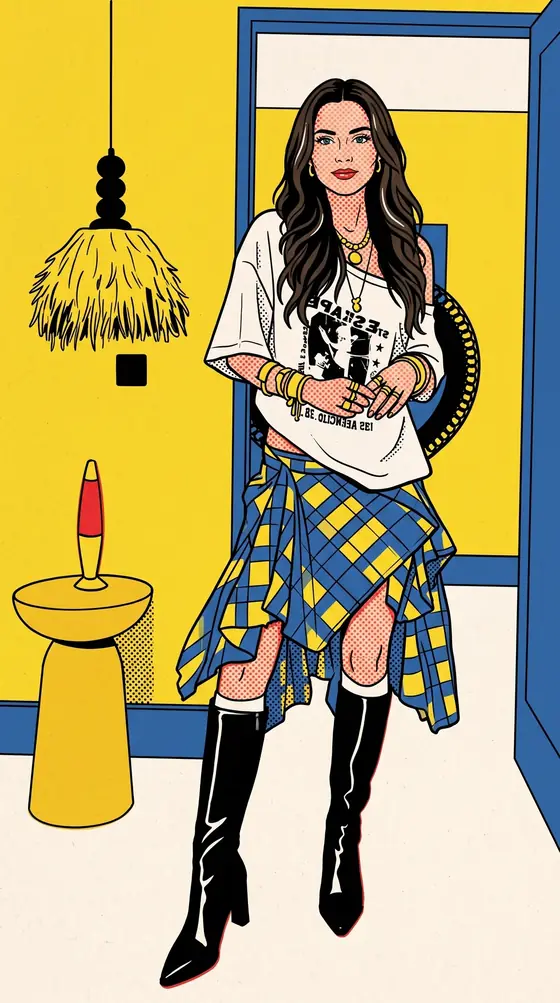
One photo, three concepts.
Previews from the Originals concept catalogue: a sample photo, then the same photo with the concept applied.
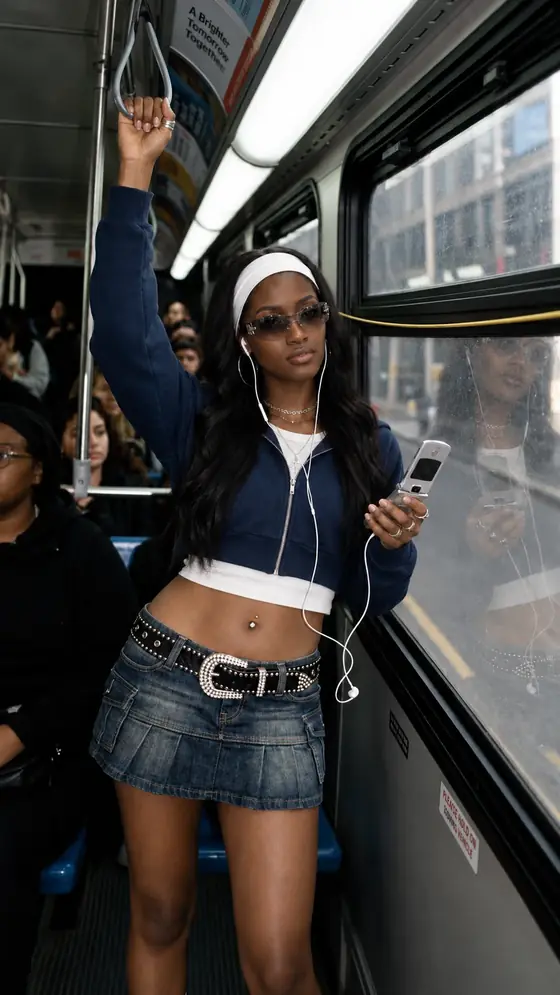
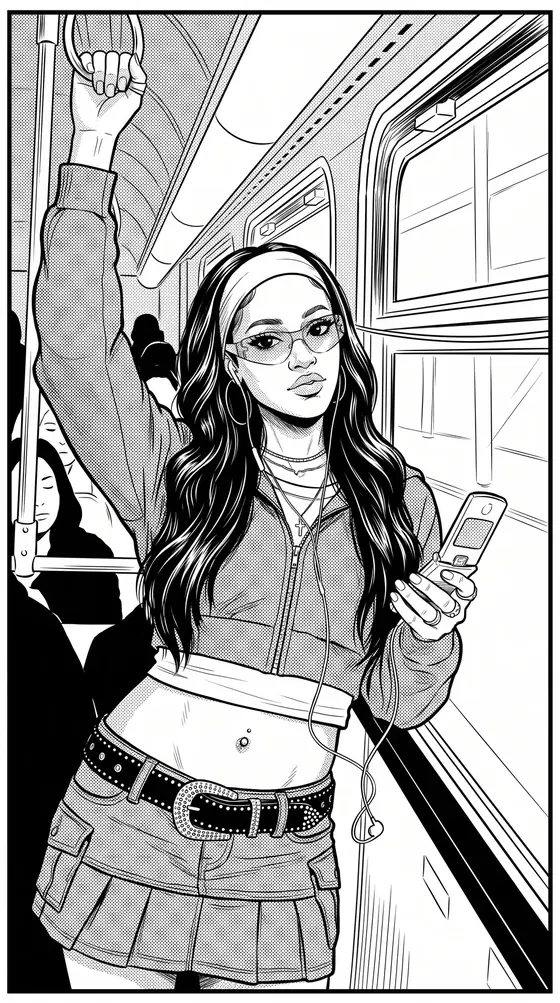
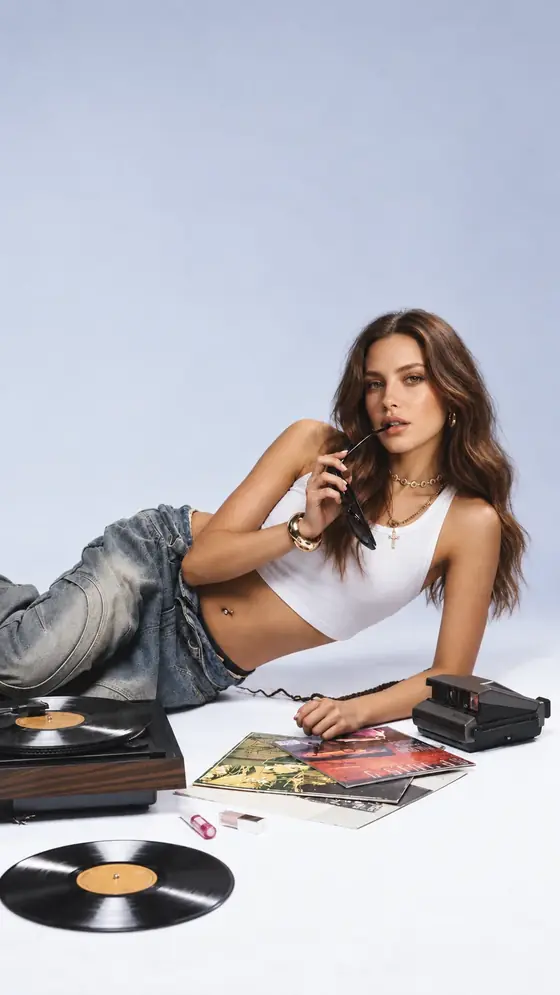
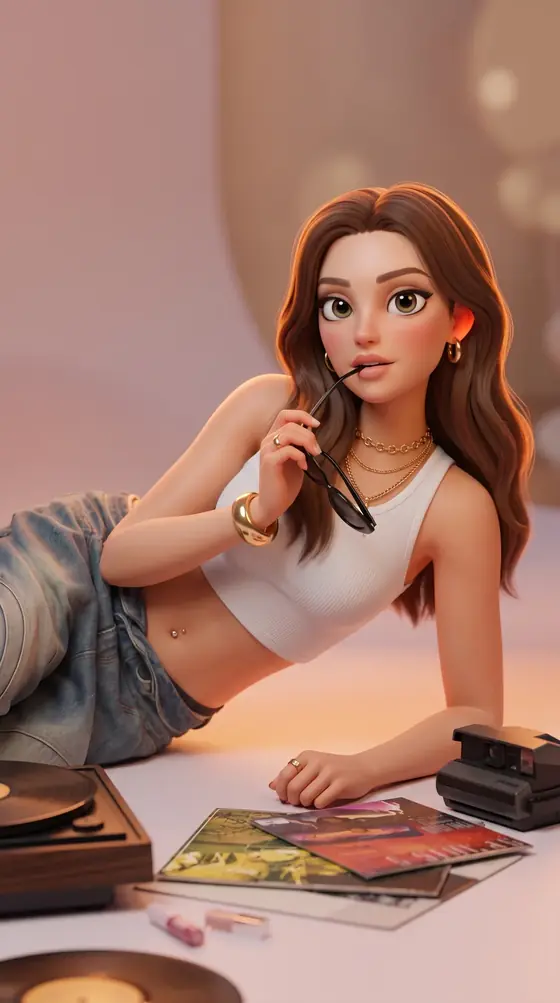
How It Works
- 01
Browse or filter the catalogue and open a concept.
- 02
Upload/select a photograph and choose the offered poses.
- 03
Review the output setting and cost, then generate.
- 04
Review individual results, download/share or send an approved frame to Video.
Inputs & Creative Controls
What You Bring
- Selected catalogue concept
- Uploaded or existing source photograph
- Selected concept poses
What You Direct
- Discover, All, Favorites and Video concept views
- Collection, audience and text search filters
- Concept preview and saved concepts
- Pose selection
- Resolution choices by plan; crop control where available
- Result preview, download and share, history and send to Video
Three Ways to Put It to Work
- 01
Explore a professional portrait direction without writing a full prompt.
- 02
Develop an editorial portrait set from one selected concept and several poses.
- 03
Save a shortlist of seasonal looks and revisit them with a suitable source photograph.
What to Know Before You Start
- Each concept sets its own poses and art direction; it isn’t a free-form scene editor.
- Photo quality, permission to use the photo, your plan and your credits all shape what you can create.
- A concept cover communicates direction; it does not guarantee an identical output or likeness.
Studio access, sign-in and credits may be required. Review the settings and the credit estimate before you generate.
A few useful answers.
Will my portrait look exactly like the cover?
No. The cover shows the concept’s art direction. Your photograph, selected pose and generation affect the result.
Is Originals the same as writing my own image prompt?
Originals starts from a catalogue concept and its offered poses. Choose Image when you want to develop your own written brief.
Bring your direction into Studio.
Your photo and a chosen concept. Review the available settings and the credit estimate before you generate.
About This Guide
Based on the controls and workflows in AIFACECRAFT Studio, updated . The use cases show practical ways to work with them. Available settings depend on your account and plan; Studio always shows the options you can use.
Read the Originals Documentation