01 / 06
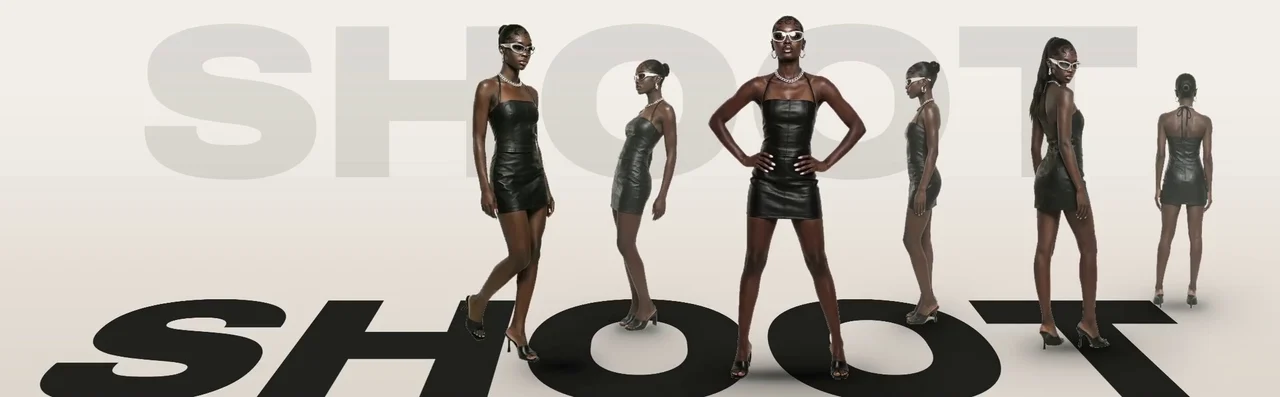
Shoot
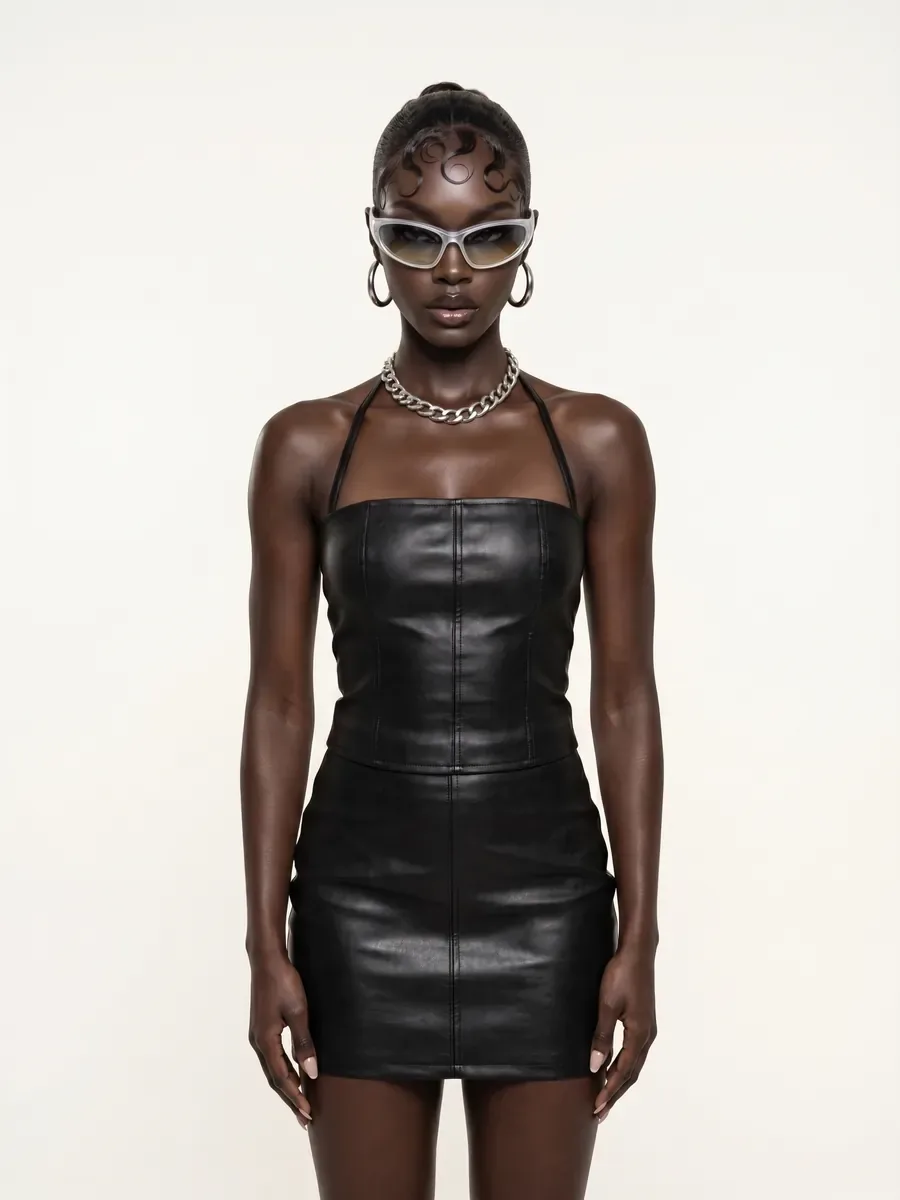
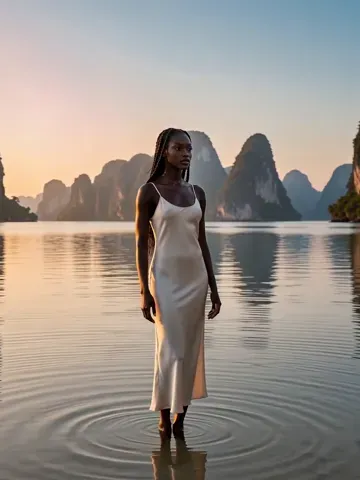
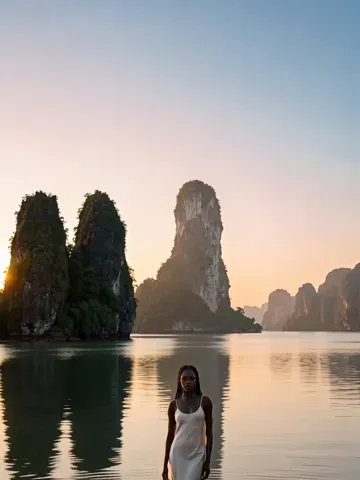
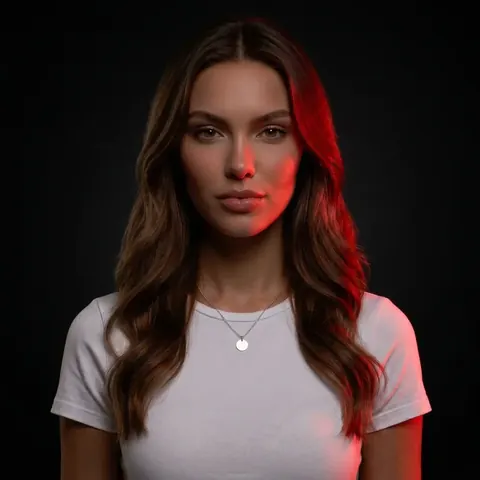
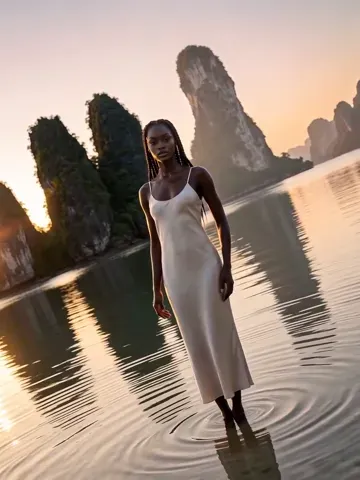
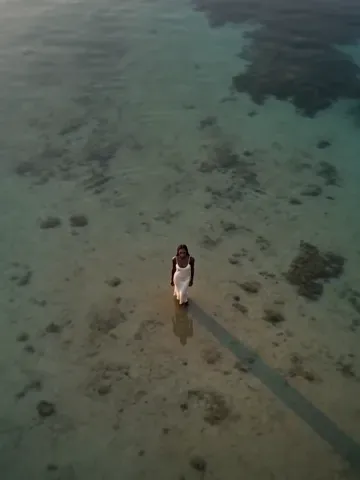
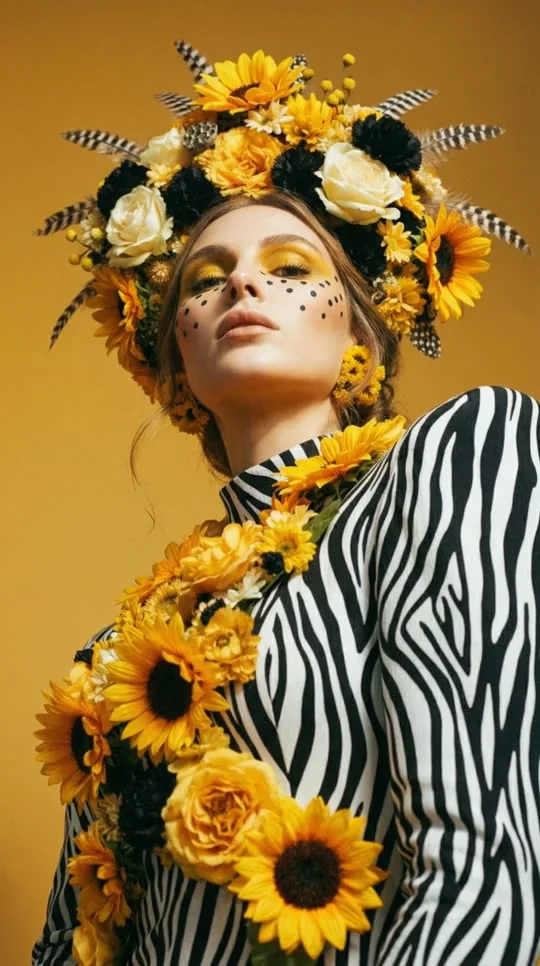
Build a board of shots with shared direction and individual framing. Develop stills, then explore supported video workflows.
Explore Shoot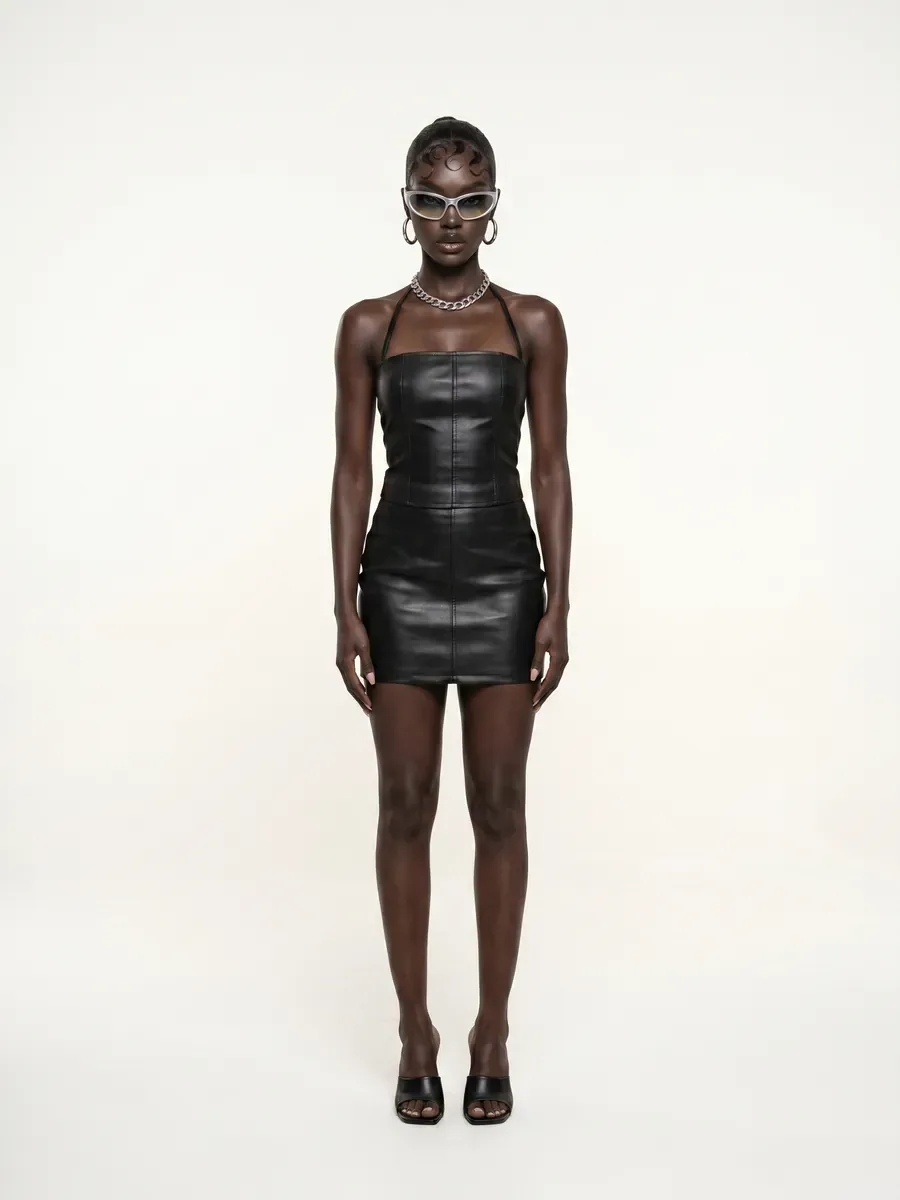
 AIFACECRAFTOpen Studio
 AIFACECRAFT / The Creative Toolkit
Originals starts with a concept and your photo. Check access, available settings and credits in Studio.
Create portraits from your photo, plan a clothing campaign, reshape the light or build a sequence of shots. Start with a ready-made concept, or bring your own brief and references.
01 / 06
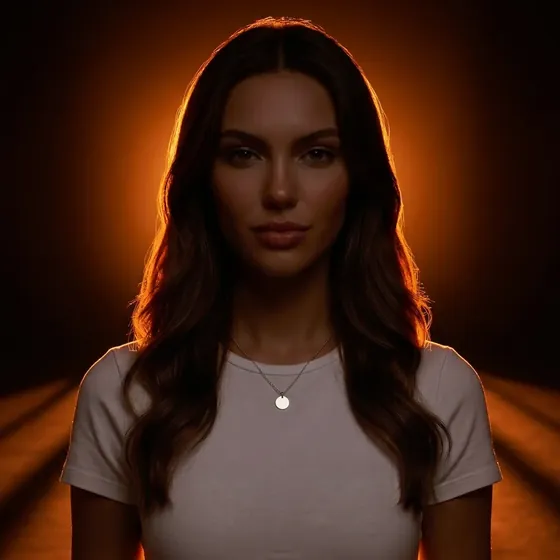
Build a board of shots with shared direction and individual framing. Develop stills, then explore supported video workflows.
Explore Shoot02 / 06
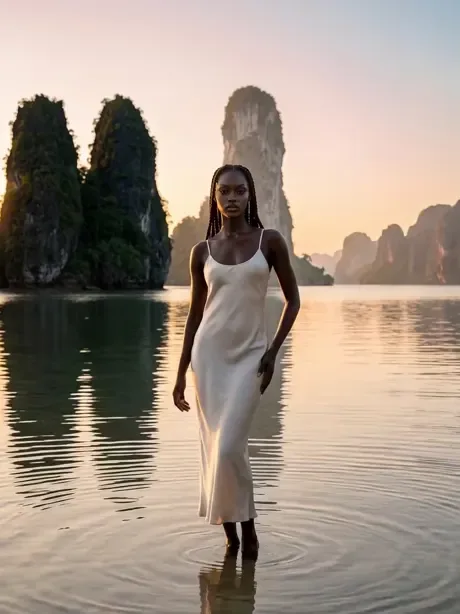
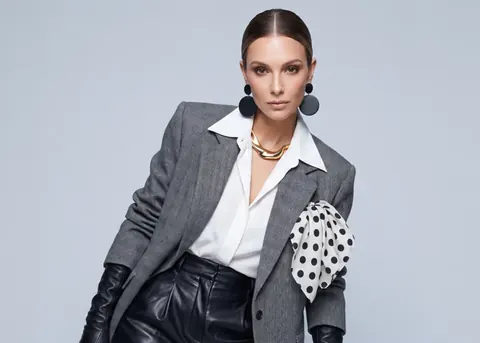
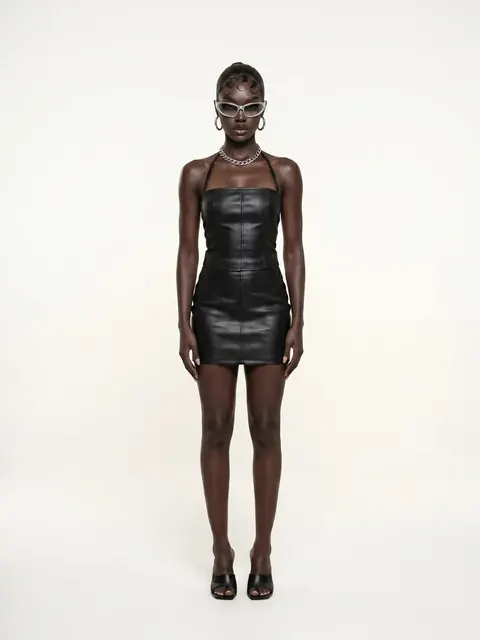
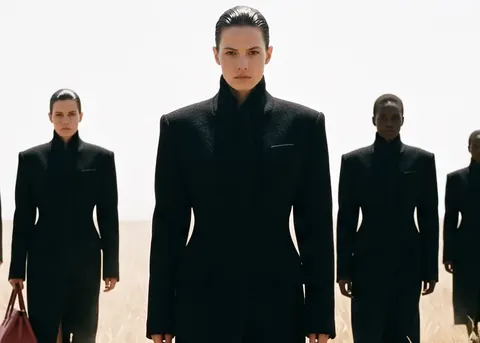
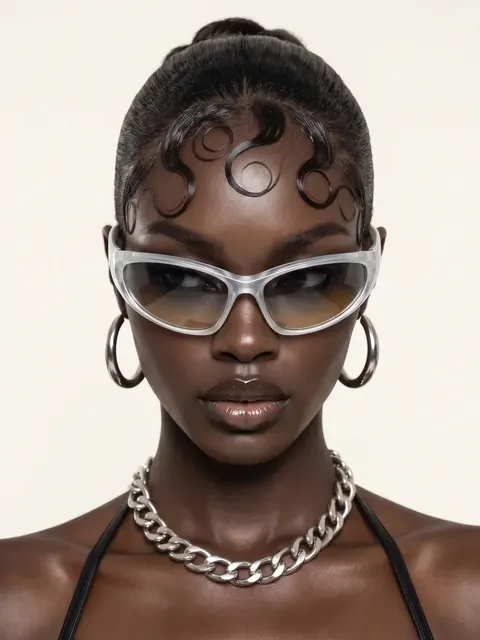
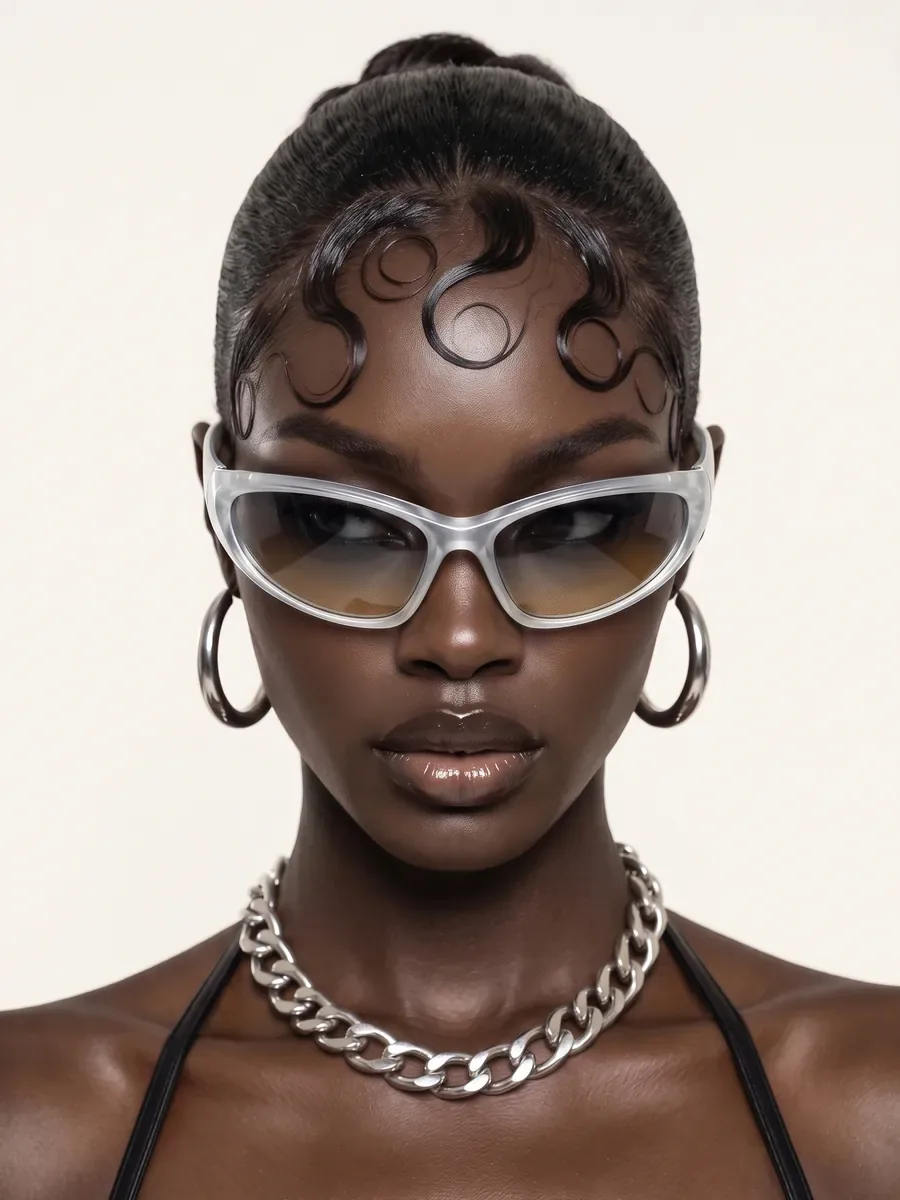
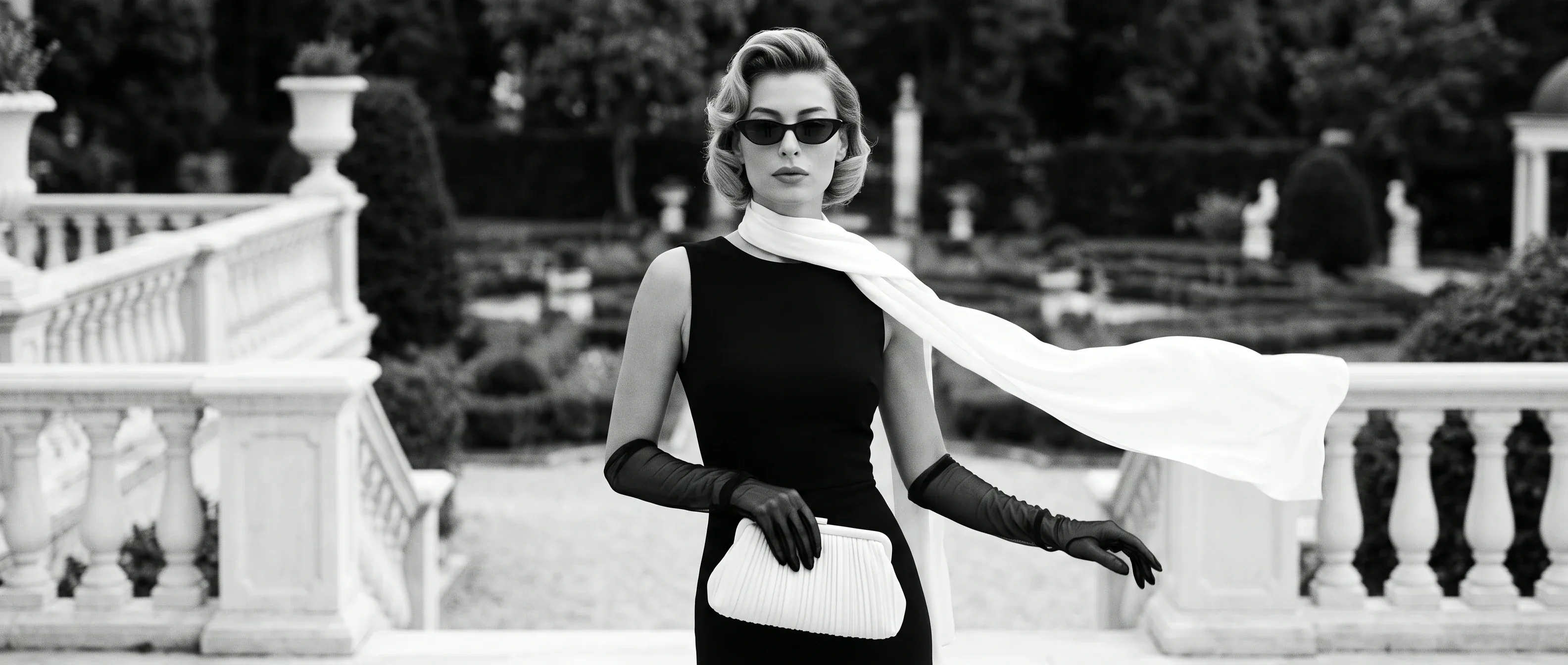
Create AI fashion images and lookbooks from 1–8 garment or accessory pieces. Choose a cast member or upload a model photo, then direct poses and a scene.
Explore Virtual Wardrobe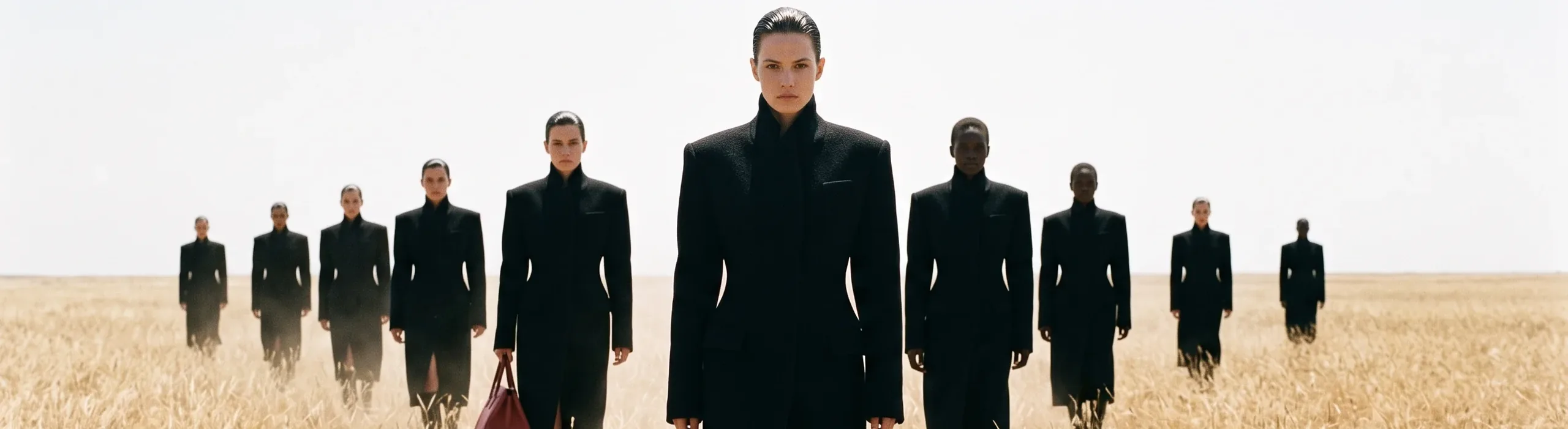
03 / 06
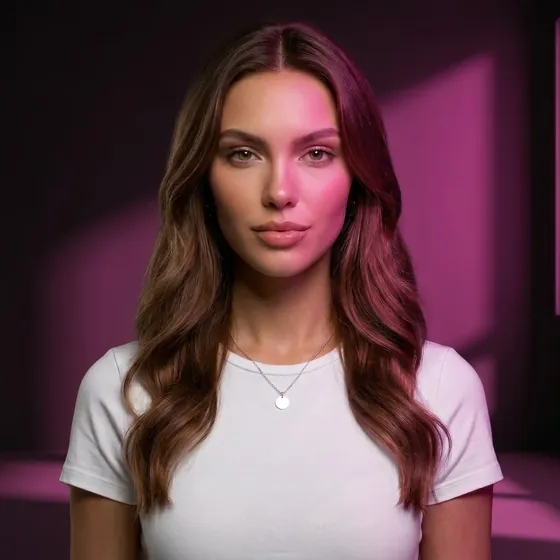
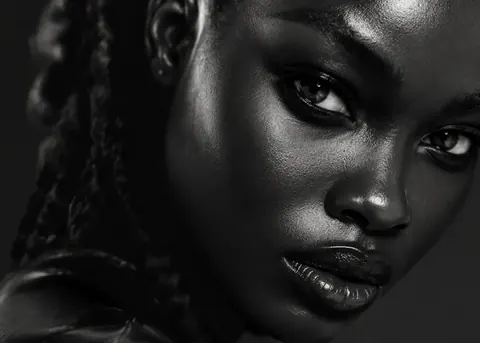
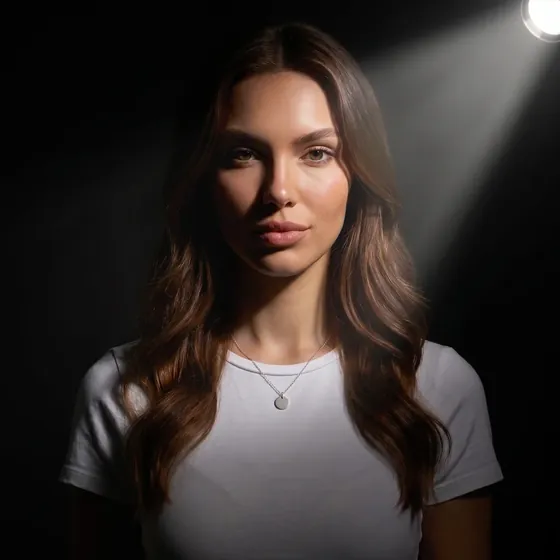
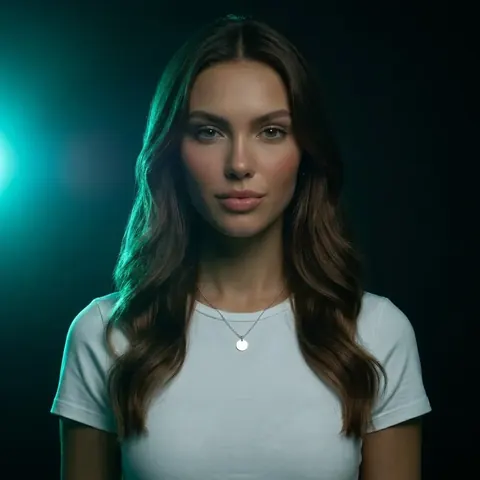
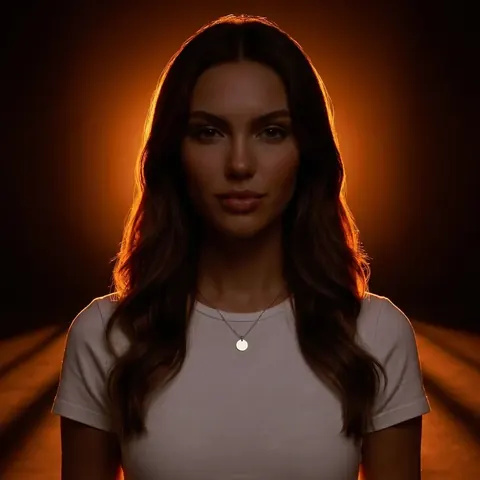
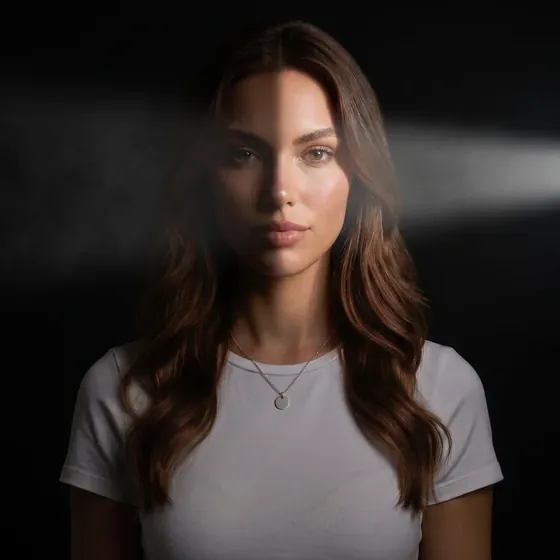
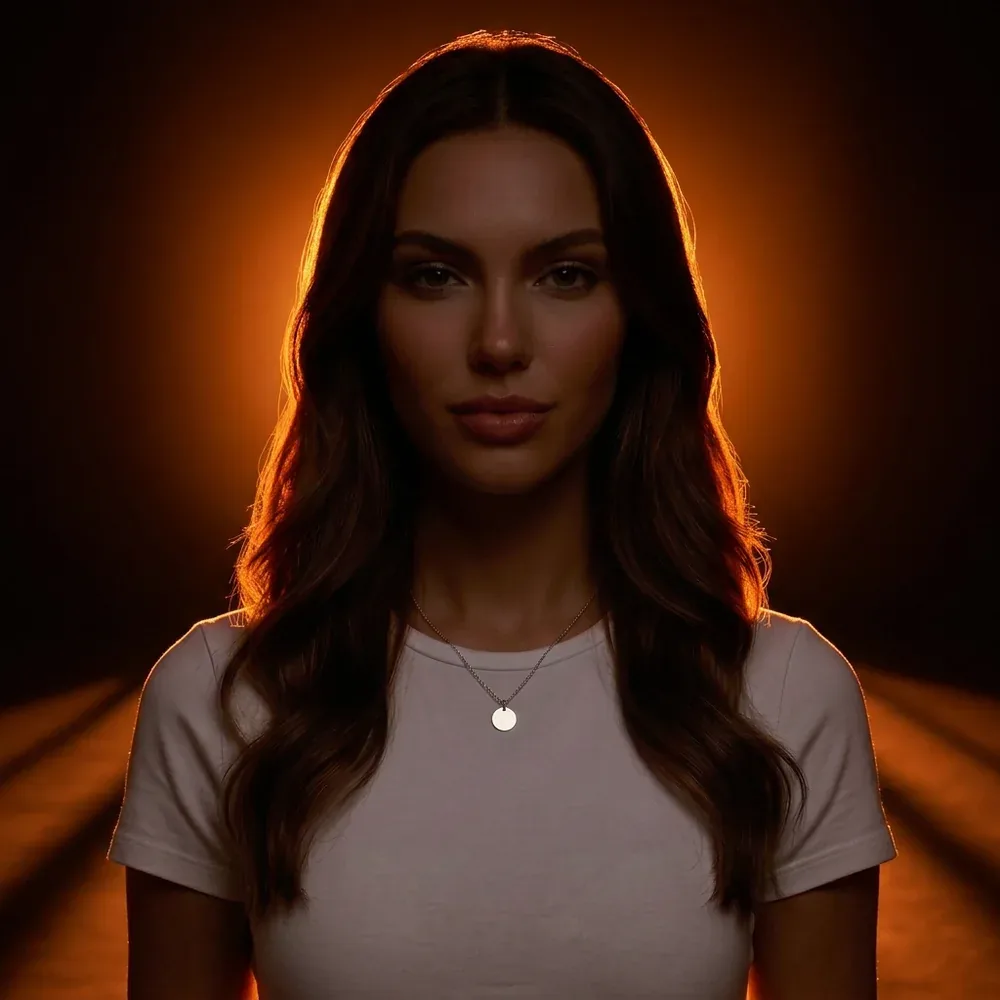
Explore AI relighting for one portrait with light direction, softness, contrast and colour controls. Compare results; face, clothing and background details may change.
Explore Relight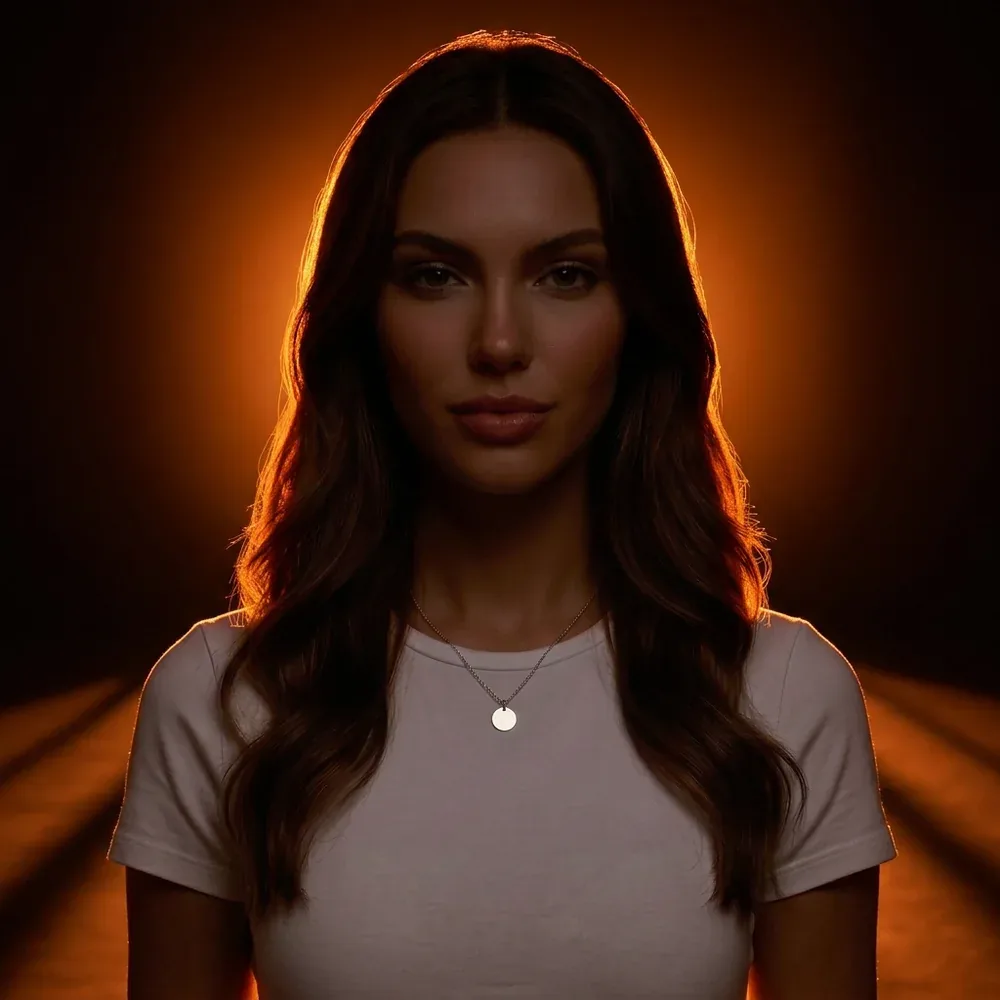
04 / 06
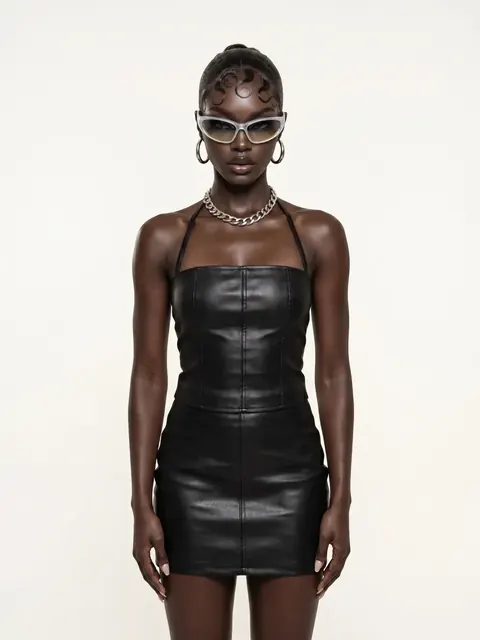
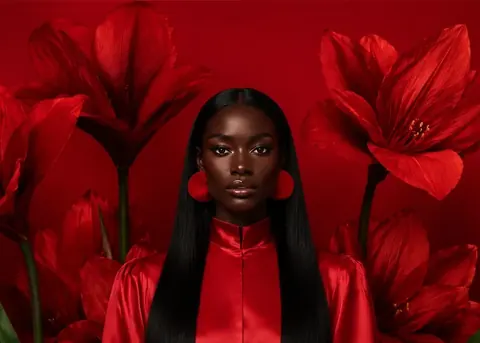
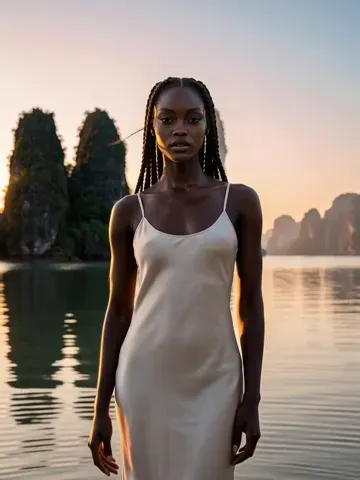
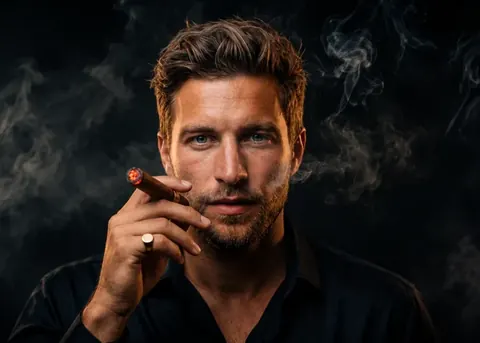
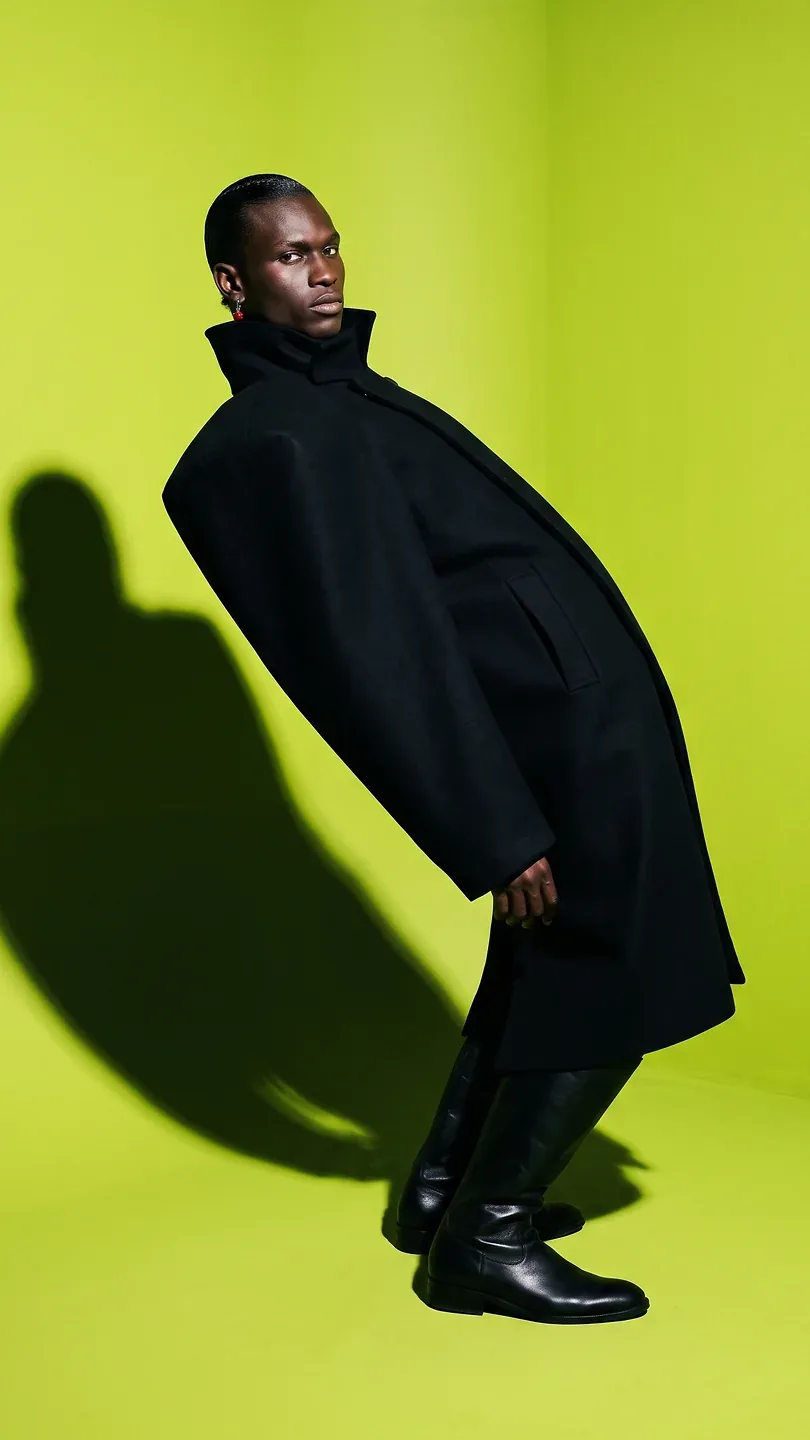
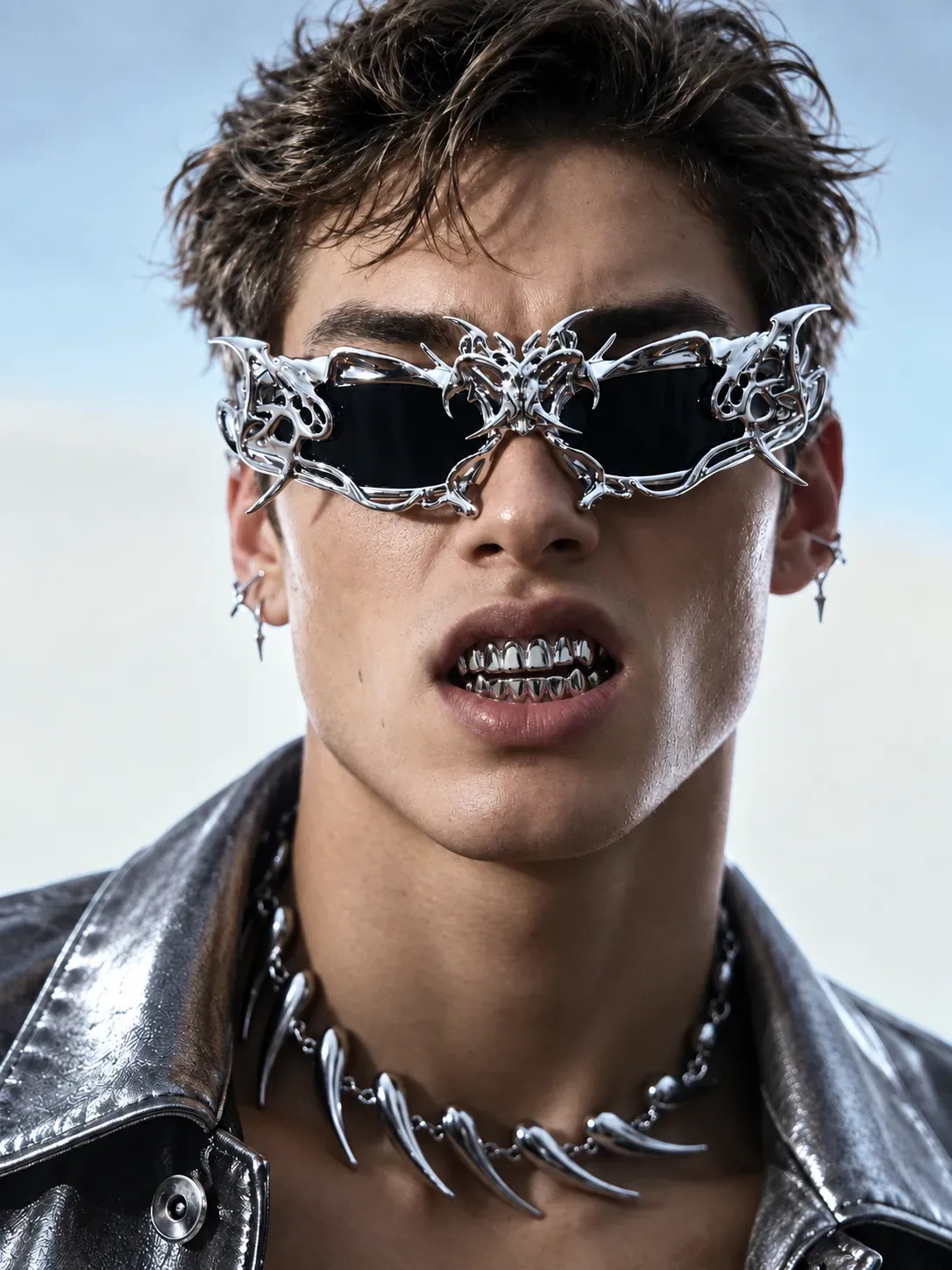
Discover an art direction, add your photograph and choose the poses offered by the concept.
Explore Originals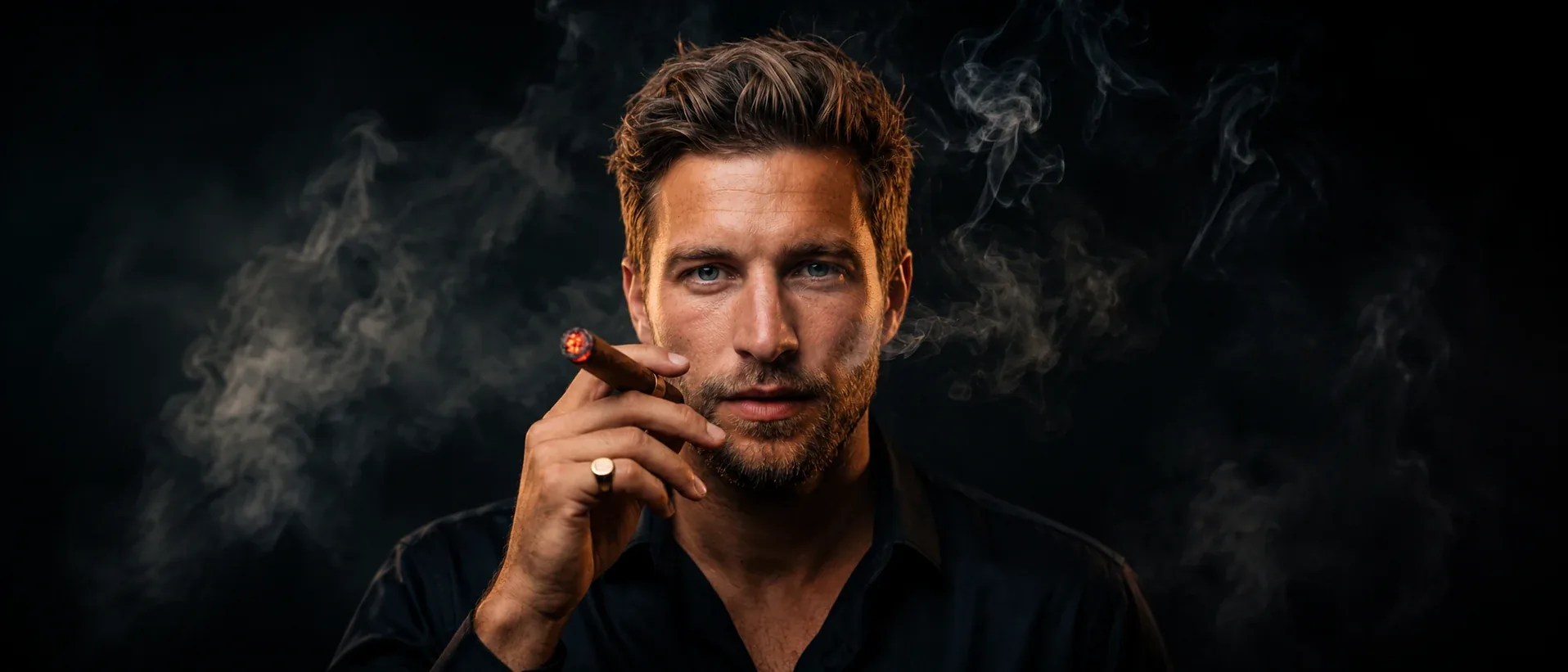
05 / 06
Generate AI images from a written prompt and optional references. Choose a model, then refine the brief with the creative controls it supports.
Explore Image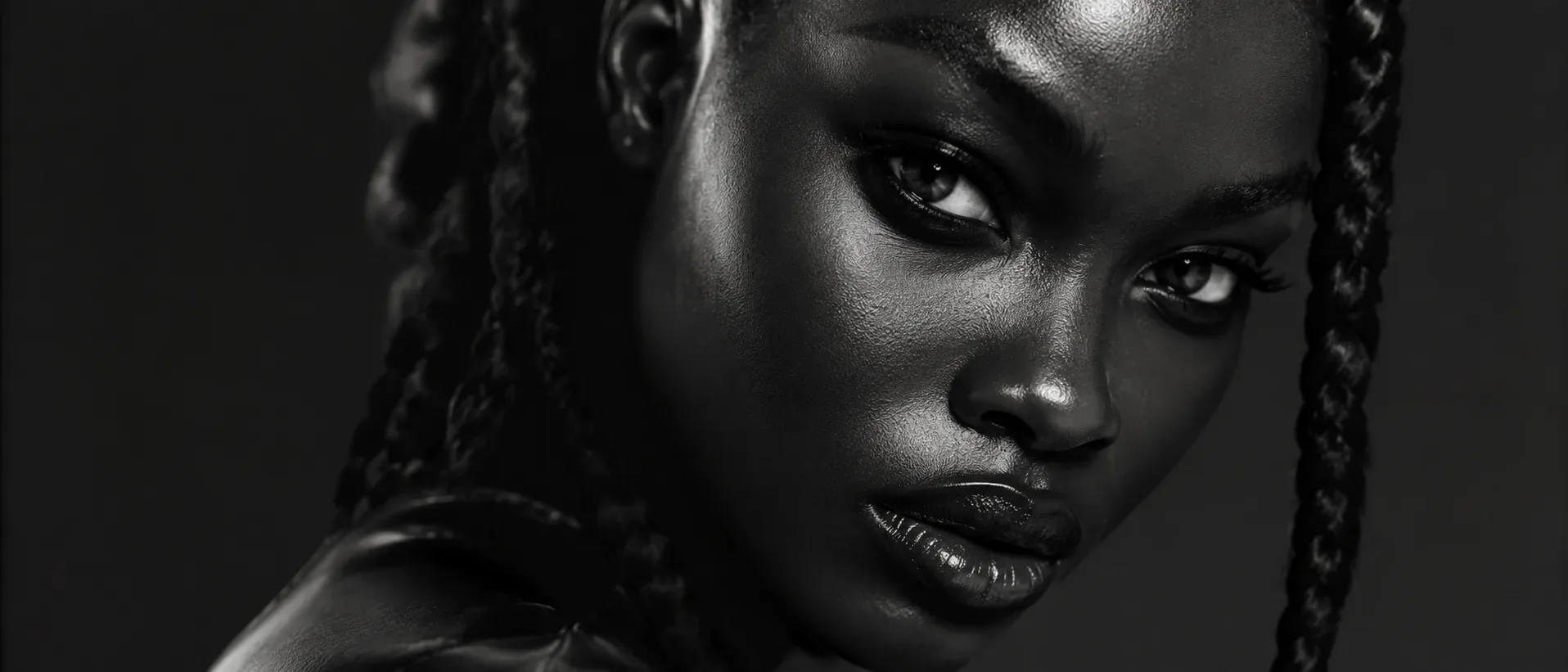
06 / 06
Start from text, frames, references or an existing clip, with workflows that adapt to your chosen model.
Explore Video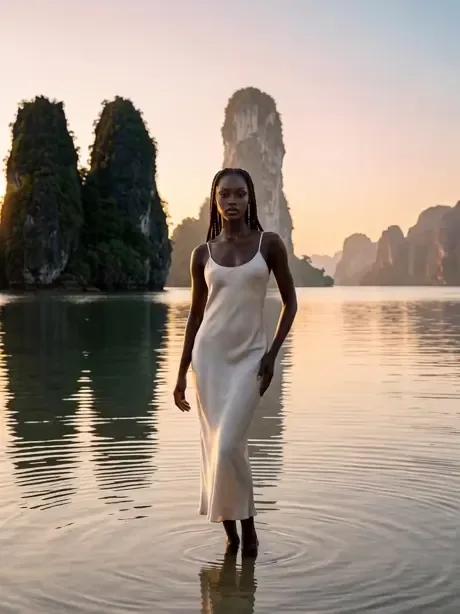
Develop a clothing-led image in Virtual Wardrobe. Carry a selected result into Shoot, or send a frame into Video. Use each tool for the decision you need to make next.
Choose a concept, a garment, a light or a camera move. Review the settings and the credit estimate before you generate.