Seedance 2.0
- Start From
- TextFirst FrameLast FrameImage ReferencesVideo Reference
- Resolution
- 480p720p1080p
- Length
- 4 s5 s6 s8 s10 s15 s
- Aspect Ratio
- 16:99:161:14:33:421:9
- Sound
- Optional
 AIFACECRAFTOpen Studio
 Video Model Guide
Tell each input what to contribute.
ByteDance’s Seedance 2.0 is a multimodal audio-video model. A useful reference brief names the subject, the setting and the movement separately. It is distinct from Seedance 2.5, so 2.5 features don’t automatically apply.
Guide by AIFACECRAFT · Updated
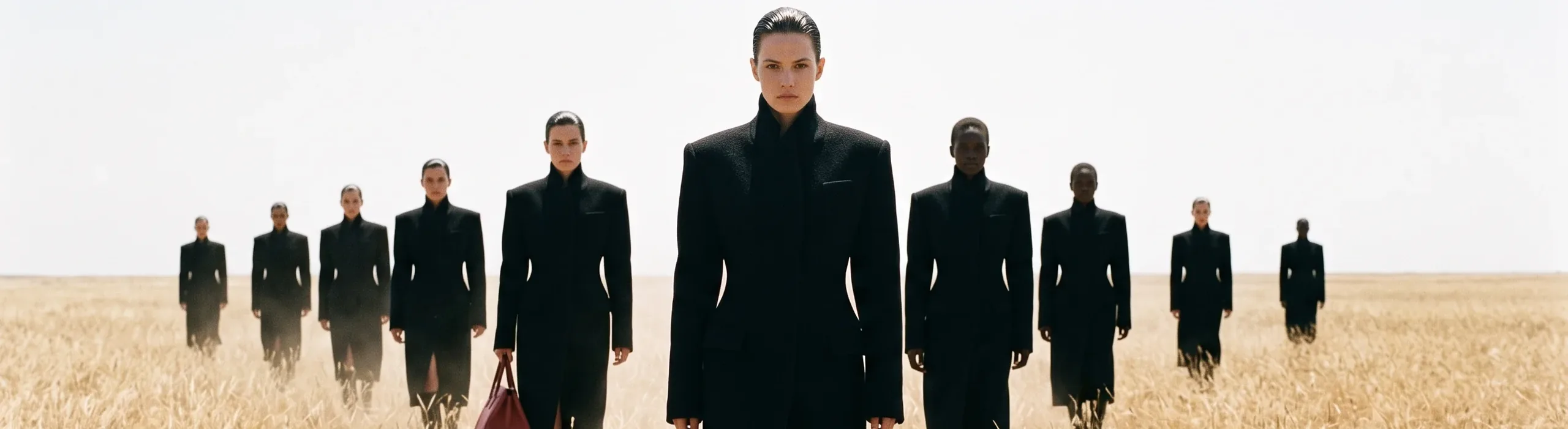
Use the permitted product image for appearance and the reference clip only for a slow camera orbit. Keep the product centred in a quiet studio setting.
Checked in Studio on . Options can depend on your plan and may change; the panel in Studio is the final word.
Start with one main reference and a clear action. If another reference supplies camera movement, say so explicitly. Keep the first attempt short enough to inspect carefully before adding more scene changes.
In AIFACECRAFT, Seedance 2.0 and Seedance 2.0 Fast both accept first and last frames and image and video references; availability depends on your plan. Their resolution choices differ, and neither currently offers clip editing or extension.
Compare product detail, motion and sound. Seedance 2.0 Fast uses fewer credits per second; its name doesn’t guarantee a shorter wait.
No. Select the model first and check which tasks and inputs its panel offers.
Compare product detail, motion and sound. Seedance 2.0 Fast uses fewer credits per second; its name doesn’t guarantee a shorter wait.
Select the model if it is available in your account and review its inputs, settings and credit estimate. This link opens the section; it does not preselect a model.
Model details come from the developer’s documentation; settings were checked in AIFACECRAFT Studio. Example briefs are starting points for your own work. Artwork on this page comes from AIFACECRAFT collections.