MiniMax H3
- Start From
- TextFirst FrameLast FrameImage References
- Resolution
- 480p768p2K
- Length
- 5 s6 s8 s10 s15 s
- Aspect Ratio
- 21:916:94:31:13:49:16
- Sound
- Generated
 AIFACECRAFTOpen Studio
 Video Model Guide
Choose a variant, then shape one scene.
MiniMax H3 creates video from mixed inputs with audio, and H3 Max is a separate variant. “Max” doesn’t simply mean higher resolution, so choose the workflow first, then compare the controls each variant offers.
Guide by AIFACECRAFT · Updated
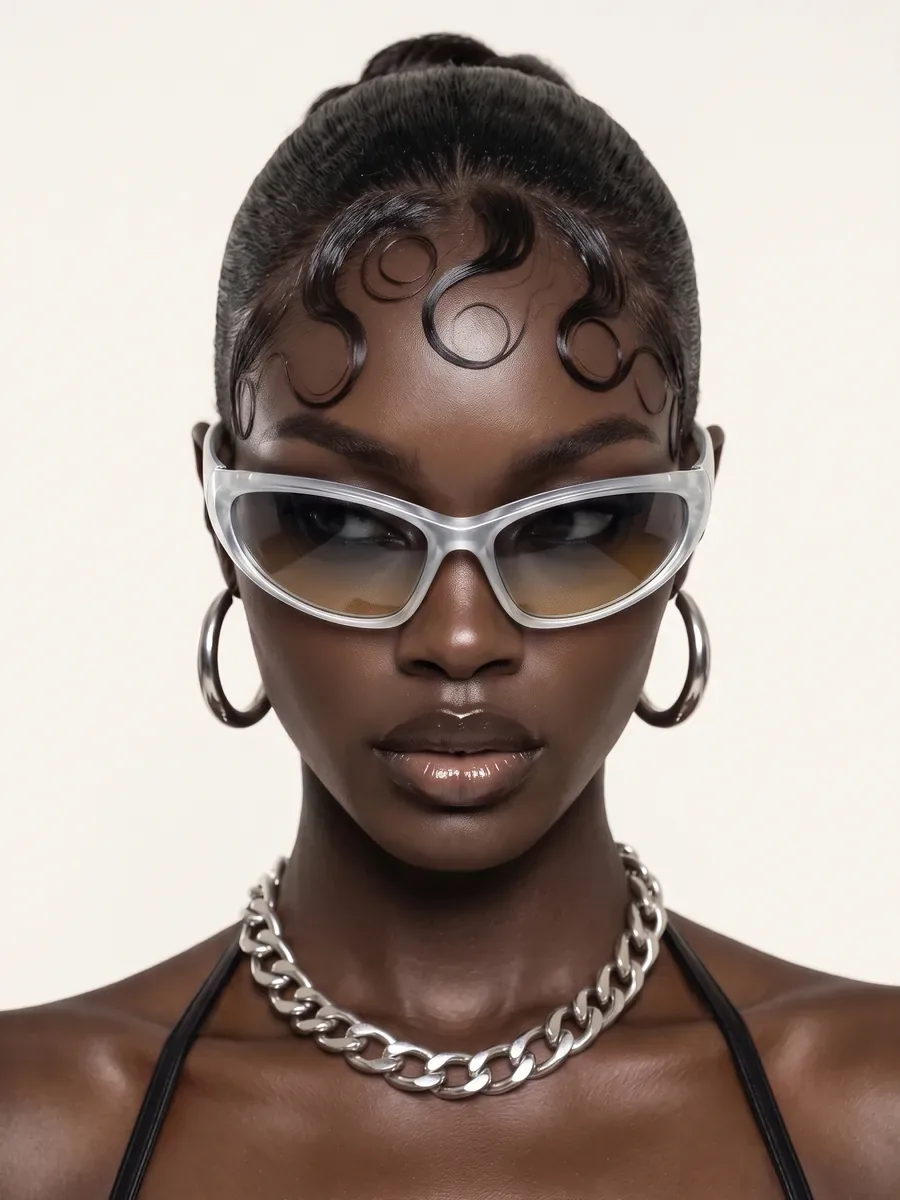
A single unbranded package on a desk. The camera slowly moves closer while soft daylight crosses the surface. Keep the package closed and its silhouette unchanged.
Checked in Studio on . Options can depend on your plan and may change; the panel in Studio is the final word.
Use a simple scene to establish the subject, motion and sound. If a reference supplies appearance, say what should remain recognizable. A second attempt is more useful when it changes one identifiable decision.
In AIFACECRAFT, both H3 and H3 Max accept first and last frames and reference images; H3 Max also accepts video references. Their resolution choices differ, and neither currently offers clip editing or extension.
Inspect lettering, edges, shadows and audio. Keep a record of the chosen variant and settings when deciding which result to develop.
No. It is a distinct variant with its own settings. Compare the choices shown after selecting it.
Inspect lettering, edges, shadows and audio. Keep a record of the chosen variant and settings when deciding which result to develop.
Select the model if it is available in your account and review its inputs, settings and credit estimate. This link opens the section; it does not preselect a model.
Model details come from the developer’s documentation; settings were checked in AIFACECRAFT Studio. Example briefs are starting points for your own work. Artwork on this page comes from AIFACECRAFT collections.