Wan 3.0
- Start From
- TextFirst FrameLast Frame
- Resolution
- 480p720p1080p
- Length
- 4 s5 s6 s8 s10 s
- Aspect Ratio
- 16:99:161:14:33:4
- Sound
- Optional
 AIFACECRAFTOpen Studio
 Video Model Guide
Build motion around a deliberate opening frame.
Wan 3.0 is part of Alibaba’s video-generation family, with audio and several workflows. In AIFACECRAFT, start from the task and inputs the Video panel offers.
Guide by AIFACECRAFT · Updated
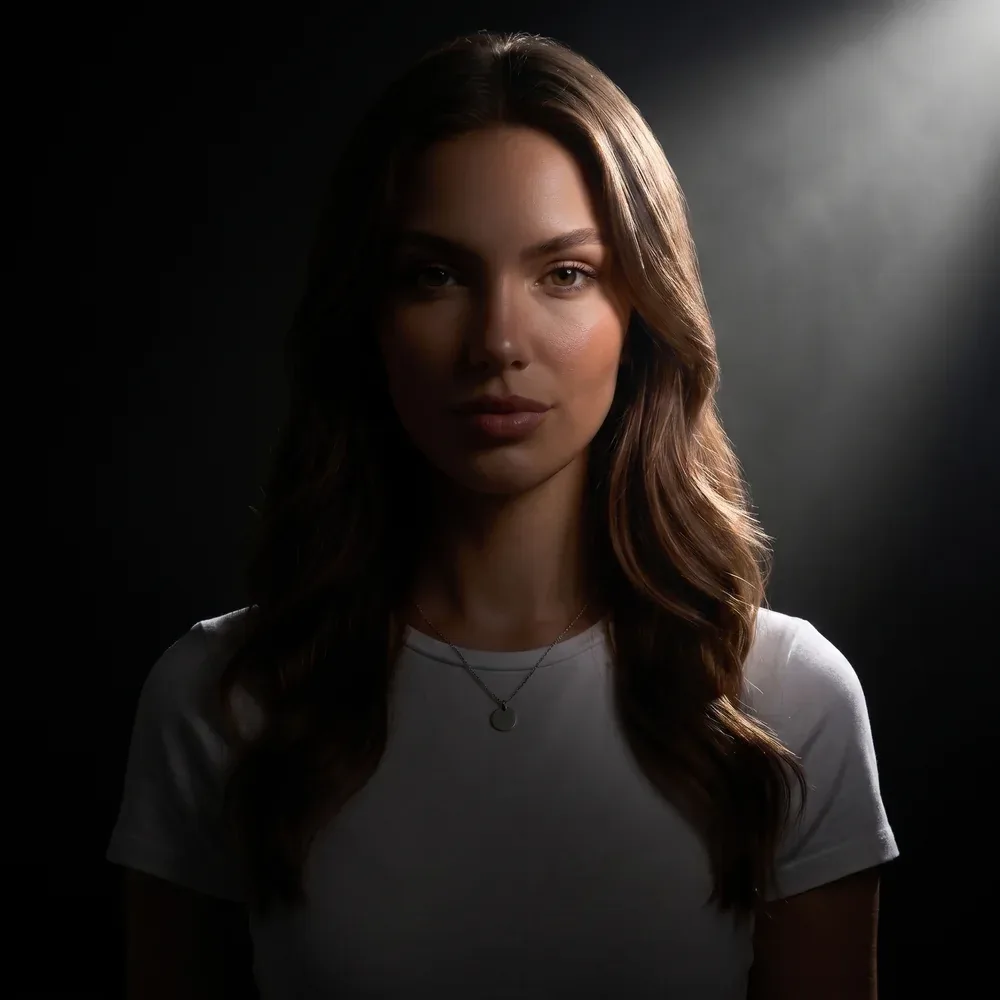
An open curtain moves gently beside a still chair. Morning light, locked camera, a quiet room. Preserve a calm composition without adding a new subject.
Checked in Studio on . Options can depend on your plan and may change; the panel in Studio is the final word.
For an image-led clip, choose an opening composition with a clear subject. Describe one action that makes sense in that frame. If you use a final frame, make sure it is a plausible destination for the same scene.
In AIFACECRAFT, Wan 3.0 accepts first and last frames and supports audio; reference images aren’t available. Documents, web pages and other reference types described by the developer can’t be used here.
Watch the light and object shapes through the whole clip. Check any ending transition rather than judging only a good-looking first frame.
No. Use the inputs offered in the Video panel: first and last frames.
Watch the light and object shapes through the whole clip. Check any ending transition rather than judging only a good-looking first frame.
Select the model if it is available in your account and review its inputs, settings and credit estimate. This link opens the section; it does not preselect a model.
Model details come from the developer’s documentation; settings were checked in AIFACECRAFT Studio. Example briefs are starting points for your own work. Artwork on this page comes from AIFACECRAFT collections.