Skip to content
AIFACECRAFTOpen Studio

Video Model Guide

Kling 3 Motion

Use a performance as the motion brief.

Kling 3 Motion uses Kling’s Motion Control workflow, which combines a character image with a motion reference: you start from a performance, not from a scene described in text. Choose a clear performance you have permission to use.

  • Motion Reference

Guide by AIFACECRAFT · Updated

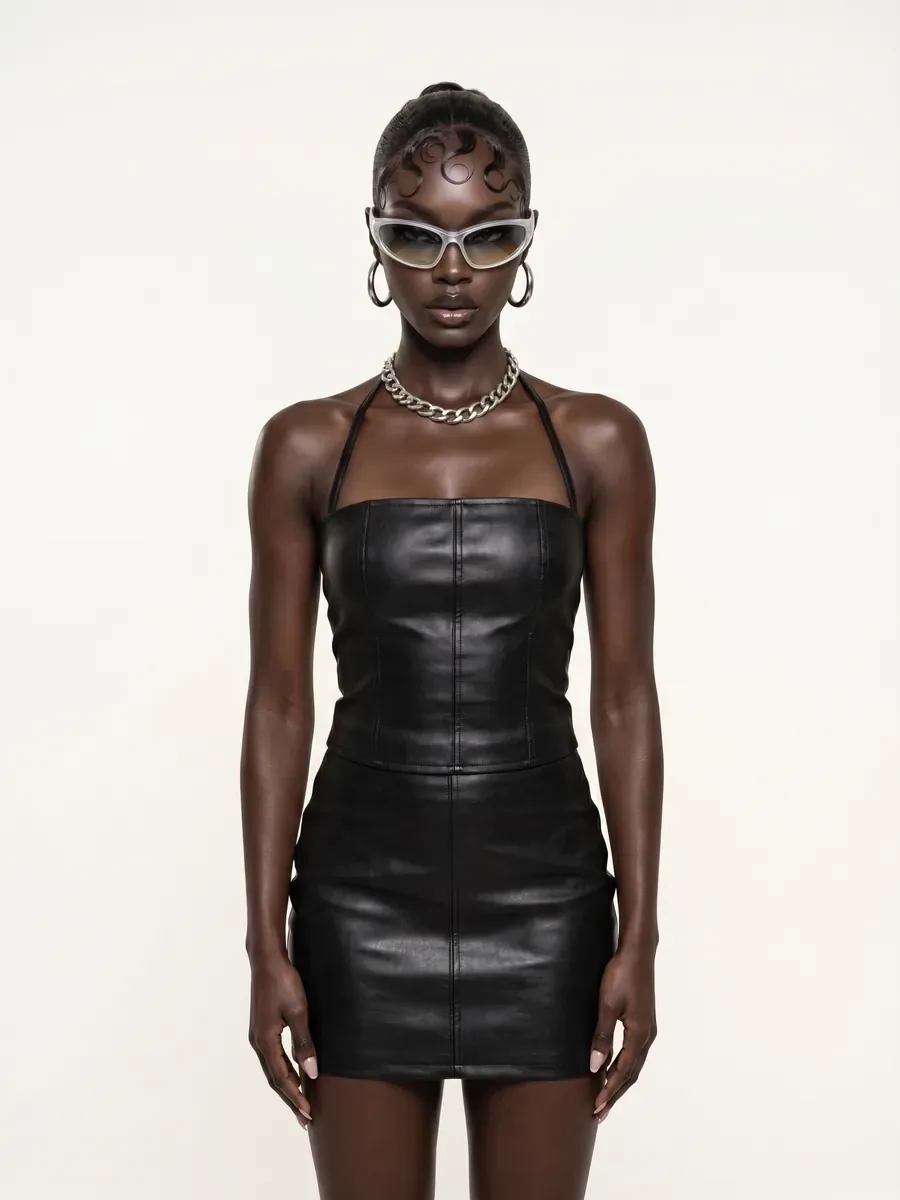
Medium framing preview with black dress
Kling 3 MotionExample Brief

Use a permitted, clearly framed wave or turn as the reference motion. Keep the background simple and review the full movement, not just the opening image.

  • Pro

What you can set in the Video panel.

Checked in Studio on . Options can depend on your plan and may change; the panel in Studio is the final word.

Kling 3 Motion

Start From
First FrameMotion ReferenceIdentity Images
Resolution
StandardPro
Sound
From the Source Clip
Orientation
Follows the first frame or the motion clip; the motion clip is the default.
Source Clip
3–10 s when following the first frame; 3–30 s when following the motion clip.
Identity Images
2–4 images when following the motion clip.
A focused starting point.

Prepare a character image with the relevant body area visible. Choose a motion clip whose movement can be judged clearly. Avoid beginning with a crowded scene or heavy occlusion; these make it harder to tell what the result followed.

  1. In AIFACECRAFT

    In AIFACECRAFT, Kling 3 Motion takes a first frame and a motion-source clip. When the result follows the clip’s orientation (the default), you can also add 2–4 identity images to help keep the character’s face consistent. It doesn’t offer text-only generation or a last frame.

  2. Review Before You Continue

    Inspect hands, joint motion, silhouette and facial transitions. A convincing opening frame does not validate the rest of the performance.

A few useful answers.

Is this just text-to-video with a longer prompt?

No. Kling 3 Motion needs a first frame and a motion-source clip; it doesn’t generate from text alone.

What should I check before using a result?

Inspect hands, joint motion, silhouette and facial transitions. A convincing opening frame does not validate the rest of the performance.

Take the next step in Studio.

Select the model if it is available in your account and review its inputs, settings and credit estimate. This link opens the section; it does not preselect a model.

Sources and Scope

Model details come from the developer’s documentation; settings were checked in AIFACECRAFT Studio. Example briefs are starting points for your own work. Artwork on this page comes from AIFACECRAFT collections.

Kling 3 MotionVideo ModelOpen Studio