FLUX.2 Pro
- Resolution
- 1K2K
- Aspect Ratio
- 9:162:33:44:51:15:44:33:216:921:9
- References
- Up to 9 images
- File Format
- JPEGPNG
 AIFACECRAFTOpen Studio
 Image Model Guide
Use references to define the product.
FLUX.2 Pro from Black Forest Labs generates and edits images with reference inputs, which makes it useful for showing a product, pose or composition clearly. Other FLUX.2 variants have their own features; don’t assume Pro shares them.
Guide by AIFACECRAFT · Updated
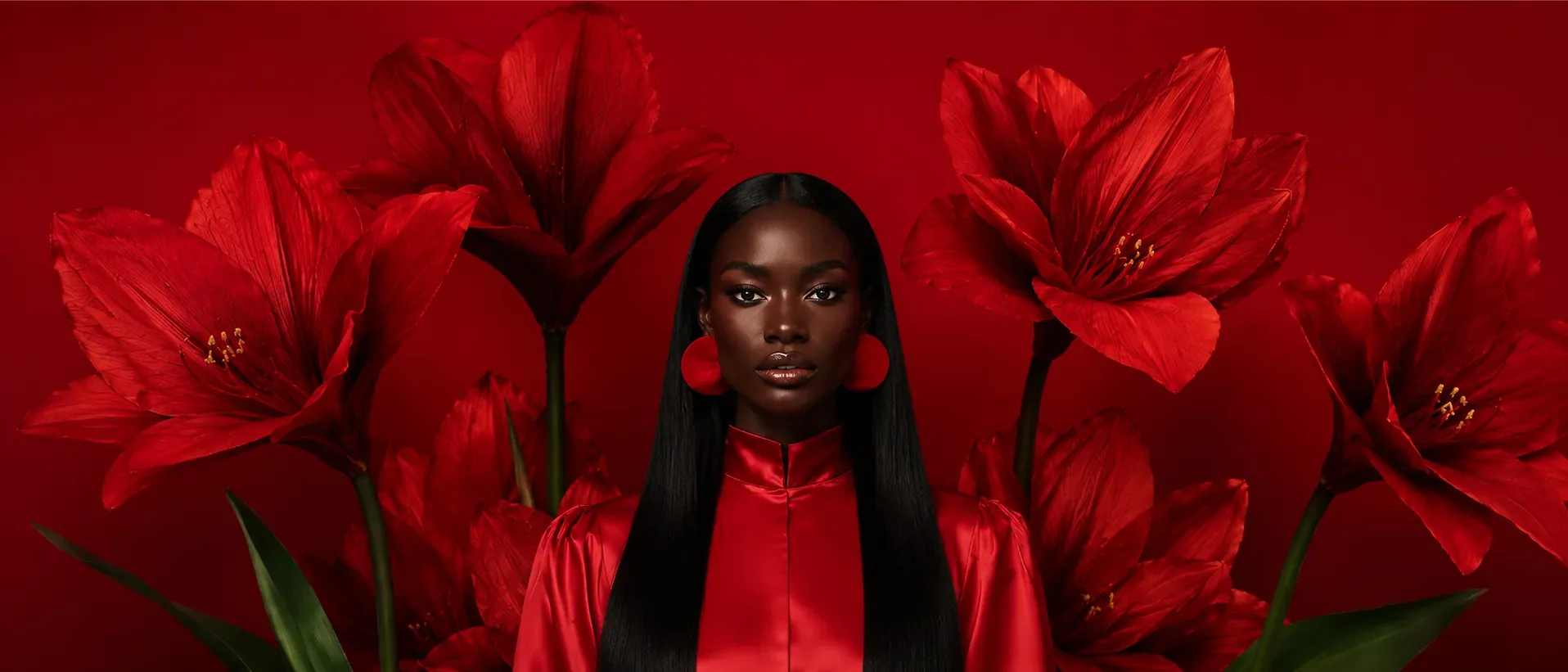
Place the referenced unbranded shoe on a low concrete step at eye level. Overcast light, a quiet background, no added lettering.
Checked in Studio on . Options can depend on your plan and may change; the panel in Studio is the final word.
Use a clean subject reference. Describe the setting and lighting separately from the details to retain. For a first comparison, change the environment while keeping the object’s orientation simple.
In AIFACECRAFT, FLUX.2 Pro offers 1K and 2K (no 4K). Results can vary between runs, even with the same brief.
Inspect sole geometry, seams and the pair’s proportions. If a detail is essential to a campaign, compare it with the reference at full size.
No. Check the specific Pro documentation and the controls in Image; other variants have different features.
Inspect sole geometry, seams and the pair’s proportions. If a detail is essential to a campaign, compare it with the reference at full size.
Select the model if it is available in your account and review its inputs, settings and credit estimate. This link opens the section; it does not preselect a model.
Model details come from the developer’s documentation; settings were checked in AIFACECRAFT Studio. Example briefs are starting points for your own work. Artwork on this page comes from AIFACECRAFT collections.