Seedream 5 Pro
- Resolution
- 1K2K
- Aspect Ratio
- 9:162:33:44:51:15:44:33:216:921:9
- References
- Up to 10 images
- File Format
- JPEGPNG
 AIFACECRAFTOpen Studio
 Image Model Guide
Give a dense composition a clear reading order.
Seedream 5.0 Pro from ByteDance, shown as Seedream 5 Pro in AIFACECRAFT, is documented for detailed layouts, multilingual visuals and interactive editing. A strong first brief gives the composition one clear reading order and separates what to keep from what to change.
Guide by AIFACECRAFT · Updated
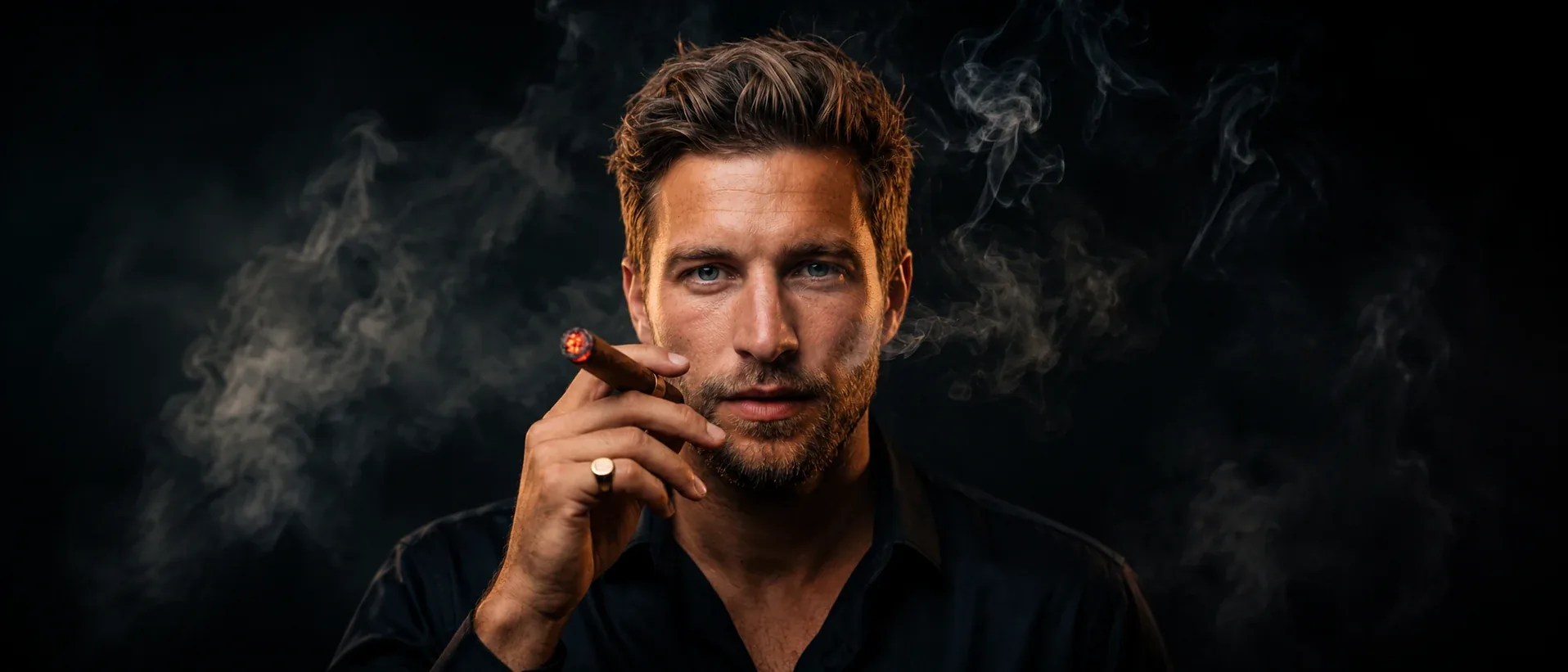
An exhibition-poster draft with one sculptural object, a short title and generous margins. Keep the reading order obvious and leave detailed event information for final typesetting.
Checked in Studio on . Options can depend on your plan and may change; the panel in Studio is the final word.
Use an information-rich brief only after the facts and hierarchy are clear. Separate the headline, supporting visual and small labels. For a revision, name the specific change and the parts that should remain.
In AIFACECRAFT, Seedream 5 Pro offers 1K and 2K (no 4K); other Seedream versions offer different resolutions. The developer’s selection, sketch and spatial-editing tools aren’t part of the AIFACECRAFT controls.
Check language, spacing, labels and object geometry. Technical-looking artwork is not validated technical documentation.
No. Seedream 5 Pro offers 1K and 2K in AIFACECRAFT. Use the choices shown in the Image panel.
Check language, spacing, labels and object geometry. Technical-looking artwork is not validated technical documentation.
Select the model if it is available in your account and review its inputs, settings and credit estimate. This link opens the section; it does not preselect a model.
Model details come from the developer’s documentation; settings were checked in AIFACECRAFT Studio. Example briefs are starting points for your own work. Artwork on this page comes from AIFACECRAFT collections.