 AIFACECRAFT
One photo · 12 camera moves
AI photo to video in a few clicks.
Your photo becomes the first frame. The camera does the rest.
15 free credits to start, no card needed.
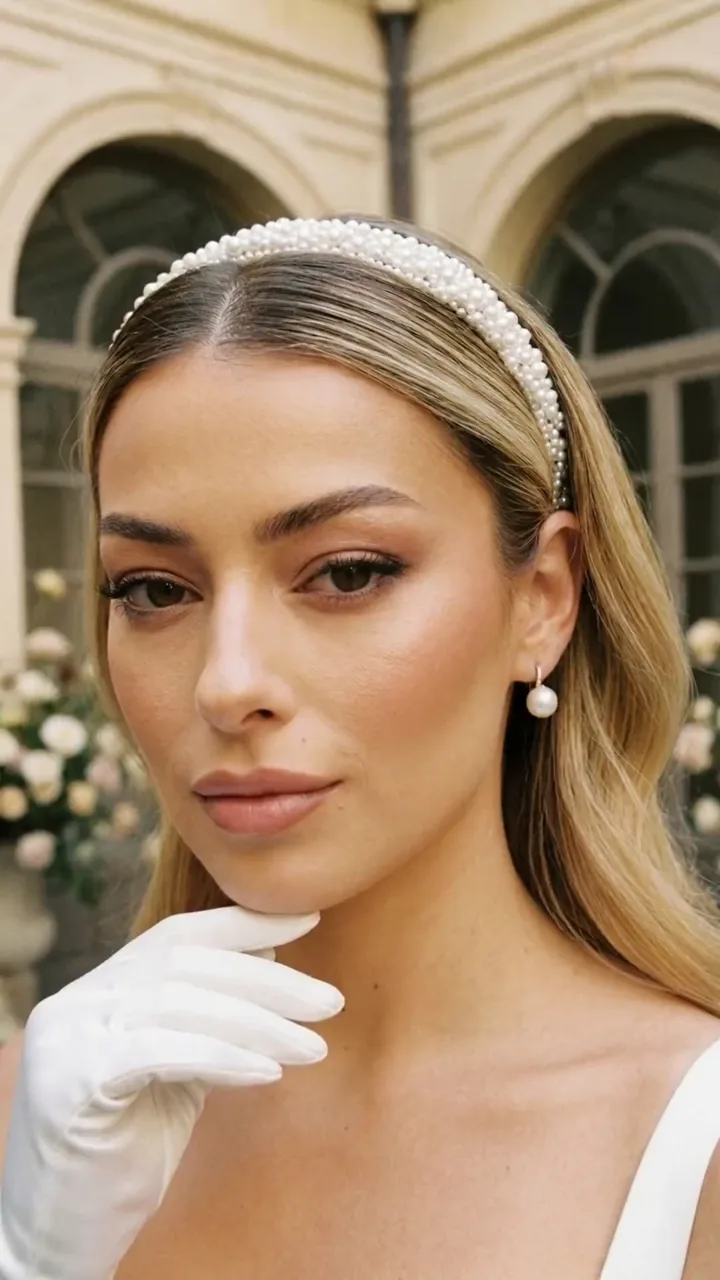 PhotoVideo
Start from a photo you already love. Choose how the camera moves, how long the clip runs and which model renders it. You see the credits first, and every clip is yours to review before you download it.
How it works
Add your photo as the first frame
Upload a photo or pick one you made in Studio. A sharp, well-lit image with a clear subject moves best.
Choose a model and a length
Models differ in price, resolution, audio and how long a clip can be. The panel only shows what the selected model supports.
Pick a camera move
Push in, orbit, crane up and more, or describe the motion in your own words.
Generate, watch, download
Check the credit estimate, generate, then watch the clip before you download or reuse its setup.
Know the Credits
Credits depend on the model, length and resolution; Studio shows the exact total before you generate. 1080p starts with the Starter plan. The 15 free credits new accounts start with cover a first short clip on the lowest-priced models.
Compare Plans| Model | Credits | Plan |
|---|---|---|
| Wan 3.0 | 13 credits | Free and up |
| Veo 3.1 Lite | 7 credits | Free and up |
| Seedance 2.0 | 20 credits | Premium and up |
Pick a camera move
The same moves you'll find in Video. Pick one to see it; each preview shows the move, not your photo.
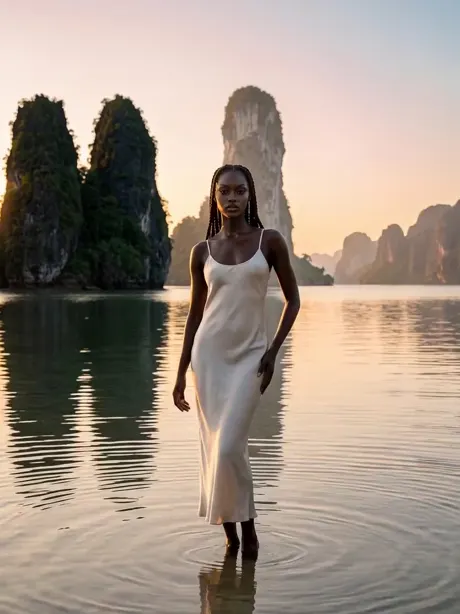
Better clips, fewer tries
One subject, clear edges
Busy backgrounds and crowded frames give the model more to guess. Crop close if you can.
Let the move suit the photo
A portrait suits push in or turn to camera; a wide scene suits crane up or orbit.
Start short and low
Try a short clip at a lower resolution first, then spend more on the take you like.
Describe the motion, not the photo
The photo already shows the scene. Use the prompt for what moves: hair in the wind, a slow smile, waves behind.
Questions, answered
Can I turn any photo into a video?
Most photos work. Results are best with a sharp image, one clear subject and good light. Photos of other people need their permission.
How long can a clip be?
It depends on the model you choose: the panel shows each model's available lengths, resolutions and whether it can add audio.
Will the person still look like the photo?
The photo is the first frame, so the clip starts from it. As the camera and the subject move, details can change, so watch each clip before you download it.
Can I make a longer video from several clips?
Video creates individual clips. You can make several and combine them in your own editor; AIFACECRAFT doesn't edit them into a film.
How much does it cost?
New accounts start with 15 free credits, no card needed. Studio shows the credits for your selection before you generate. Compare Plans
What happens to my photo?
Your photo is used to create your clips. The Privacy Policy explains how long uploads and results are kept and how to delete them. Privacy Policy
Your photo, in motion.
Turn a photo into video15 free credits to start, no card needed.