 AIFACECRAFT

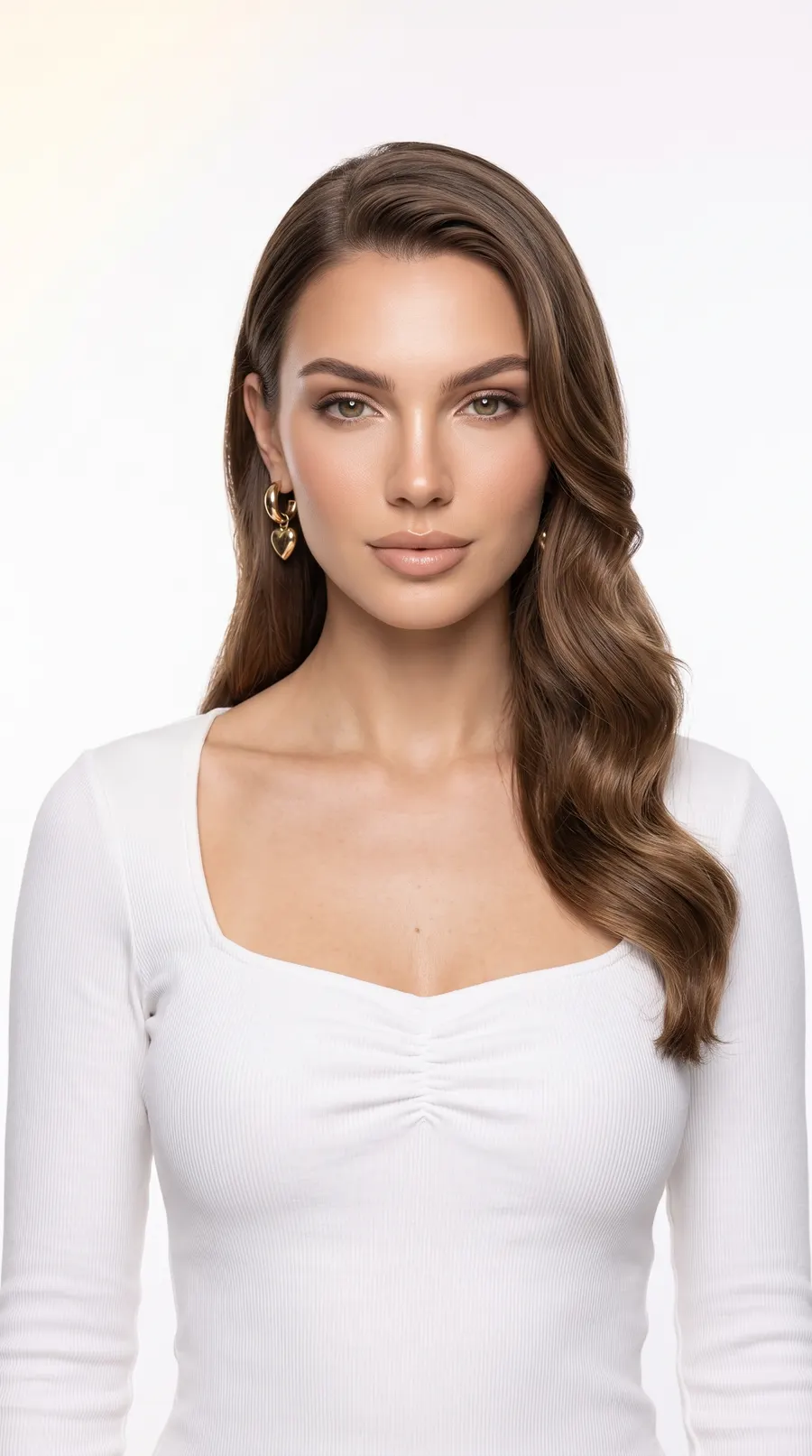
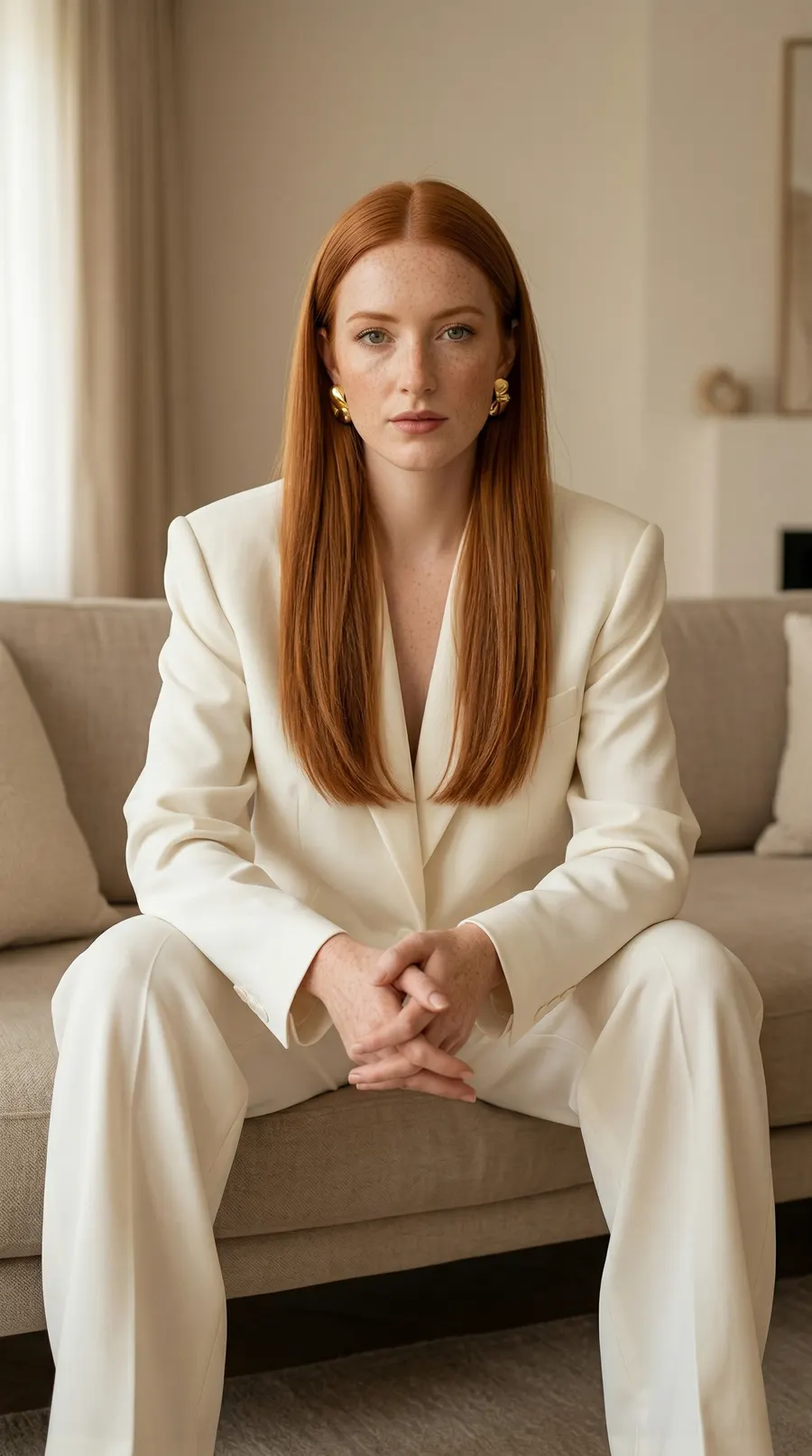

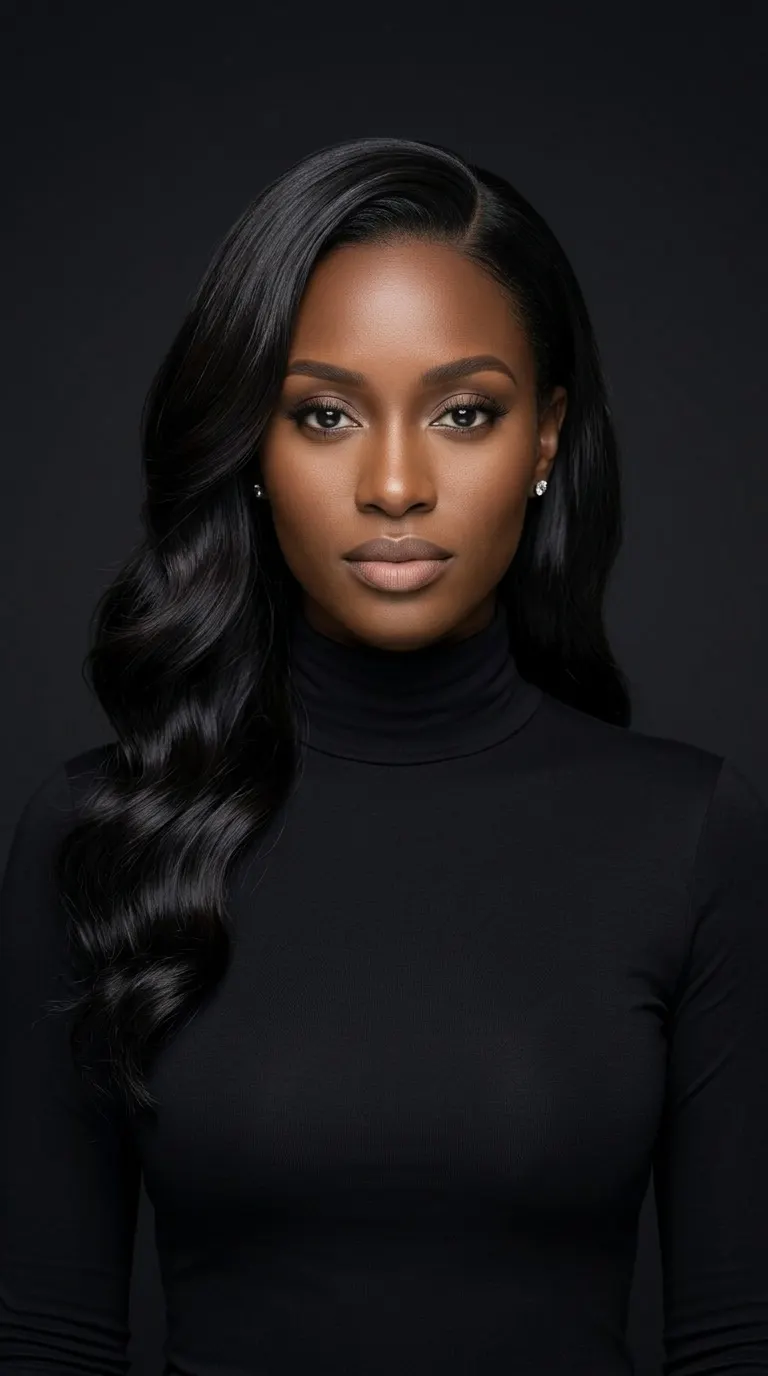
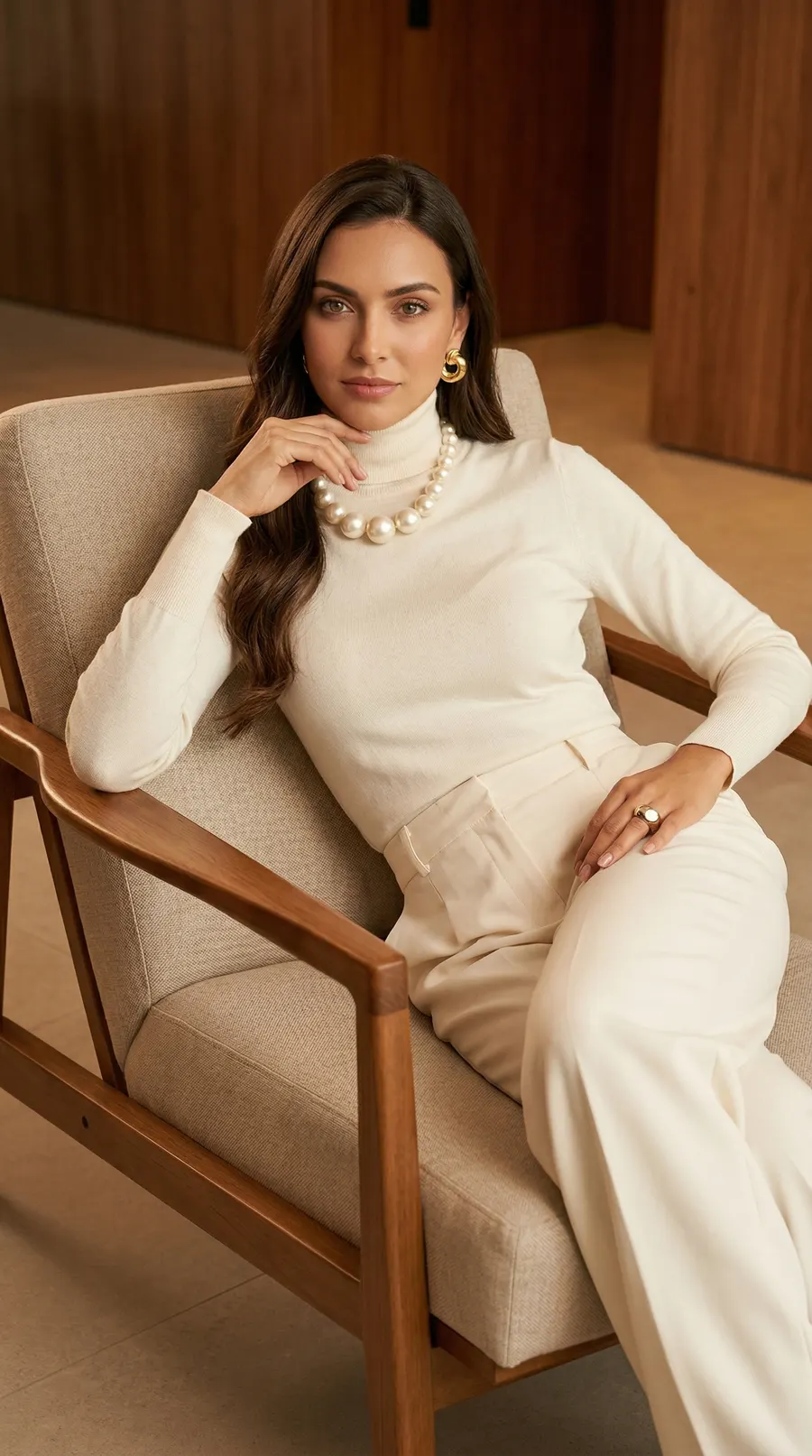

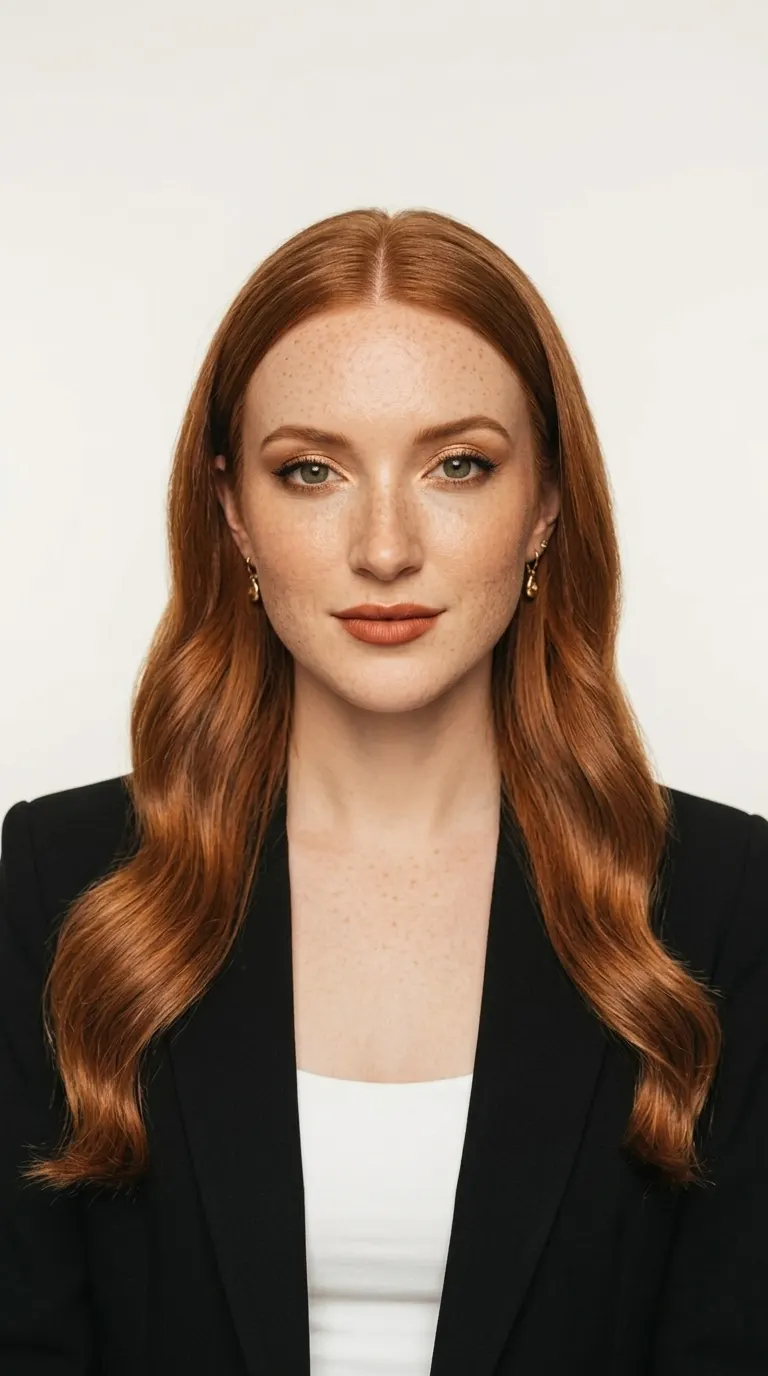
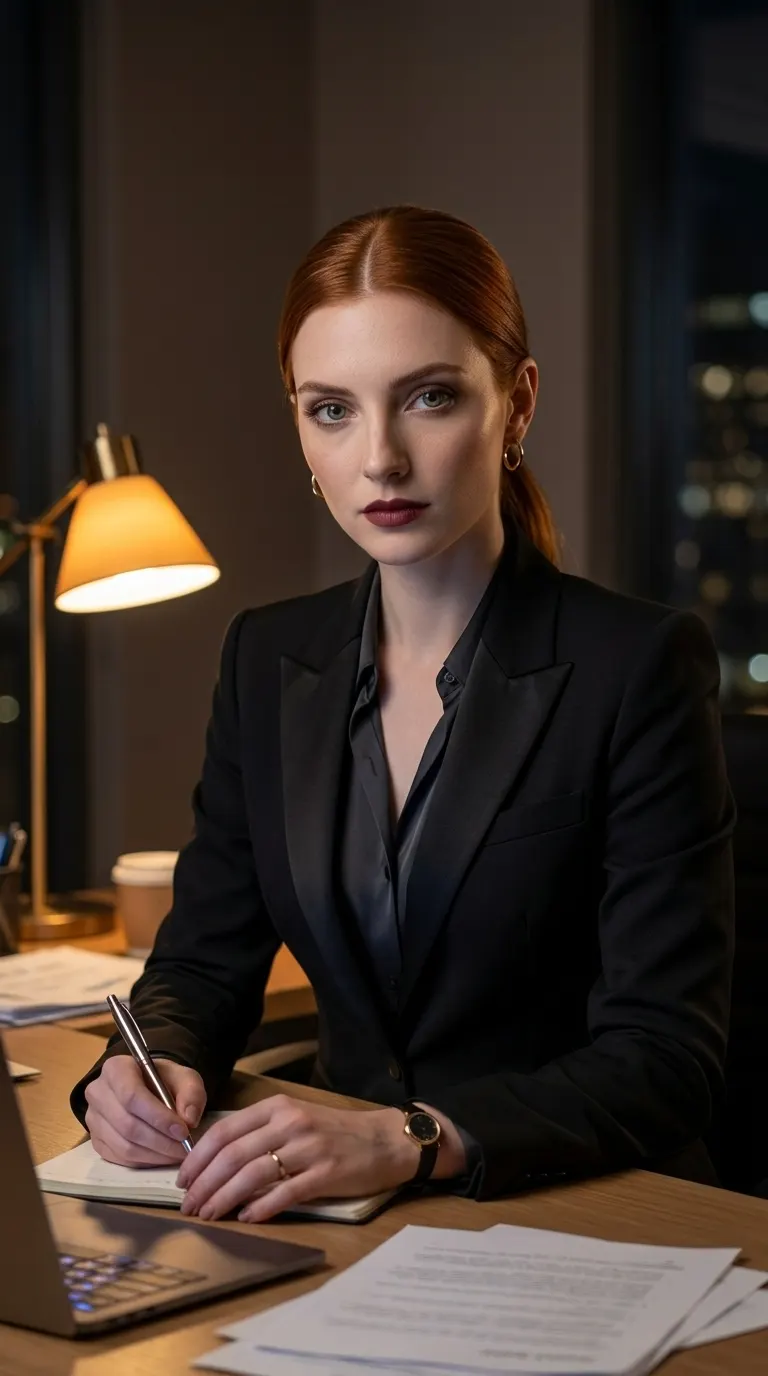

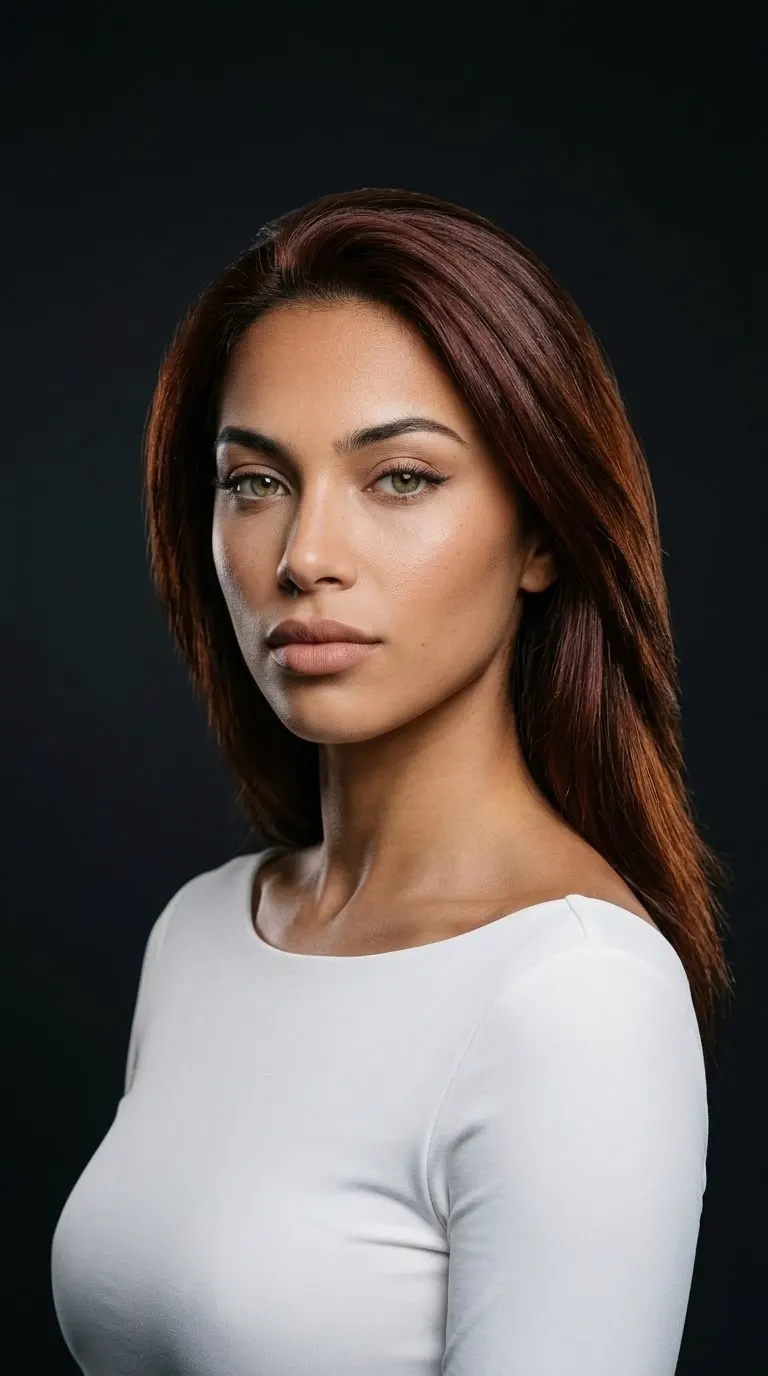

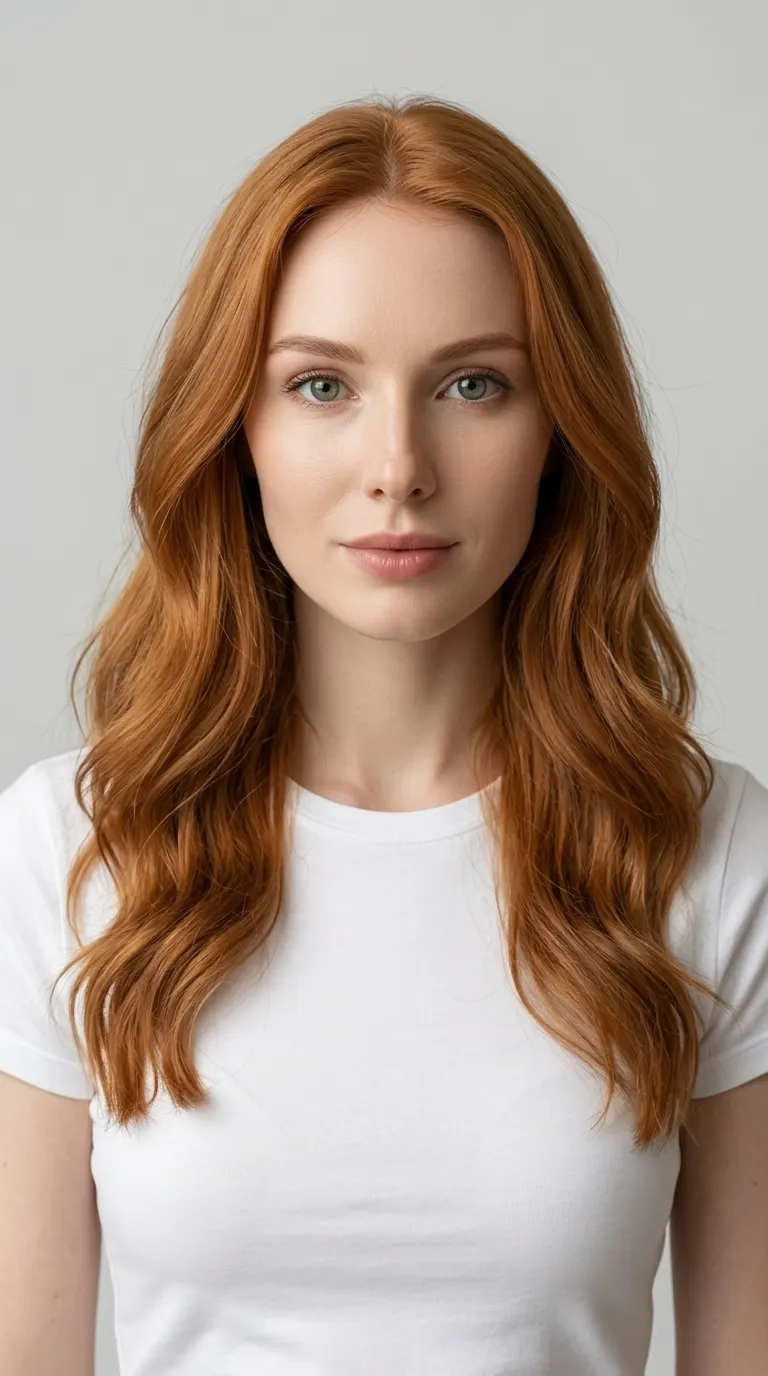

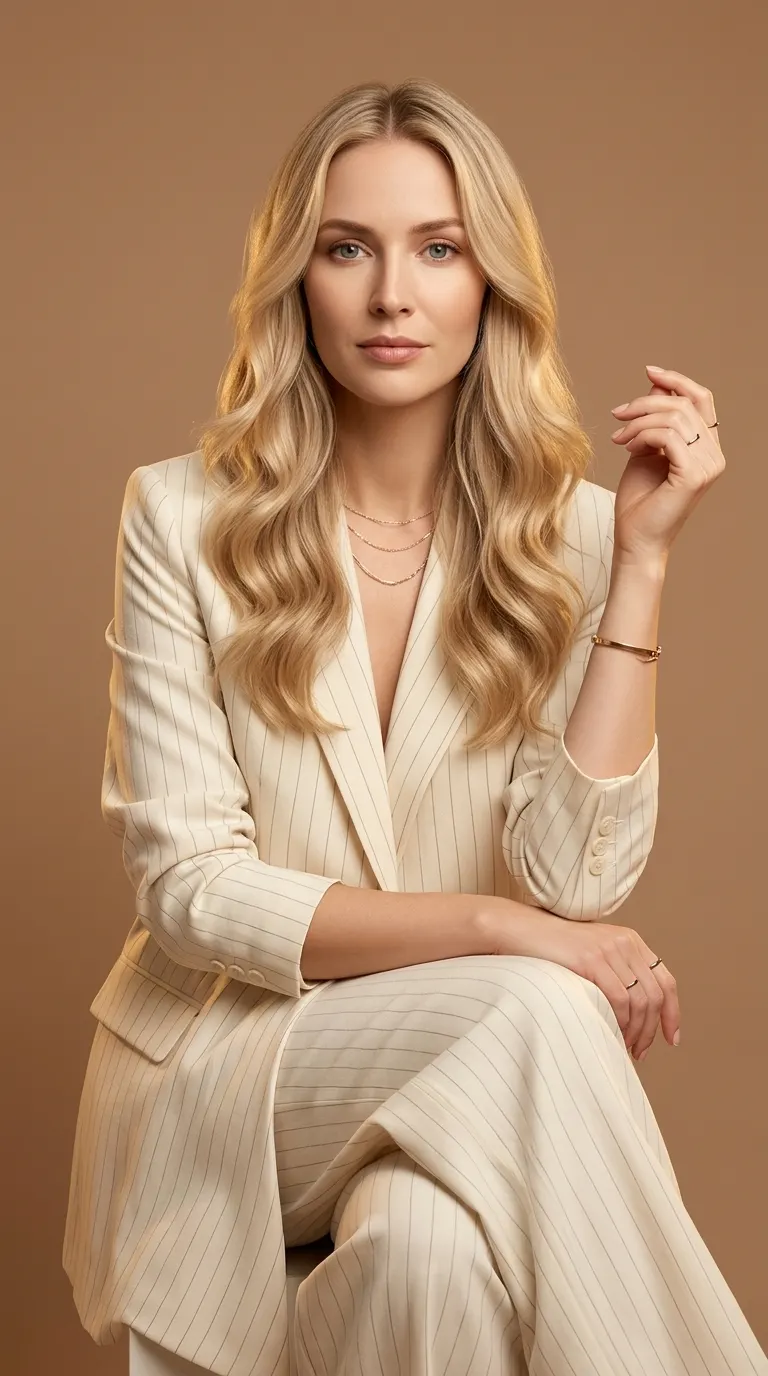
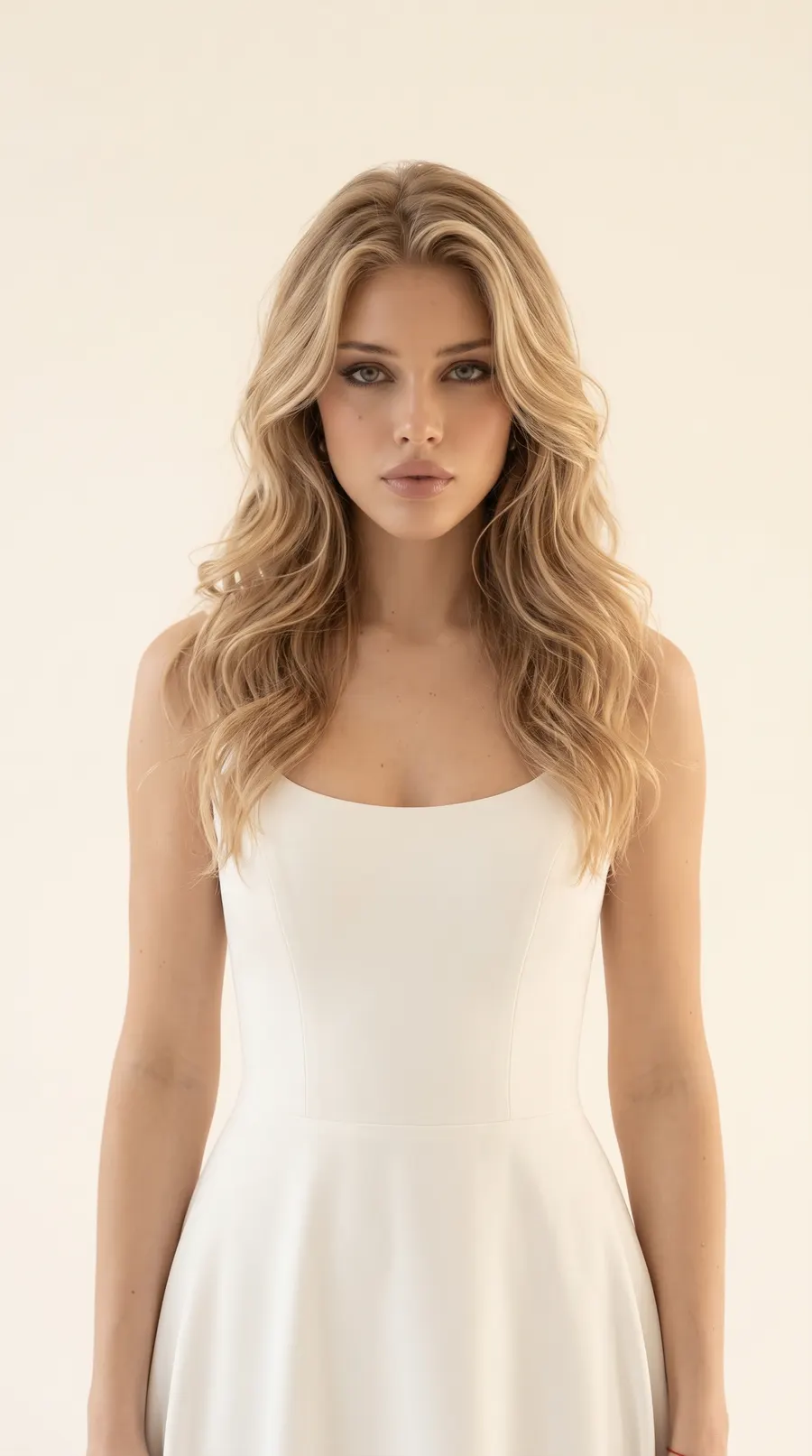


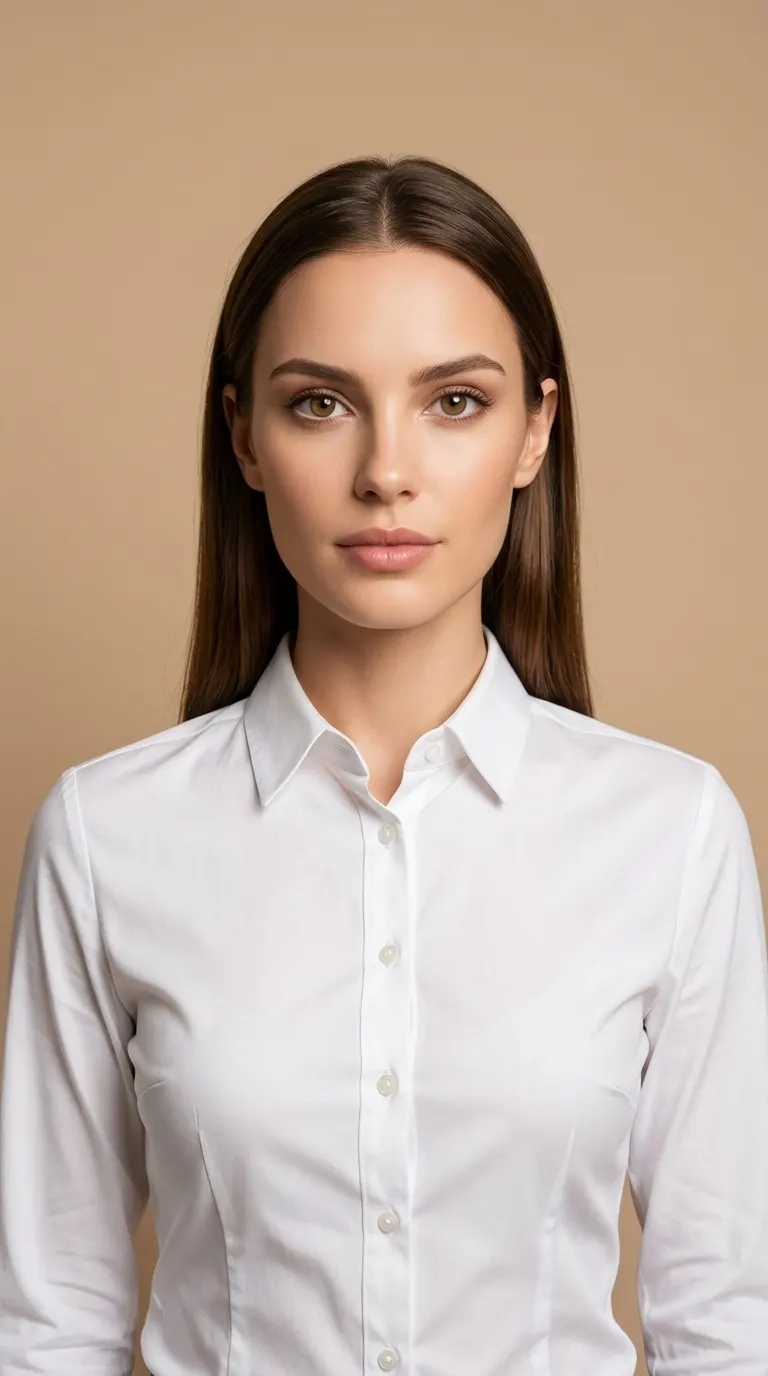



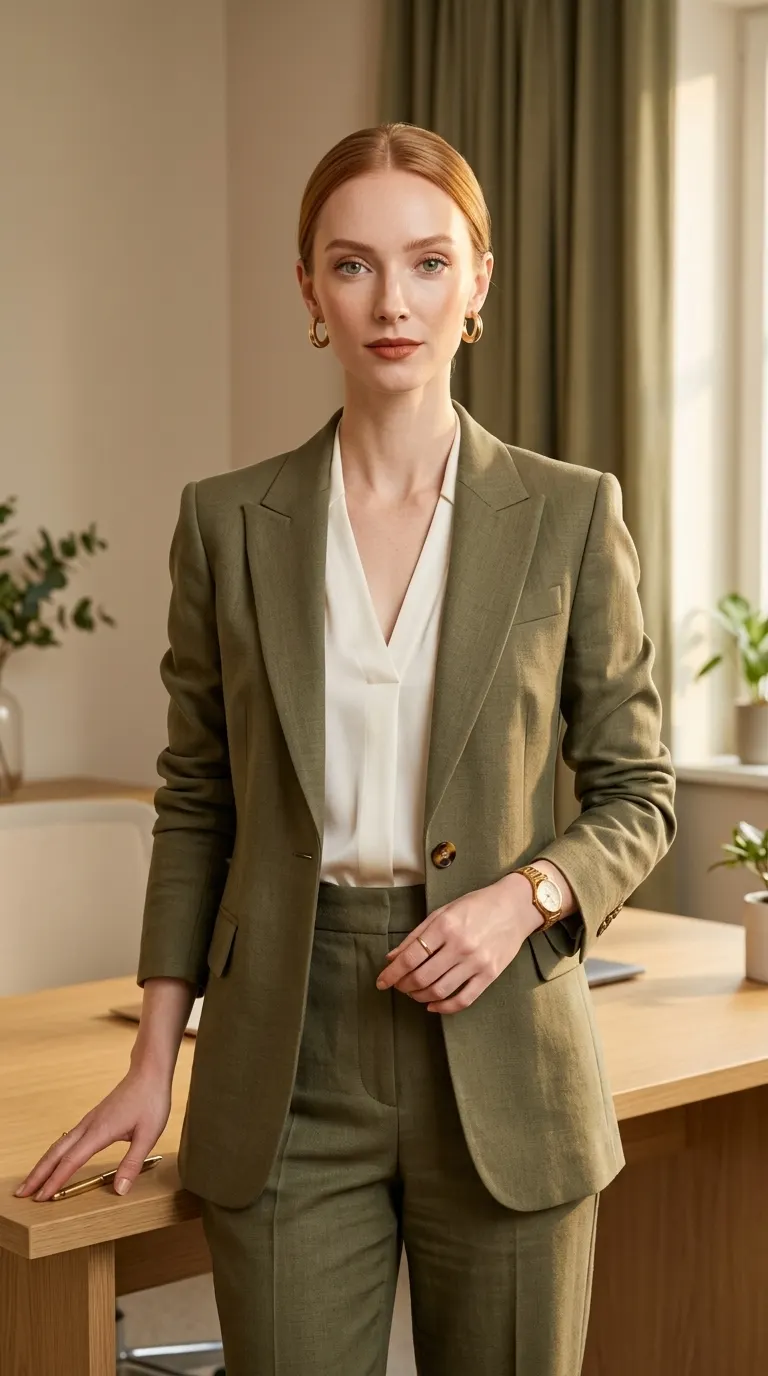
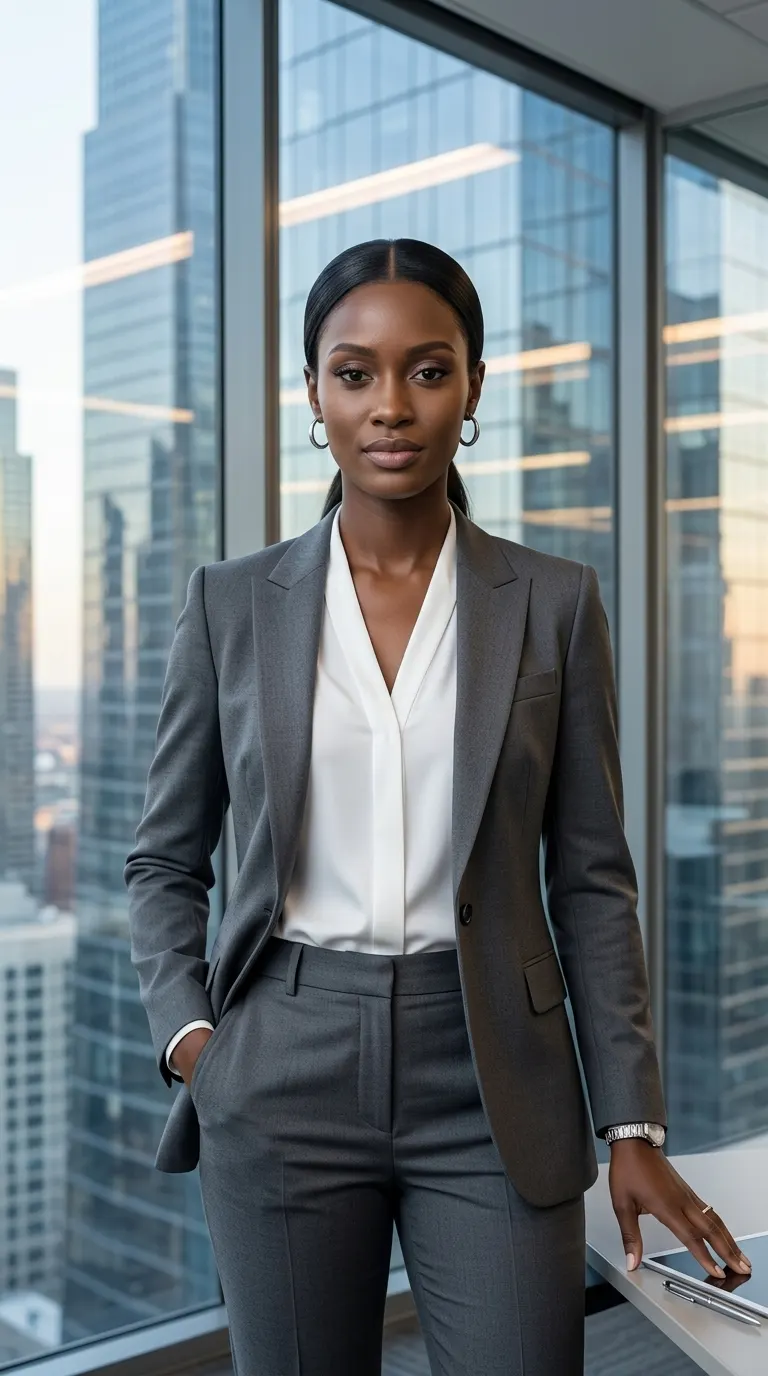

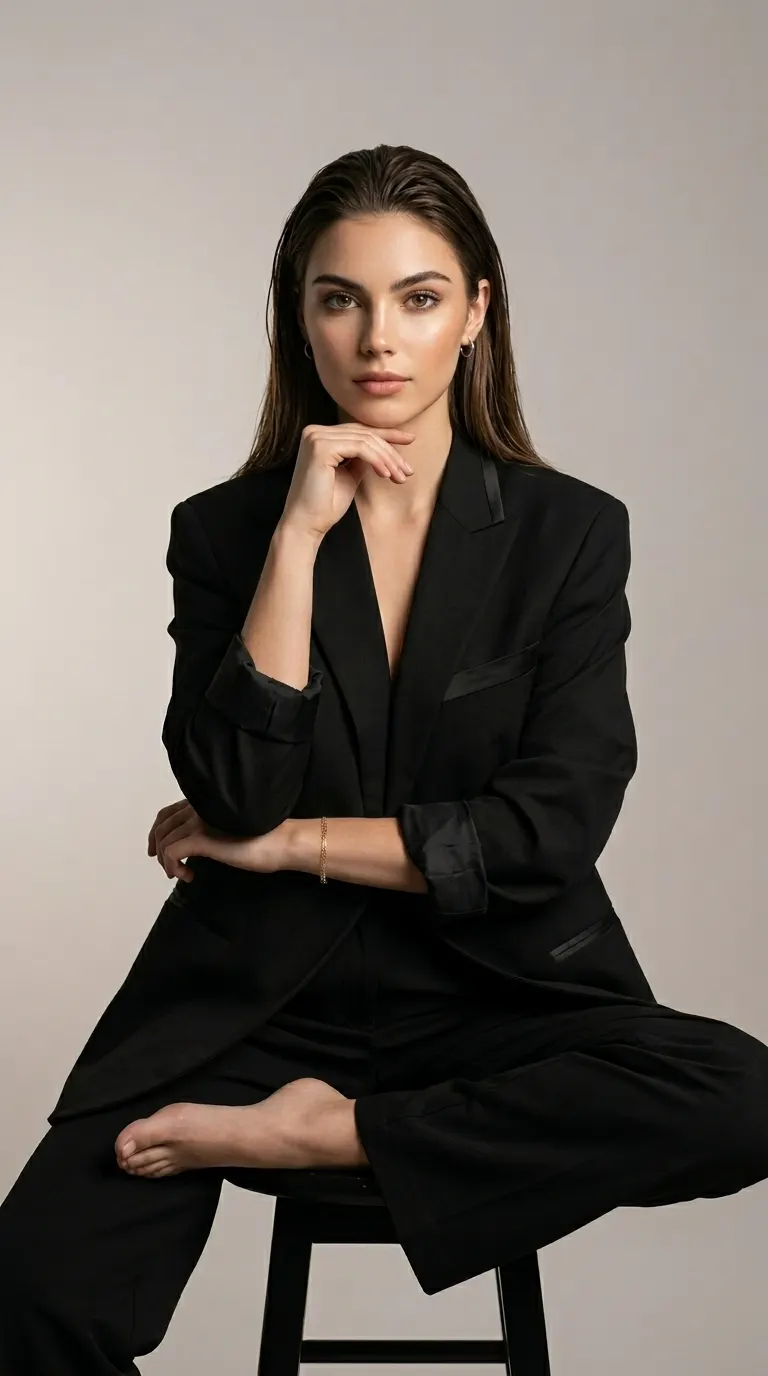
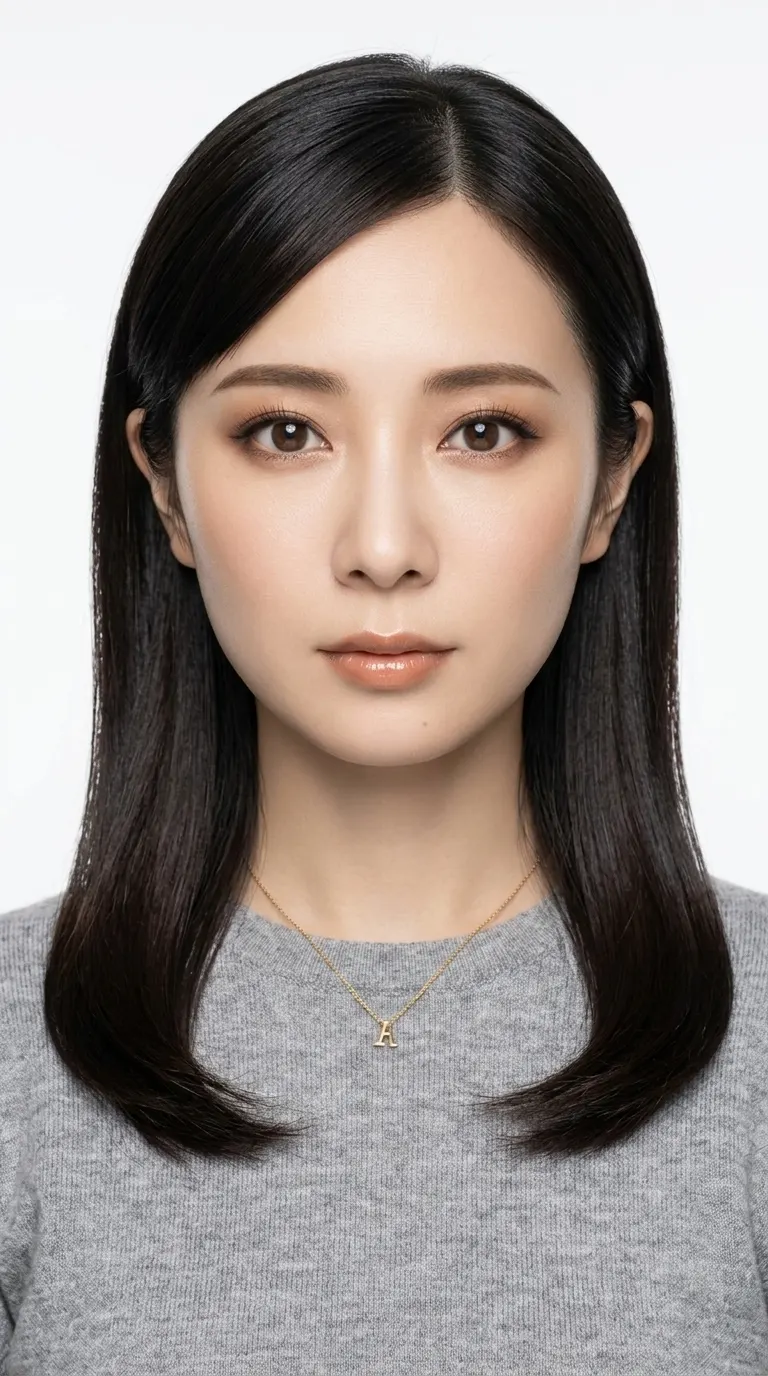

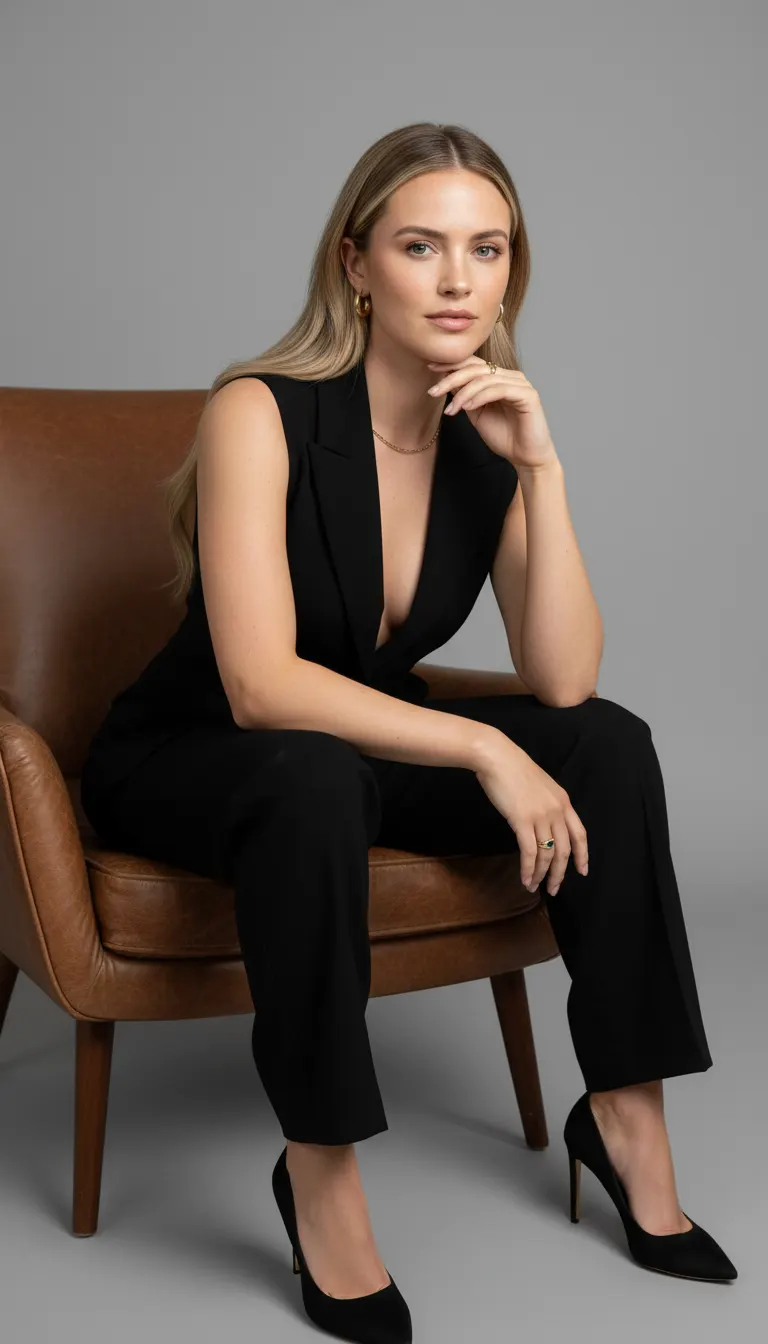
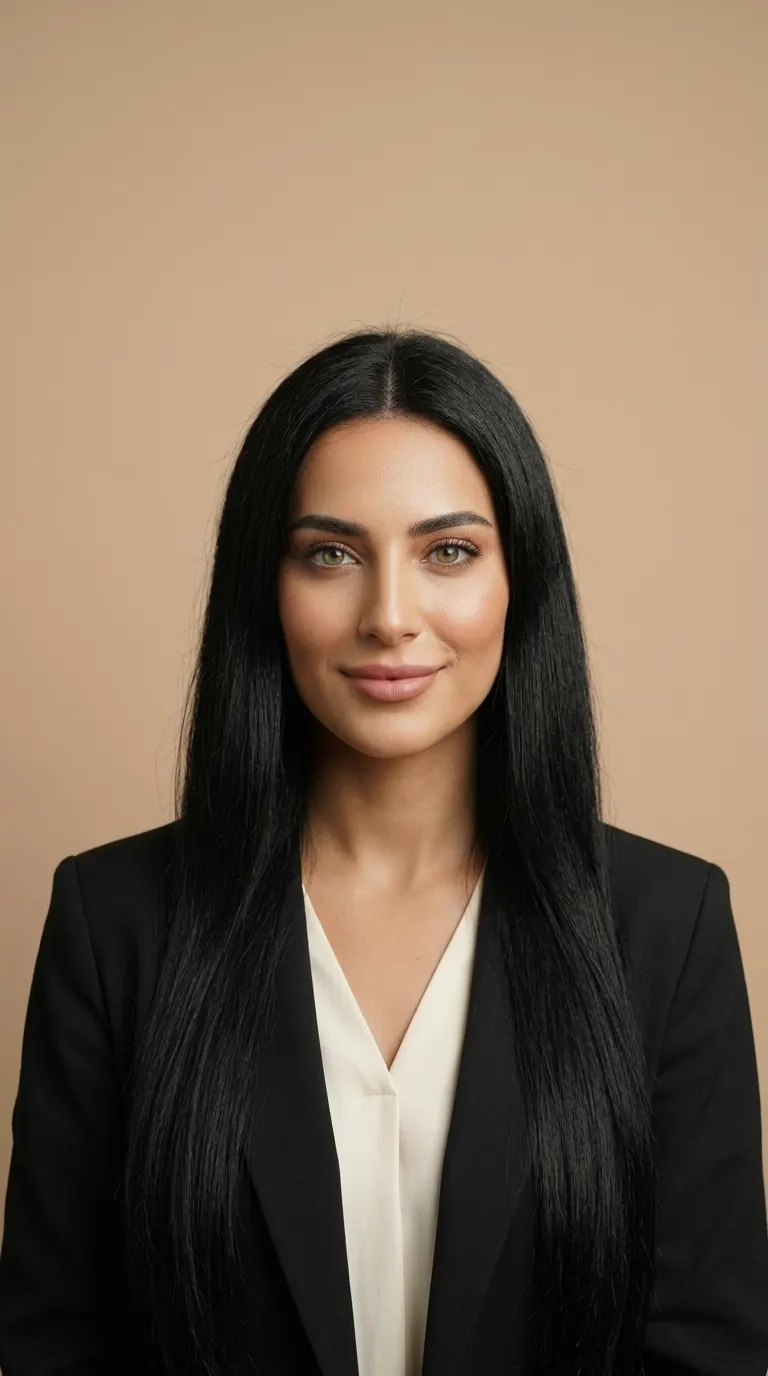


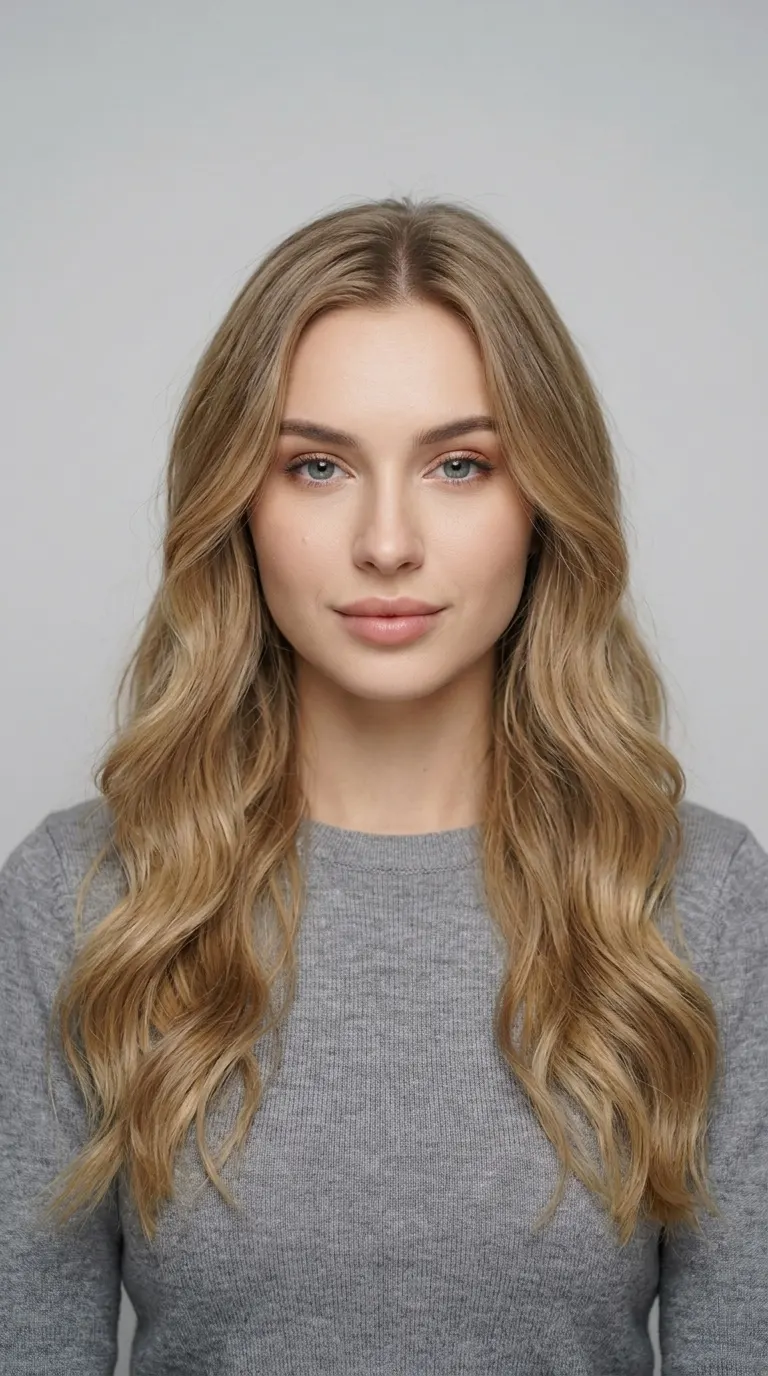


Business Classic
AI LinkedIn photo from one selfie.
Start with a recent selfie. Choose a business or studio look, then check the face and crop before you make it your profile photo.
Create your profile photoHow it works
Choose a Profile Look
Open a look from the collections below, or use the button to browse business looks in Originals. Choose a plain background and a pose that leaves room around your face.
Add Your Photo and Select Poses
Upload one recent, well-lit photo of yourself. Keep only the poses you want, choose an available resolution, and check the total credits in Studio.
Review, Download, Upload
Check the result at full size and as a small profile crop. Download the image you want, then upload it to LinkedIn yourself. AIFACECRAFT does not change your profile.
Start With a Clear Photo
- One person, facing the camera, with the whole face visible.
- Even light and a recent photo that reflects how you look now.
- Avoid sunglasses, heavy beauty filters, blur and group photos.
Check the Profile Crop
- Keep a result that still represents you; likeness is not guaranteed.
- Check eyes, teeth, hair and clothing for generated details that look wrong.
- Preview a small, circular crop: keep the face clear and leave room around the head.
Know the Credits
One selected pose creates one image. New accounts start with 15 credits; available resolutions depend on your plan. Studio shows the total and any account benefits before you generate.
Compare Plans| 1K | 1 credit |
|---|---|
| 2K | 2 credits |
| 4K | 3 credits |
Made for
- Job searchA current, polished photo next to your experience and applications.
- Sales and outreachA trustworthy face on every connection request and message.
- Founders and freelancersOne profile photo that matches your site, deck and bio.
- Whole teamsConsistent profile photos across a company page.
The looks
Open a look, keep every pose or only the ones you like.
Catalogue previews show each look’s styling. Your generated result will differ.
Questions, answered
What photo should I upload?
A recent, front-facing photo where your face is clearly visible and evenly lit. Avoid sunglasses, heavy filters and group photos. One photo is enough.
Will the photos look like me?
Each look is built around the face in your photo, and you review every result before you download it. Likeness depends on the photo you upload: a sharp, well-lit photo gives the best results.
Is this an official LinkedIn tool?
No. AIFACECRAFT is not affiliated with LinkedIn. You download your images and upload the one you like to your profile yourself; check LinkedIn's own profile photo guidelines. commercial-use terms
Which look works best on LinkedIn?
A front-facing frame with your face filling most of the crop reads best at small sizes. Business and studio looks with plain backgrounds stay clear in search results and comments.
How many credits does a photo use?
Standard Originals generation costs 1 credit at 1K, 2 credits at 2K, 3 credits at 4K per image. Multiply by the number of selected poses. Your plan determines available resolutions; Studio shows the final total, including any account benefits, before generation. New accounts start with 15 credits. Compare Plans
What happens to my photo?
Your photo is used to create your images. The Privacy Policy explains how long uploads and results are kept and how to delete them. Privacy Policy
Your next profile photo starts here.
Create your profile photo15 free credits to start, no card needed.