 AIFACECRAFT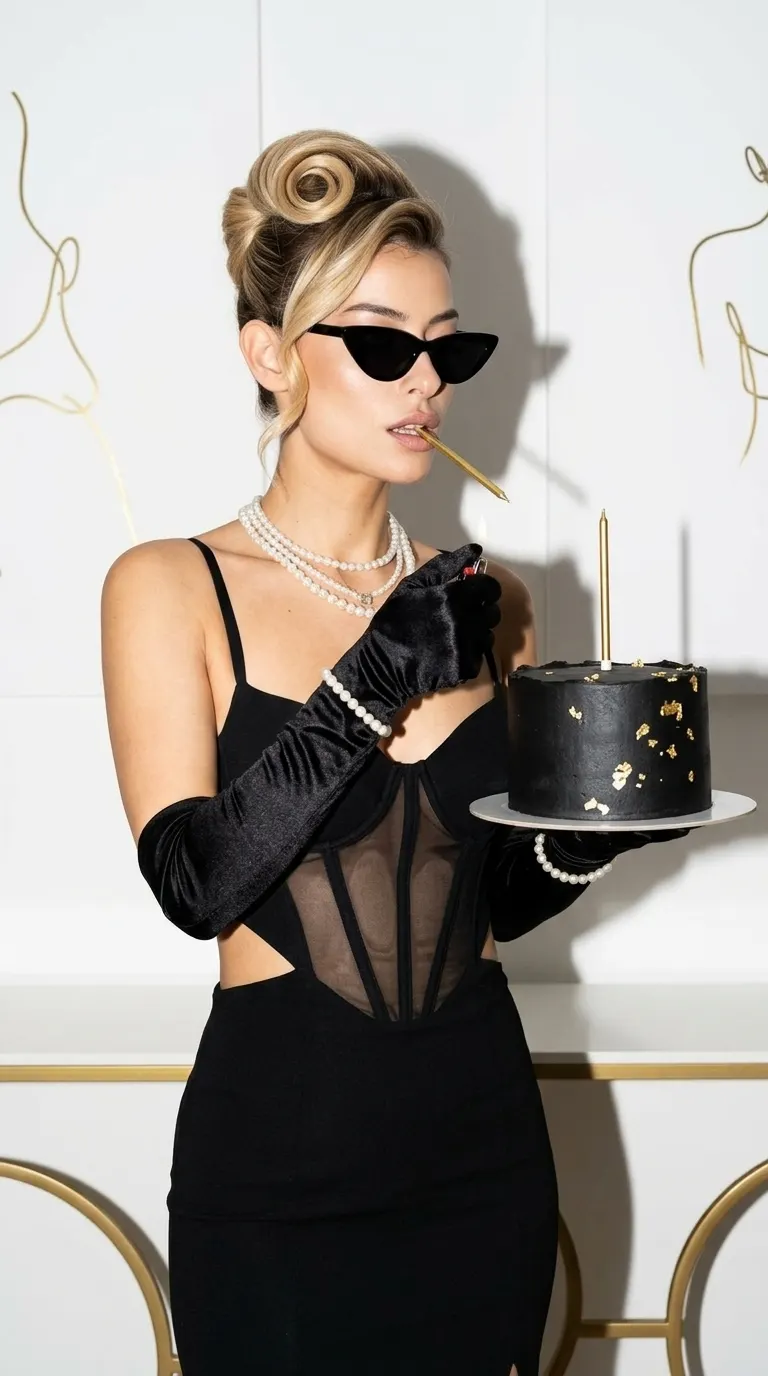
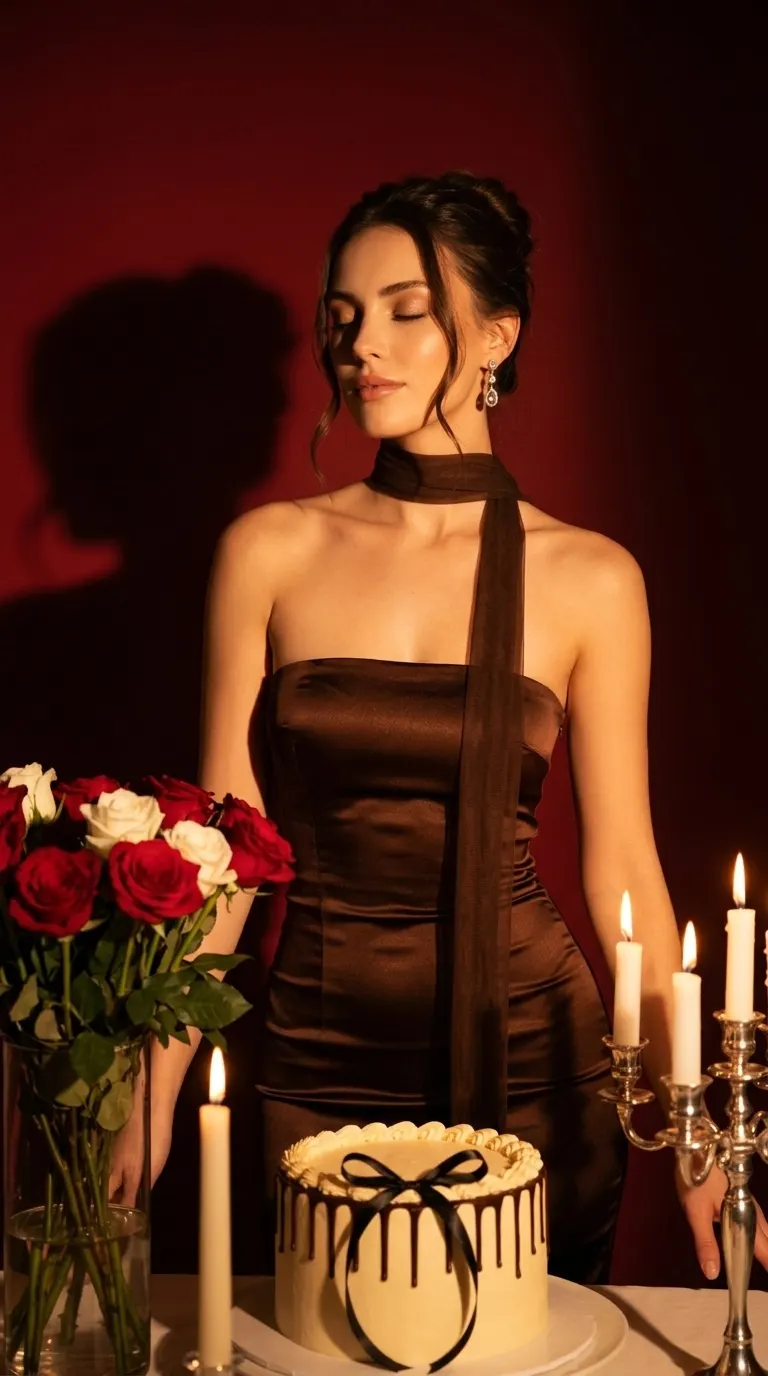
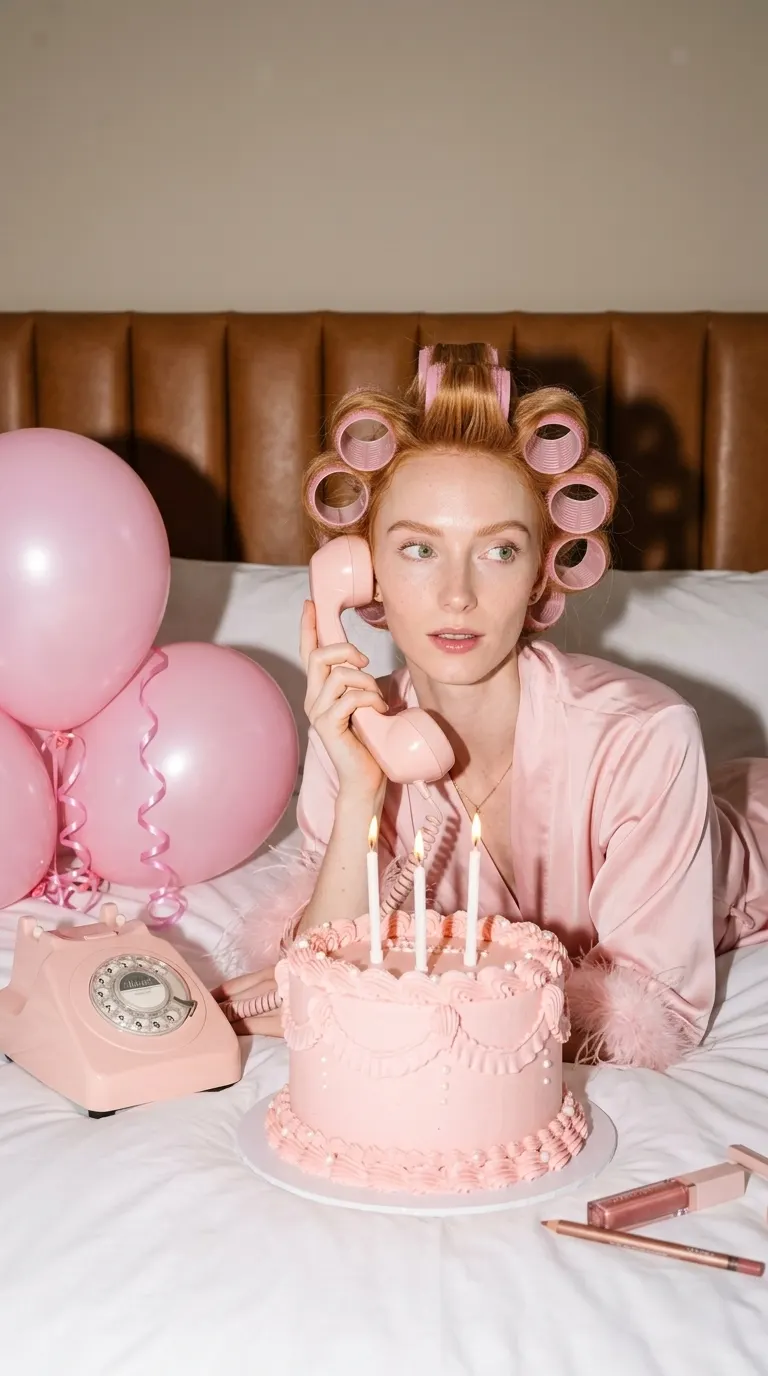
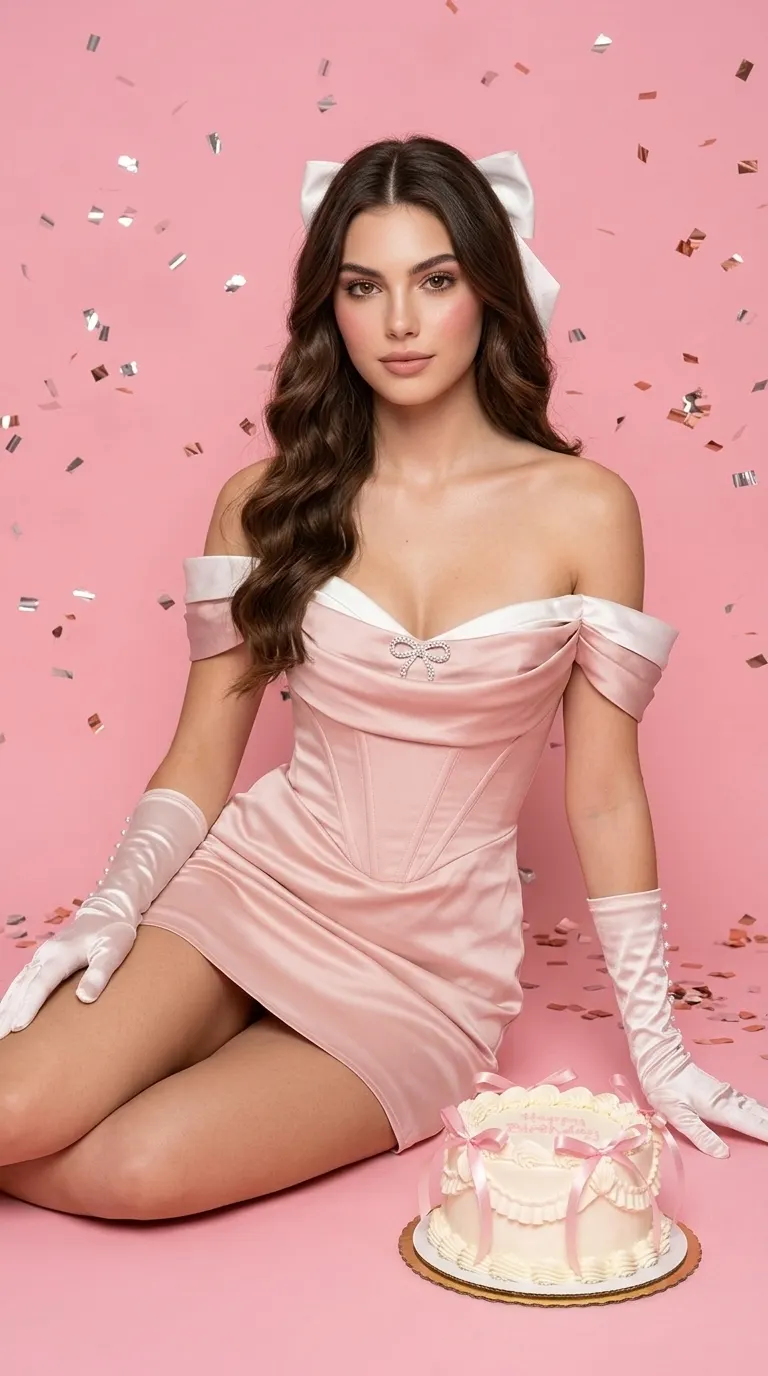
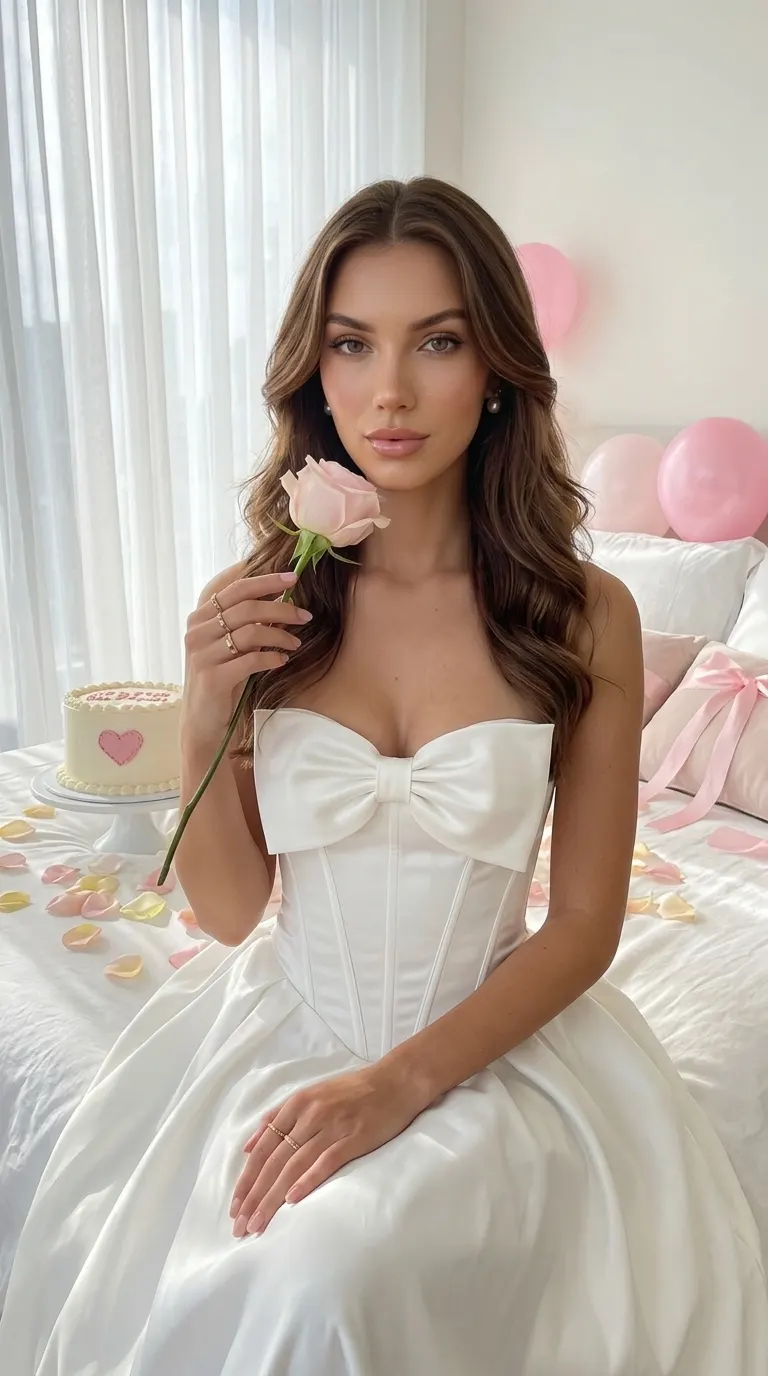
Birthday
AI birthday photoshoot from one photo.
Choose the birthday mood, bring one clear photo, and make a portrait for your post or invitation. The set, styling and poses come with the look.
Create your birthday photosHow it works
Choose a Birthday Look
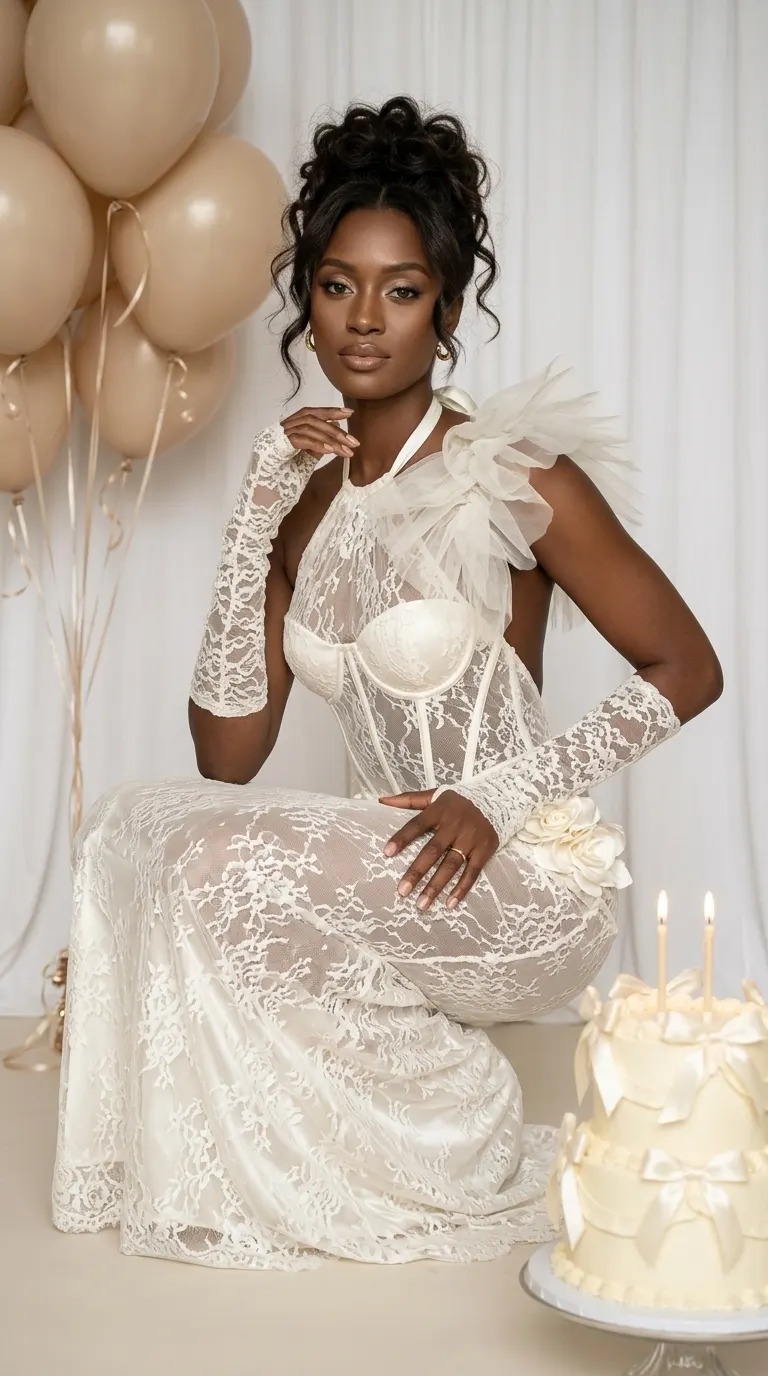
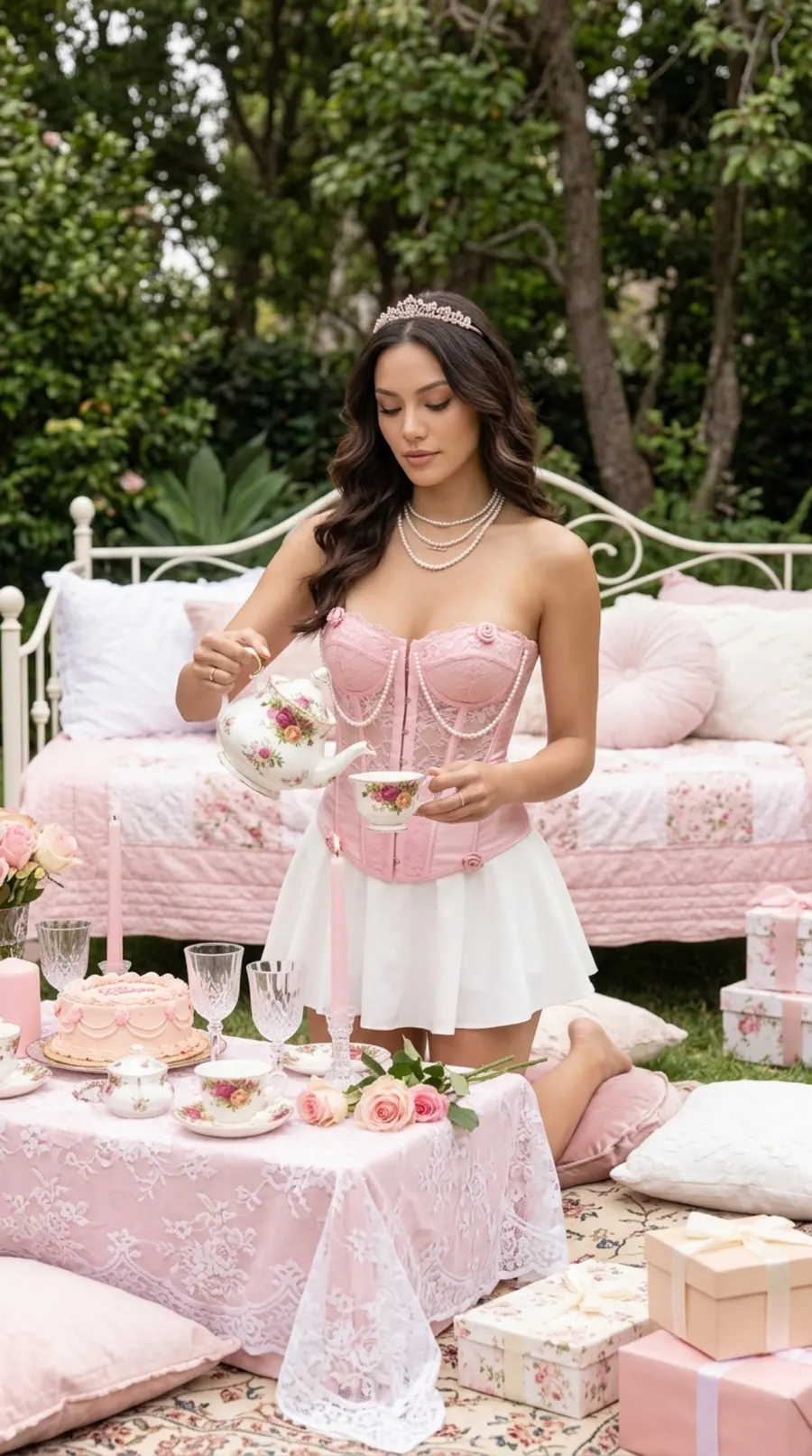
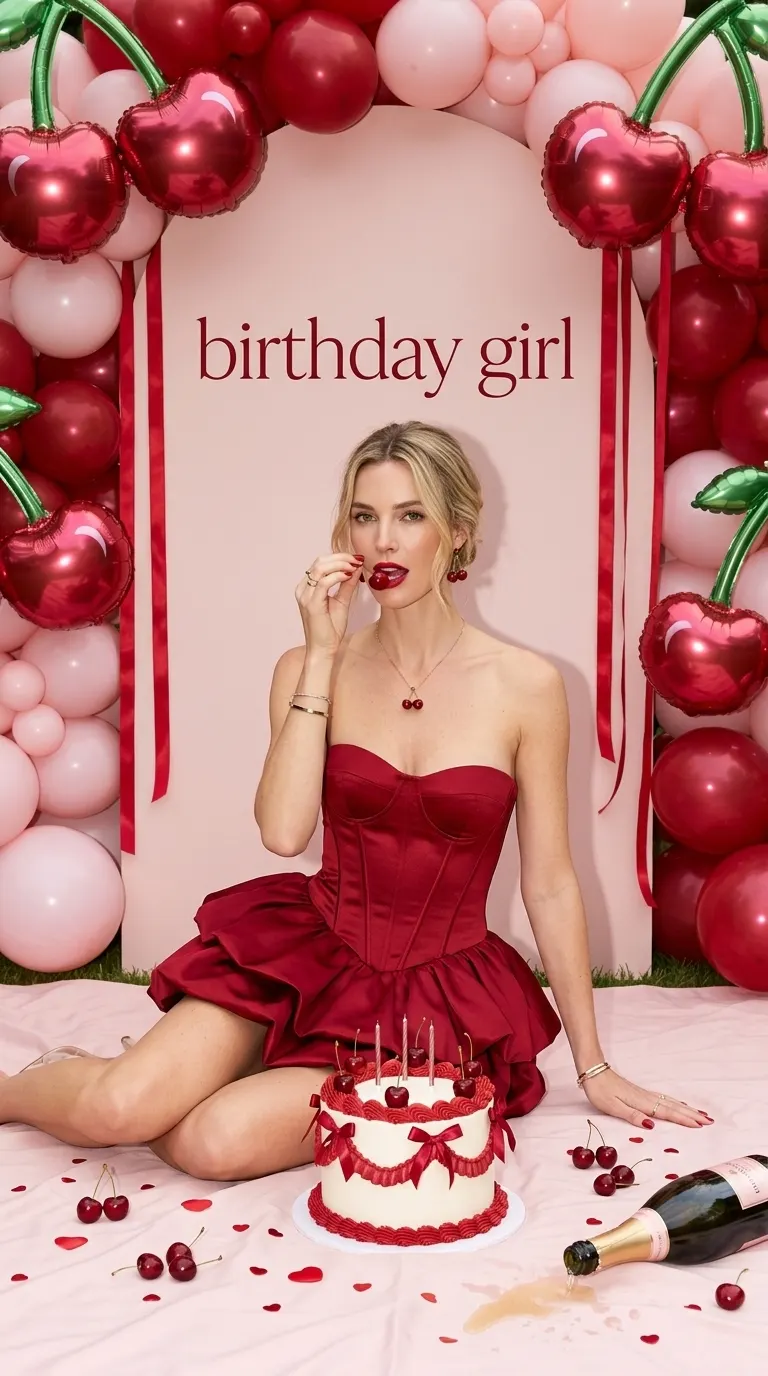
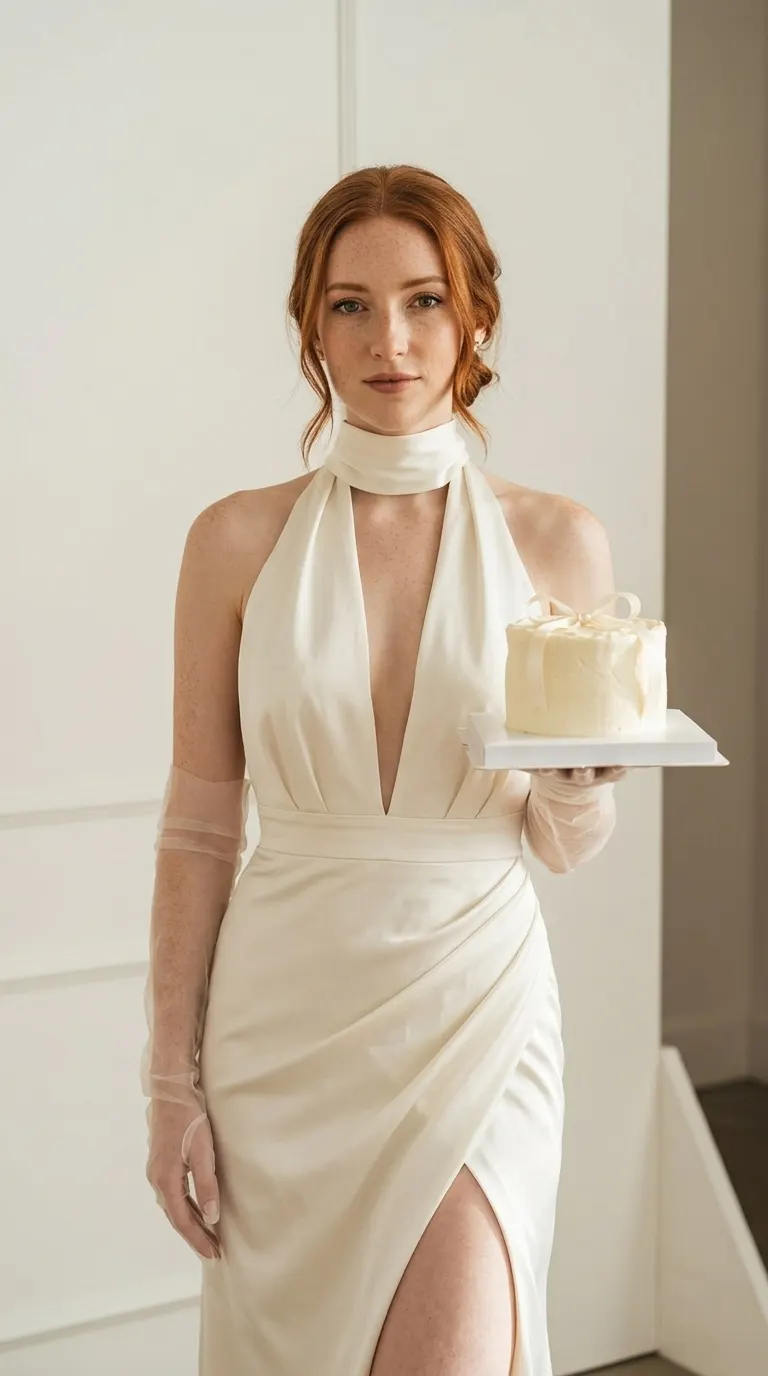
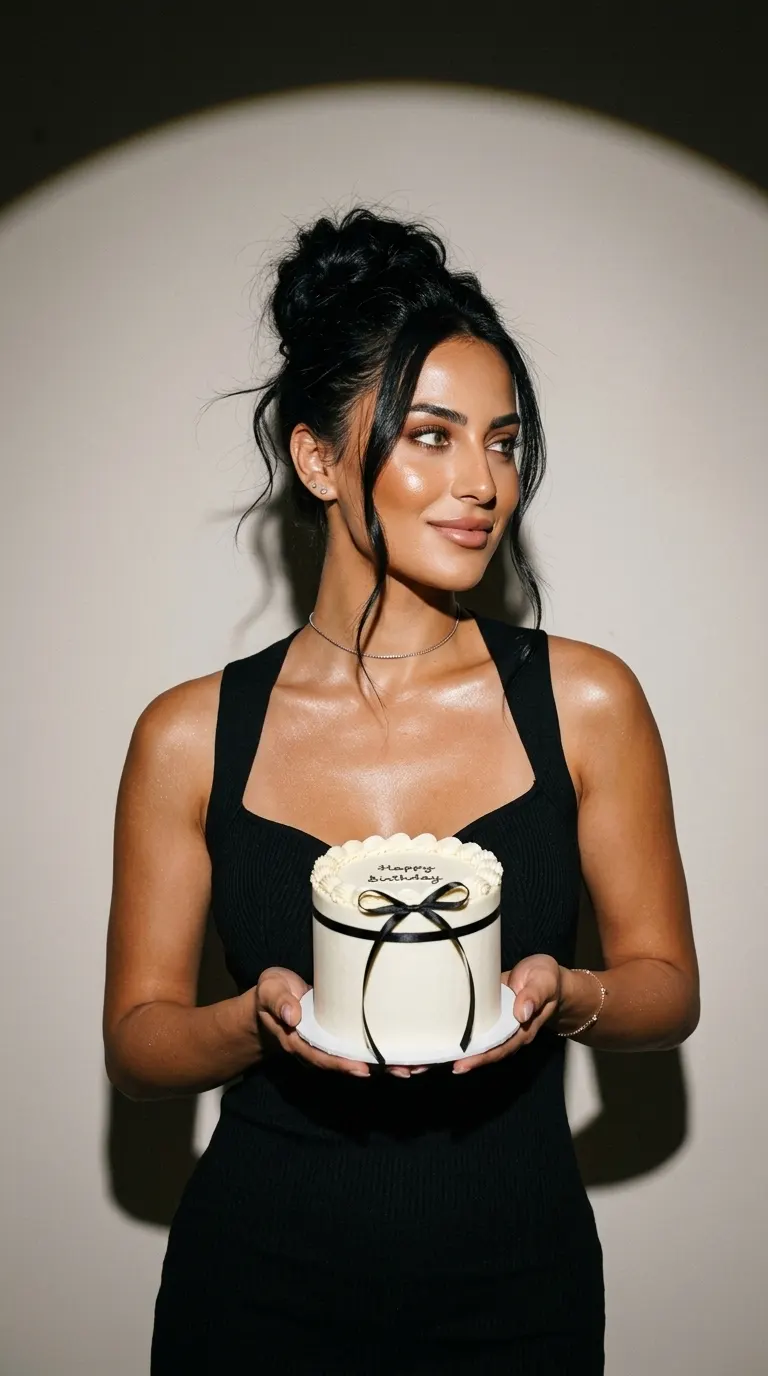
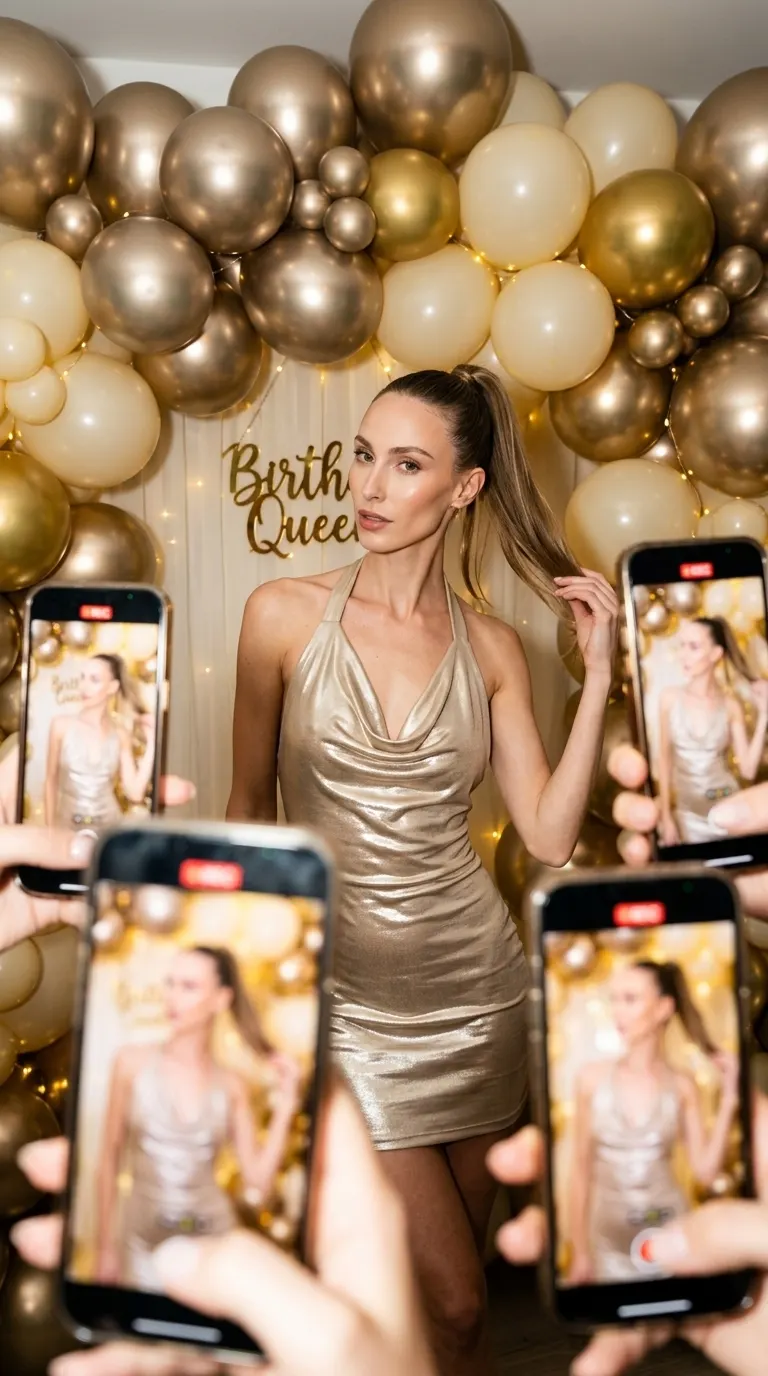
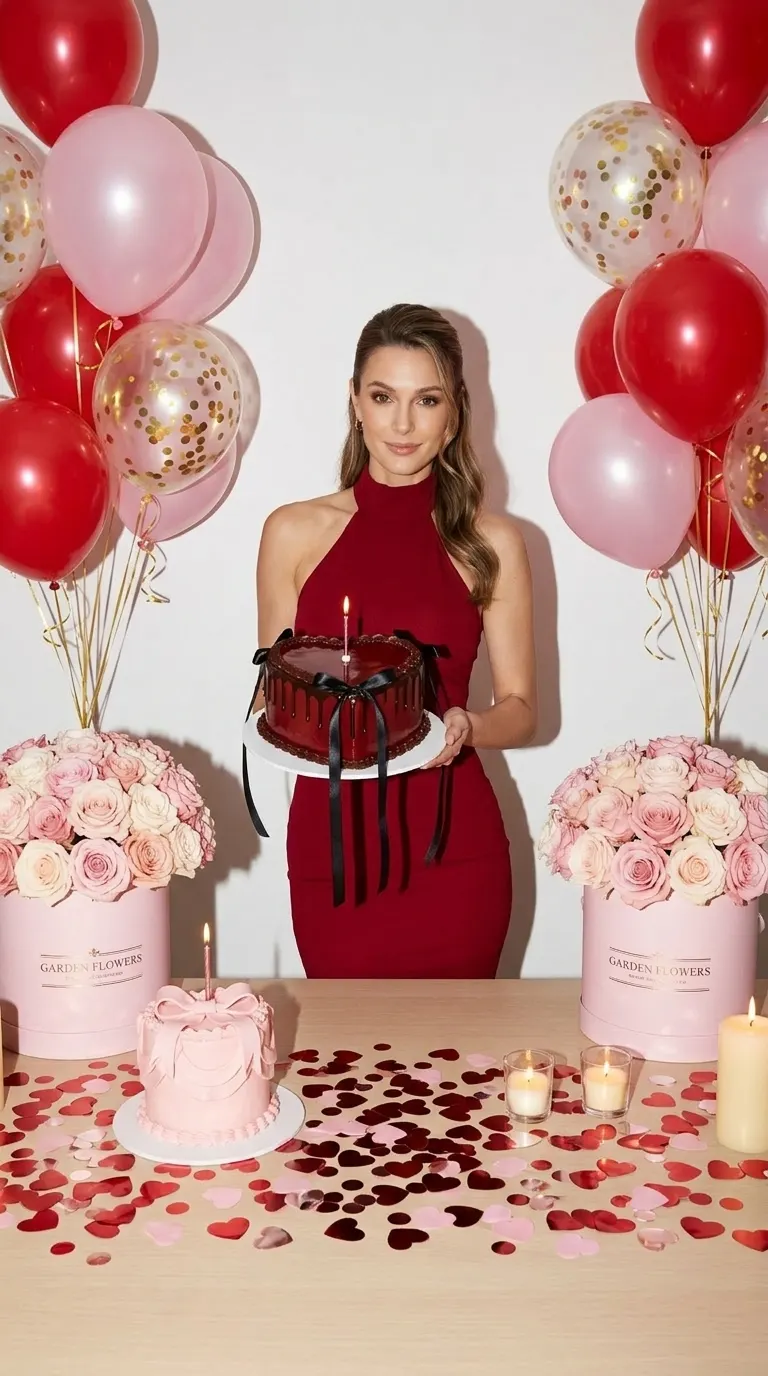
Browse the Birthday collection below. Open a look to see its poses; the preview sets the direction for the outfit, props, light and scene.
Add One Photo and Pick Poses
Upload a clear photo of yourself, then keep only the poses you want. You do not need a cake, balloons or party clothes in the photo you upload.
Check Credits and Create
Choose an available resolution and review the total credits before generation. Check the face, hands, cake and any lettering in each result before downloading.
Bring the Face, Pick the Set
- Use one well-lit photo with the face visible and in focus.
- Choose a solo portrait rather than a group or crowded party photo.
- Use your own photo, or get permission from the person pictured.
Check the Celebration Details
- Generated portraits are imagined scenes, not photographs of an event that happened.
- Check facial likeness, fingers, candles and cake details; results can contain errors.
- Exact ages, names and lettering are not guaranteed. Check them before adding a portrait to an invitation.
Know the Credits
One selected pose creates one image. New accounts start with 15 credits; available resolutions depend on your plan. Studio shows the total and any account benefits before you generate.
Compare Plans| 1K | 1 credit |
|---|---|
| 2K | 2 credits |
| 4K | 3 credits |
Made for
- Birthday postsThe photo for the day, ready before the party starts.
- Party invitationsA portrait that sets the theme.
- Milestone birthdaysSomething special for the big numbers.
- Gifts and surprisesA celebration portrait for someone you love, made with their consent.
The looks
Open a look, keep every pose or only the ones you like.
Catalogue previews show each look’s styling. Your generated result will differ.
See all 12
Questions, answered
What photo should I upload?
A recent, front-facing photo where your face is clearly visible and evenly lit. Avoid sunglasses, heavy filters and group photos. One photo is enough.
Will the photos look like me?
Each look is built around the face in your photo, and you review every result before you download it. Likeness depends on the photo you upload: a sharp, well-lit photo gives the best results.
Can I make one for a friend?
Only with their permission. Use photos of yourself or of people who have agreed to it.
Can I choose an exact age or name on the cake?
These ready-made looks set the scene and props. They do not guarantee an exact age, name or correctly spelled cake lettering. Check those details in the result before using it on a birthday post or invitation.
Can I post them online?
Yes, you can use your images on your own profiles, posts and website. The commercial-use terms explain what is allowed when you use them for a business. commercial-use terms
How many credits does a photo use?
Standard Originals generation costs 1 credit at 1K, 2 credits at 2K, 3 credits at 4K per image. Multiply by the number of selected poses. Your plan determines available resolutions; Studio shows the final total, including any account benefits, before generation. New accounts start with 15 credits. Compare Plans
What happens to my photo?
Your photo is used to create your images. The Privacy Policy explains how long uploads and results are kept and how to delete them. Privacy Policy
Your birthday shoot starts here.
Create your birthday photos15 free credits to start, no card needed.